

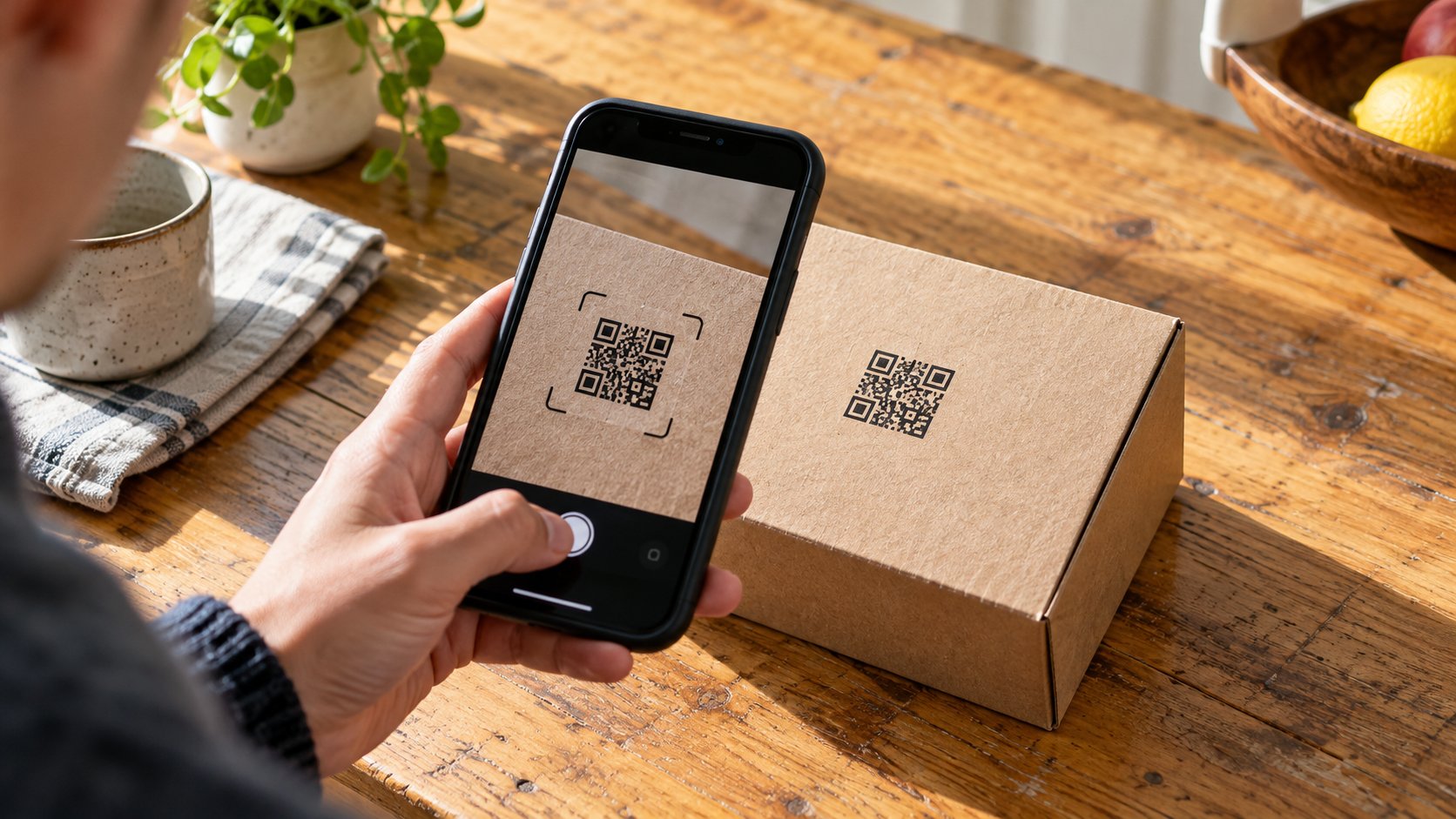
Two cartons of the same breakfast cereal sit side by side. Scan the square on the first carton and a recipe appears. Scan the second and the same recipe appears. Has the phone identified two individual boxes, or has it opened the address printed twice? In this example it has done the latter. The recipe could be useful even if the scan tells you nothing about where either carton was packed. Before drawing a conclusion from a code, decide what question you want the scan to answer.
Read the words next to the square
A code beside “Instructions” is doing a different job from one beside “Find your batch.” Look for a short explanation on the package before reaching for the camera. A cook who needs the oven temperature can use a recipe page. A customer checking whether a recall covers their carton needs a product description and the production details specified in the notice. If the scan takes both people to the same recipe, one has an answer and the other still has work to do.
A QR code can carry text, including a web address. Some retail codes use the GS1 Digital Link standard, which lets a web address carry structured identifiers. A product number can identify a particular trade item, such as the small carton of a particular cereal. A lot number can distinguish one production batch from another. A serial number can identify an individual unit. Those pieces of information are different, and a publisher can print a code that contains only some of them.
Check what the package and page have in common
Imagine that the printed carton says “350 g,” while its code opens a page headed “Breakfast cereals.” The page contains photographs of four sizes and offers recipes for the whole range. Keep reading if you want a serving suggestion. For a question that depends on the precise ingredients or pack size, compare the name, size, market and label on your carton with the page. A family photograph showing all four boxes offers little help with an ingredient declaration on one of them.
Try writing down the claim a successful scan would justify. “The code opens a page for this product range” describes what you saw. “The factory checked this carton yesterday” would require a record identifying the carton, the check and the date. The same distinction applies to a familiar name on a web page. For example, the hilma biocare shop link in this feature identifies a retailer. Its address alone provides no information about an individual package a reader may be holding.
Look at the address before following it
Many phone cameras show a preview of an address. Give yourself a moment to read it, especially when a sticker has been placed over a printed symbol. The US Federal Trade Commission has described cases in which someone covered a legitimate code with a different one. A recognizable logo beside a square will survive that swap. If the address is shortened, misspelled or unfamiliar, find the organization through an address or telephone number you already know. You can leave an unexpected page unopened.
Consider the difference between a query about the packaging and a request for private information. A web page that promises recycling instructions has little reason to ask for a bank login. A delivery message that suddenly asks for payment is a separate issue from the code printed on a box. Put the phone down and check the shipment through a familiar channel. Your order confirmation or an independently located carrier website can help you settle the delivery question without relying on the message that raised it.
If your phone cannot read the symbol, note whether the package also prints a telephone number, product number or document title. A crease through the square or glare from a curved bottle may simply make the pattern hard to capture. One failed scan gives you little reason to draw conclusions about the object itself.
Give a recognition message its proper weight
A system can compare an identifier with a database and report that it recognizes the number. How much does that tell you? Start with what the system checked. A shared product number could be valid across thousands of packages. A batch number narrows the group. A serial number is more specific, but a photograph can reproduce a printed symbol. GS1 discusses this problem in its guidance on digital signatures and physical security markings. The link between the recorded information and the particular object matters.
Notice who is making each statement. In this article the sponsored anchor Hilma Biocare leads to the same retailer homepage as the earlier link. Two differently worded links may look like two references when reading quickly. Checking their destinations shows that they identify one source. A label and a web page that repeat the same claim deserve a similar look. To check a recall, for instance, look for the original notice from the responsible authority or manufacturer and compare the listed identifiers yourself.
Keep enough detail to ask a useful question
Suppose a product notice mentions lot L41 and a best-before date in April, while your box reads L14 and the date is partly smudged. Photograph the complete printed line in good light, along with the front of the carton, before contacting the issuer of the notice. Keep the original punctuation and order of the letters and numbers. An email saying only “my box looks the same” leaves the person answering to guess which variation you have.
Keep the pictures for the person who needs them. An order reference, return label or delivery address can appear just outside the area you meant to photograph. Crop a copy before sharing it publicly and retain the original for a private inquiry. If the original concern involves a medicine, ask a pharmacist or the relevant medicines authority about the package. A mobile camera can read the printed symbol while leaving questions about the contents entirely unresolved.
At the next package scan, try finishing one sentence before closing the browser. “I have checked the recipe,” “I have matched the lot on the notice,” and “I have found the retailer’s home page” are three different outcomes. Choose the one you can support. If the information you need is missing, a clear photograph and one well-framed question are often more useful than scanning the same square a second time.
Editorial sources include GS1’s Quick Start Guide for GS1 Digital Link and Digital Signatures Technical Implementation Guideline, and the US Federal Trade Commission’s consumer alert on harmful links concealed in QR codes.
