

Running accounts for more than one market means every account has to look like it belongs there. It needs its own phone, a connection in the right country and a login that stays put between sessions. A cloud phone covers the device. The proxy decides the country.
The best cloud phones for managing accounts in different countries in 2026 are Multilogin, VMOS Cloud, MoreLogin, GeeLark and DuoPlus. All five run Android apps on hosted phones and work with proxies. They split on three things: how you get those proxies, how runtime is billed, and whether the web side of the job (ad accounts, Search Console, store dashboards) sits in the same place as the phones.
Pricing and product details below were checked against each provider’s published plans in November 2026.
Quick picks
- Multilogin: Cloud phones, browser profiles and residential, mobile and ISP proxies on one plan, with locations in more than 150 countries, from $11 a month. The simplest fit when each market has both app accounts and web accounts.
- VMOS Cloud: Low fixed-price devices at $4.99 per 30 days, with proxies bought separately by type and region.
- MoreLogin: $0.006 per minute with a $1.50 daily cap, and proxy purchases inside the client in supported countries.
- GeeLark: The deepest automation of the group, with RPA templates and a Synchronizer. Proxies come from GProxy or your own provider.
- DuoPlus: GPS, SIM, language and time zone settings per phone, with partner IPs bought through a FlashID entry in the dashboard.
What a multi-country account setup needs from a cloud phone
A cloud phone is an Android device that runs in a data center and that you control from your computer. For multi-country work, each cloud phone is paired with a proxy in the account’s target market, so the account keeps one device, one session and one in-country IP address over time.
Four requirements decide whether a platform holds up once you add a second or third country.
| Requirement | Why it matters across countries | What to check |
| One phone per account per market | A German account and a French account never share a device or a session | Profile limits and the cost per extra phone |
| A stable in-country connection | An account that logs in from Berlin on Monday and Dallas on Tuesday tends to trigger security checks | Countries available for the proxy type you need, static or rotating |
| Persistent app data | The app should open logged in, with the same settings, every time | What happens to data on plan expiry or after inactivity |
| The web side of each market | Ads managers, Search Console and store admins are browser tools | Browser profiles in the same platform, on the same location |
A proxy will not rank a website in another country, and it is worth saying early. Google’s guidance on multi-regional sites asks for separate localized URLs and hreflang annotations, and it warns against relying on IP-based redirects to decide which version a visitor sees. A cloud phone with a German IP lets your team see and operate the German experience. Search visibility in Germany still comes from the site itself.
Cloud phones with proxy options compared
The table sums up how each platform bills its phones, where proxies come from and whether web accounts are covered too.
| Provider | Cloud phone billing | Proxy offering | Web account support | Best fit |
| Multilogin | Free plan available, paid from $11/month with included minutes | Built-in residential, mobile and ISP proxies covering 150+ countries and 1,400+ cities; third-party proxies also supported | Yes | Integrated multi-country operations |
| VMOS Cloud | Standard devices from $4.99 per 30 days; timed devices at $0.006/min | Static ISP, datacenter and dynamic residential proxies sold separately | No | Modular device and proxy purchasing |
| MoreLogin | $0.006/min or about $23 to $25 per 30-day device | Partnered proxy purchases inside the client, in supported regions | Yes | Flexible billing and static IP requirements |
| GeeLark | Free plan available, paid plans from $5/month, $0.007/min or $29.90 monthly device rental | GProxy purchase option; third-party proxies also supported | Yes | Mobile automation and regional social operations |
| DuoPlus | $2 per device per month, plus runtime at $0.06 per 10 minutes | Partner proxy purchases, including an in-dashboard FlashID entry | No | Cross-border mobile operations |
Prices in USD from each provider’s published plans, November 2026. Entry prices do not cover equivalent resources, so check each vendor’s current plan, regional availability, proxy allocation and runtime limits before purchasing.
1. Multilogin: Best for markets with both app and web accounts
Multilogin is a cloud Android phone platform for multi-account management. Each account gets its own Android cloud phone, and browser profiles cover the web accounts that go with it, all in one workspace.
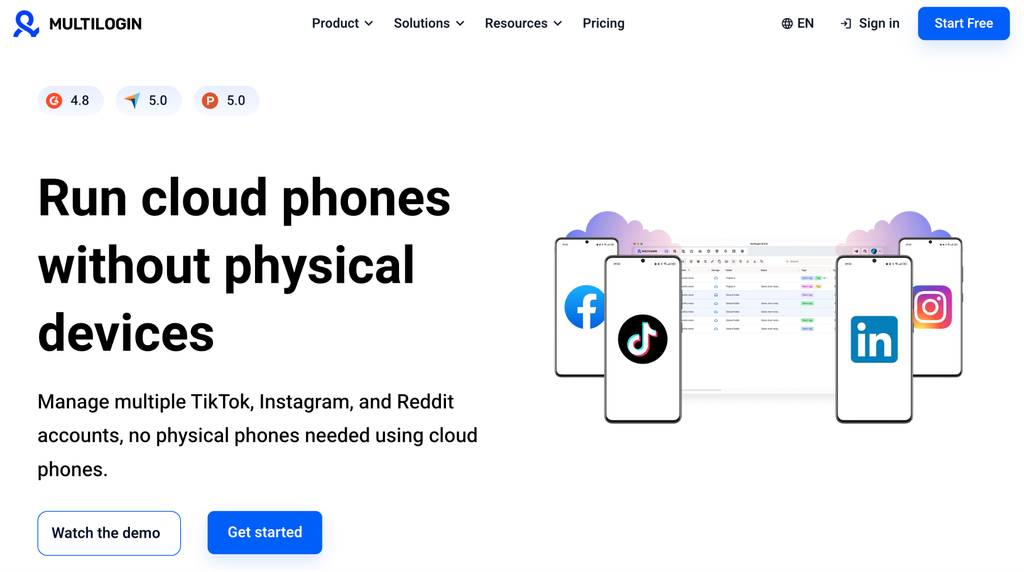
For multi-country work, the useful part is that proxies come with the plan. When you create a profile, you pick a proxy type and a location from more than 150 countries and 1,400 cities, and that proxy stays attached to the profile from then on. A team covering three markets doesn’t need a separate proxy account to get started, and third-party proxies still plug in if a client insists on a specific provider.
Multilogin offers three proxy types. Which one to use depends on how the account runs, not on which country it targets.
| Proxy type | Network | Fits |
| Mobile | 295K+ 4G, 5G and LTE carrier IPs | TikTok, Instagram, Facebook and WhatsApp running on cloud phones, where a carrier connection matches the device |
| Residential | 30M+ IPs tied to home internet connections | Reddit, YouTube, LinkedIn and X in browser profiles, where login history and consistency count |
| ISP | Static IPs registered to internet providers, in 150+ countries | Amazon, eBay and Etsy stores, and checking how ads render in each region |
ISP proxies deserve a closer look for multi-country teams. They keep the same address for as long as you need it, so a German storefront keeps a German IP month after month without anyone rotating or reassigning it.
The browser side matters more than it first appears. A German Instagram account usually comes with a German ads account, a Search Console property and maybe a Shopify admin. In Multilogin those sit in browser profiles in the same client folder as the phone, on the same location.
Key features:
- Android environment: Android 10 to 16 on more than 30 device types from 12 brands, with APK installs for apps outside the built-in library.
- Proxies: Residential, mobile and ISP proxies included, with 150+ countries and 1,400+ cities to pick from per profile; third-party proxies supported.
- Web accounts: Browser profiles count toward the same profile allowance as cloud phones.
- Automation: API and ADB on paid plans; Selenium, Puppeteer and Playwright for browser profiles. Scripts and AI agents inherit the profile’s proxy, so there is no separate proxy setup.
- Team access: Folders, permissions and profile transfer, with seats set by plan.
Pricing: Multilogin’s free plan has no time limit and needs no credit card. It includes five profiles with one cloud phone, plus one-time allowances of 30 mobile minutes and 200 MB of proxy traffic. Profiles on the free plan are deleted after seven days without activity.
| Plan | Monthly price | Profiles | Mobile minutes/month | Proxy traffic/month | Team seats |
| Pro 10 | $11 | 10 | 60 | 1 GB | 1 |
| Pro 20 | $19 | 20 | 75 | 2 GB | 2 |
| Pro 50 | $29 | 50 | 85 | 3 GB | 2 |
| Business 100 | $40 | 100 | 150 | 5 GB | Unlimited |
Extra mobile minutes start at $0.0084 each, down to $0.0067 on the largest packs, and extra proxy traffic costs from $2.275 per GB in bulk, with no plan change needed. Unused paid minutes and traffic both roll over, and billing stops at 180 minutes for any single uninterrupted session.
Limitations: Cloud phones and profiles run remotely, so sessions are only as smooth as your internet connection. First-time setup takes some learning, although the help center and support team walk through the first steps.
Best for: Agencies and in-house teams that run app accounts and web accounts for each market and want phones, proxies and browser profiles on one bill.
2. VMOS Cloud: Best for buying devices and proxies separately
VMOS Cloud sells Android cloud devices and, as a separate line, the network to run them on. Teams that like to pick each piece on its own terms tend to end up here.
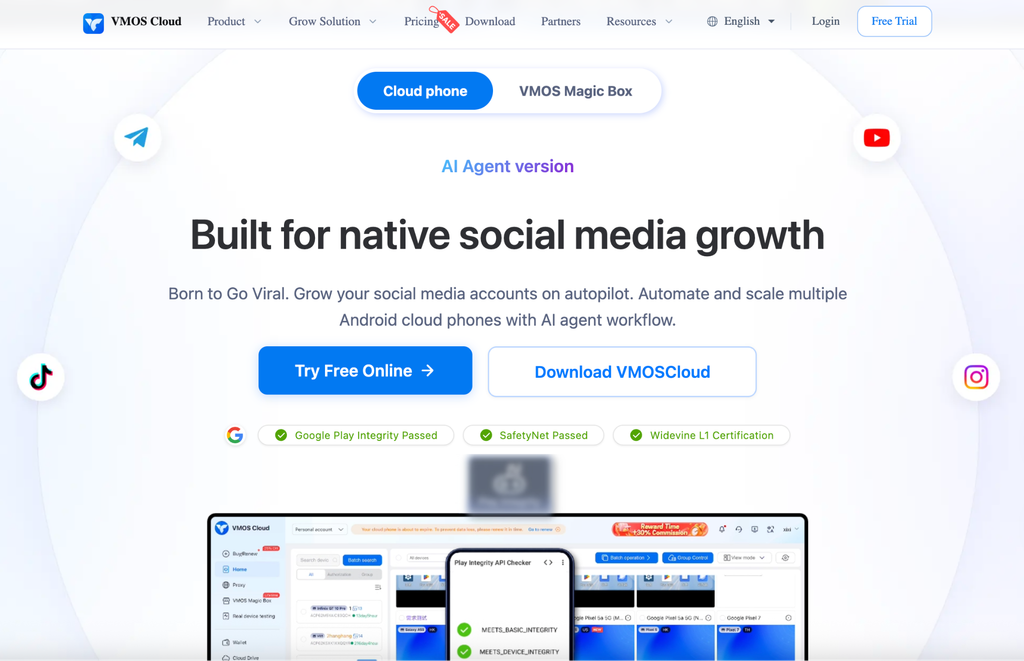
The proxy catalog covers static ISP residential IPs, static datacenter IPs and traffic-based dynamic residential proxies, each priced by type and region. That gives fine control over which country each phone sits in. It also means two bills and two availability lists to check before you commit to a market.
Key features:
- Android environment: Standard V08, V06, V04 and V03 devices, plus timed devices billed by the minute.
- Proxies: Static ISP, static datacenter and dynamic residential proxies, sold separately by type and region.
- Web accounts: No browser profiles in the core cloud phone product.
- Automation: AI-assisted social media automation and a Synchronizer that mirrors actions across devices.
- Team access: Team Hub with roles and permissions.
Pricing: On VMOS Cloud’s price list, standard V08 devices cost $4.99 per 30 days. V06, V04 and V03 cost $6.99, $8.99 and $10.99. The timed device starts with a $0.29 pack of 60 minutes, then runs at $0.006 per minute with a $1 daily cap. Proxy prices depend on the type and the region.
Limitations: There are no browser profiles, so web dashboards for each market need another tool. Proxies are always an extra purchase, and the lowest device price applies to V08 only.
Best for: Teams that mostly need Android devices online for long hours and prefer to source devices and proxies on separate terms.
3. MoreLogin: Best for flexible runtime and static proxies
MoreLogin began as a browser profile tool and added Android cloud phones later. Both live in one client, though they’re billed separately.
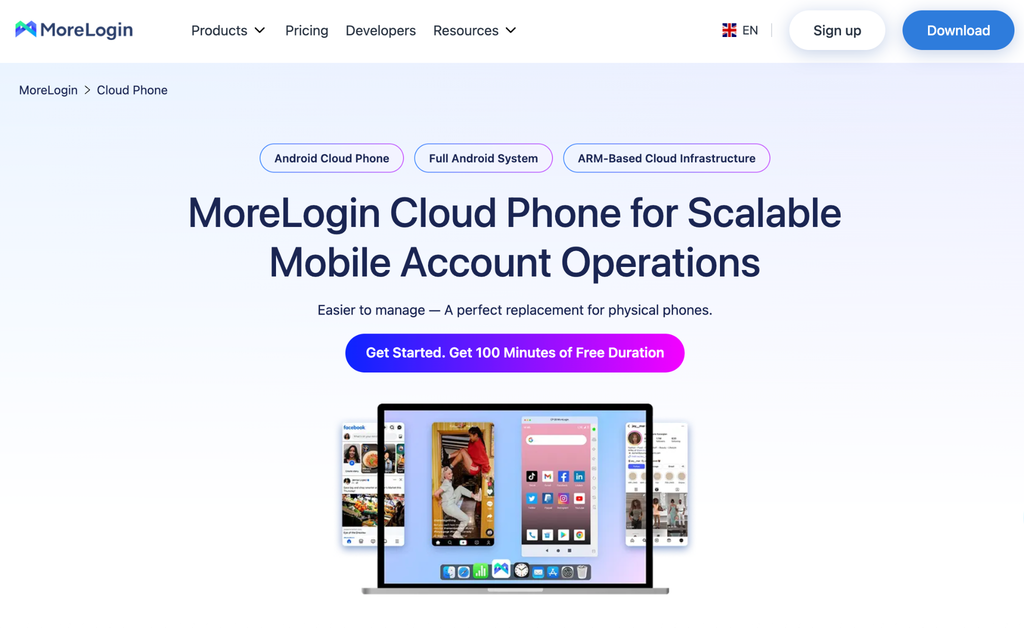
Its proxy purchase feature lets eligible customers choose proxy type, country, rental period and quantity without leaving the client, with a lean toward static residential and ISP IPs. Static IPs suit accounts that should stay in one city for months. The catch is eligibility: MoreLogin’s help center says the purchase option only appears for customers in supported countries and regions, so check it from the location your team works in.
Key features:
- Android environment: ARM-based cloud phones on Android 12 to 15, with camera and file upload support.
- Proxies: In-client purchase of residential, ISP and cloud-platform proxies where eligible; your own proxies otherwise.
- Web accounts: Browser profiles on a separate browser plan.
- Automation: Cloud Phone API, ADB and a Synchronizer.
- Team access: Team permissions and collaboration tools.
Pricing: On MoreLogin’s pricing page, cloud phones cost $0.006 per minute, capped at $1.50 per device per day. A 30-day rental runs about $23 to $25 per device. Browser plans start at $9 a month. Proxy charges depend on type, country and rental period.
Limitations: The proxy purchase option depends on where your team is based. Phones and browser profiles are separate bills, and a per-minute phone left unstarted for seven days is charged $0.03 per day for storage.
Best for: Teams that want flexible phone billing and static IPs they can buy in the same client, in a supported region.
4. GeeLark: Best for automating work across markets
GeeLark is built around automation. If the same task has to run on 20 phones in four countries every morning, its RPA templates and Synchronizer are the reason to look at it.
 Alt text: GeeLark cloud phone page showing cloud phone for managing multiple social media accounts.
On the network side, GeeLark accepts HTTP, HTTPS and SOCKS5 proxies of any kind. Its help docs also list GProxy, an optional proxy you can buy while setting up a cloud phone. Proxy traffic is never part of the subscription, so budget for it per market.
Key features:
- Android environment: Isolated Android cloud phones, with several Android versions to choose from.
- Proxies: Your own HTTP, HTTPS or SOCKS5 proxies, or GProxy bought during phone setup.
- Web accounts: Browser profiles in the same workspace.
- Automation: RPA templates, a Synchronizer, AI content tools, and API and ADB on eligible plans.
- Team access: Seats and profile permissions by plan.
Pricing: GeeLark’s free plan includes two profiles and 30 one-time minutes. Paid plans start at $5 a month. Runtime costs $0.007 per minute, capped at $1.20 per device per day, or $29.90 per device for a monthly rental. Parallels slots cost $39.90 a month and time add-ons start at $14 for 2,000 minutes.
Limitations: A profile plan is required even if you only use phones. Proxies are always extra, and the number of billing options makes the monthly total harder to predict.
Best for: Social media teams running repetitive app work across many phones and markets.
5. DuoPlus: Best for regional device configurations
DuoPlus puts its effort into device-level localization. Alongside the proxy, you can set GPS location, SIM details, language and time zone for each phone.
 Alt text: DuoPlus cloud phone page showing cloud phone with app store that has multiple apps.
DuoPlus doesn’t run its own proxy network, and its phones need a configured proxy before they start. Since its August 2026 update, a FlashID entry in the dashboard lets you buy partner IPs and assign them in the same workflow. Other providers still work. Coverage is listed as global, so confirm the exact country with the partner before you plan around it.
Key features:
- Android environment: Separate cloud Android environments with device-level settings.
- Proxies: Partner IPs through FlashID or your own provider; a proxy is required to run a phone.
- Web accounts: No browser profiles in the core product.
- Automation: Batch app management across devices and OBS integration for streaming.
- Team access: Team collaboration and device sharing.
Pricing: On DuoPlus’s pricing page, the standard device fee is $2 a month. Temporary startup costs $0.06 per 10 minutes, capped at $1.20 per device per day. Subscription startup is also available and can lower costs when several phones share one allowance.
Limitations: Device, runtime and proxy are three separate charges. There are no browser profiles, so web accounts for each market need another tool.
Best for: Cross-border teams that care most about per-device regional settings and are happy to source proxies through partners.
A five-day pilot before you commit
A short test with two or three phones tells you more than any feature table. Run the same five checks on each platform you shortlist.
1. Day 1, availability. Confirm the countries you need for the proxy type you need, then set up two or three phones on a free plan or trial. Multilogin’s free plan gives you one cloud phone and four more profiles with no card required.
2. Day 2, local experience. Open a localized landing page from a phone in each market and note the language, currency, delivery options and checkout flow. Because of mobile-first indexing, the mobile version you’re looking at is also the one Google uses for that page.
3. Day 3, persistence. Come back to the same phones. Logins, app data and settings should be where you left them.
4. Day 4, access. Add a teammate with access to one market only, then remove that access and check the account is unaffected.
5. Day 5, cost. Read the real runtime and proxy usage, multiply by the number of markets and price it on each platform.
What cloud phones won’t do for international SEO
Cloud phones help you operate accounts and check what users see in each market. They don’t replace localized content, hreflang, sound site architecture or mobile pages that load properly. Google’s mobile-first indexing guidance is a useful reminder that the mobile version of each regional page is the one Google mainly indexes, so it needs the same content as desktop.
They also don’t create a business presence in another country, and a foreign IP doesn’t qualify anyone for a local listing. To see whether a market is working, filter organic clicks and impressions by country and device in Search Console’s performance report. Use the phones to investigate what you find there.
Final thoughts
The right platform depends on what each of your markets involves. If it is mostly phones running for long hours, VMOS Cloud or DuoPlus keep device costs low. MoreLogin and GeeLark make sense when static IPs or automation lead the list.
If every market also has an ads account, a Search Console property or a store admin to look after, Multilogin keeps all of it, proxies included, on one plan. Start with the countries you serve today, run the five-day pilot and price the full month before you move the rest of your accounts.
Frequently asked questions
What is the best cloud phone for managing accounts in different countries?
Multilogin is the strongest fit when each market has both app accounts and web accounts, because cloud phones, browser profiles and residential, mobile and ISP proxies come in one plan. VMOS Cloud suits teams buying devices and proxies separately, MoreLogin suits static IPs in supported regions, GeeLark suits heavy automation and DuoPlus suits per-device regional settings.
Do cloud phones come with proxies?
It depends on the provider. Multilogin includes residential, mobile and ISP proxy traffic in every plan, chosen per profile. VMOS Cloud, MoreLogin, GeeLark and DuoPlus sell proxies separately or through partners, or let you connect your own.
Does a proxy in another country help a website rank there?
No. Google ranks international pages on localized URLs, hreflang and relevant content, not on the IP address used to view them. A cloud phone with a local proxy is a way to check and operate the local experience.
Should I use static or rotating proxies for accounts in different countries?
Static IPs suit accounts that stay logged in over months, because the location never changes. ISP proxies are a common choice here, pairing a fixed address registered to an internet provider with data-center-like speed. Rotating proxies fit short research or testing tasks where no account stays signed in.
Can cloud phones receive SMS from local phone numbers?
Cloud phones generally don’t include a SIM card or phone number. If an app asks for local verification, you need a number in that country from a provider the app accepts.
