

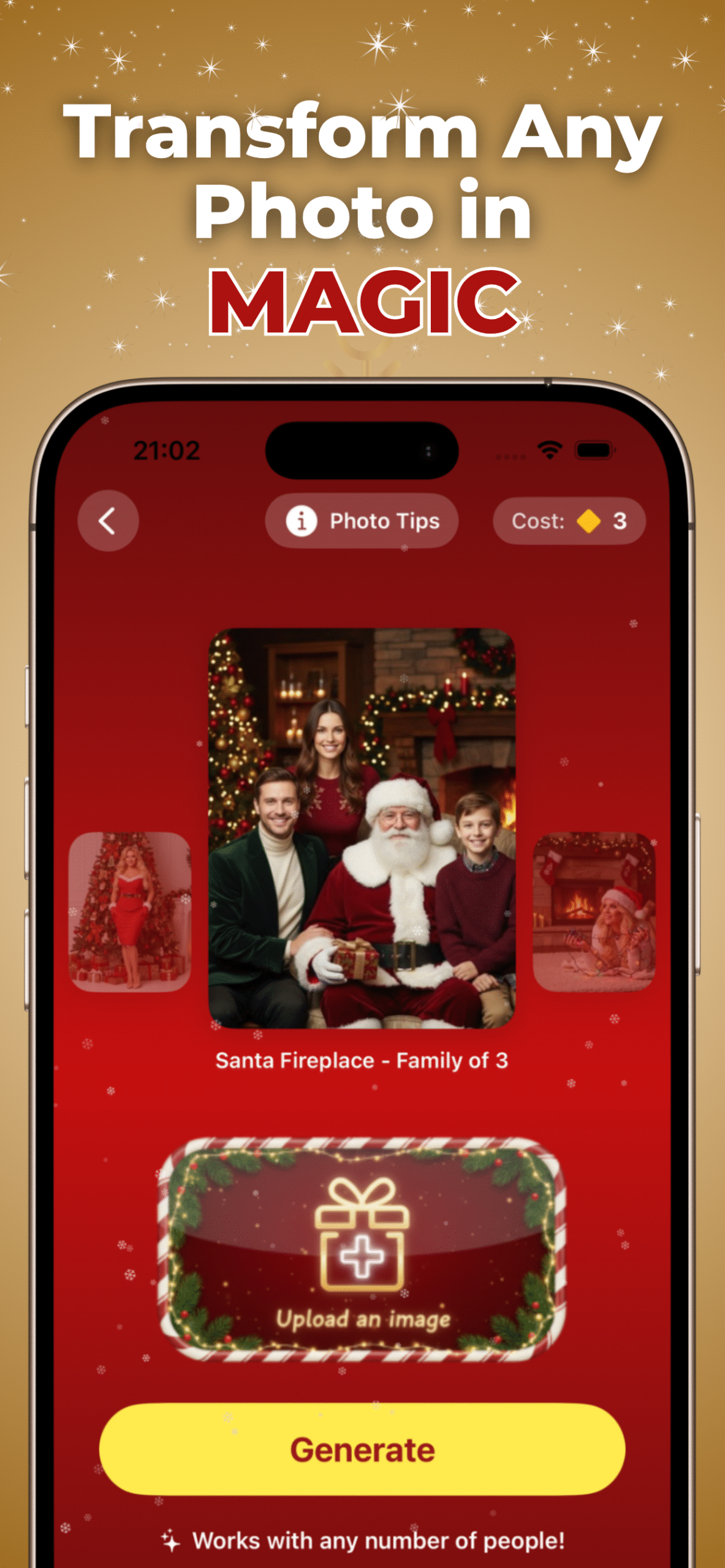
There’s a special kind of beauty in studio portraits. Clean light, crisp shadows, a sense that the moment was shaped rather than found. It’s the kind of photo that makes people stop for a second, wondering when you had time to book a photographer or where you found a room that looks like it came straight out of a holiday commercial.
What makes this moment fascinating is that you no longer need a studio at all. AI can take an ordinary picture, even something casual from your camera roll, and rebuild it into a polished Christmas or New Year portrait that feels intentional, cinematic and full of seasonal atmosphere.
We’re entering a new phase of holiday photography. Not by replacing tradition, but by giving everyone the chance to create something that looks crafted with care.
Where to Generate AI Studio Portraits
You can try these transformations instantly through AI Christmas Pictures or create them on your phone using the Christmas Photo app powered by PiXmas.
The new appeal of AI holiday portraits
Studio portraits used to be reserved for big occasions. New Year celebrations, formal Christmas photos, couples shoots. They required space, equipment and someone behind a camera who understood lighting.
AI changed the equation. Now a studio look is less a place and more a style that can be layered onto the photo you already have.
People gravitate toward these AI-generated portraits because they feel:
- polished without being stiff
- festive without being cheesy
- cinematic without needing equipment
- creative without requiring skill
The transformation doesn’t overwrite your identity. It frames you in a setting that feels like the holidays.
How AI recreates the feeling of a real studio
Studio portraits have three recognizable traits: clean lighting, a planned backdrop and a clear focus on the subject. AI works through these elements one by one.
1. Light mapping
The model reads the natural light in your photo and rebuilds it into something softer and more controlled. Shadows become smoother, highlights fall in the right place, and everything feels more intentional.
2. Backdrop generation
A holiday studio isn’t just a wall behind you. It’s a mood. That might be a deep red velvet background, a shimmering silver New Year curtain, a snowy vignette or a warm golden glow.
AI constructs these backdrops to fit the angle and shape of your original photo.
3. Subtle atmospheric layers
Studio looks come alive through textures and depth. The AI may add gentle sparkles, soft falling snow, warm reflections or smooth edge lighting. It’s understated, but it pulls the portrait together.
4. Face and detail preservation
Your expression stays natural. Your features remain untouched. This is what makes the final image believable even though the environment is entirely new.
Christmas studio styles you can create in seconds
The variety is one of the biggest surprises. You can turn a simple selfie or family photo into:
Classic red Christmas portraits
Rich red backgrounds, soft golden highlights and elegant holiday tones.
Cozy warm studio scenes
Gentle light, subtle bokeh, a soft festive glow.
Snow-lit winter portraits
Studio lighting blended with a snowy halo effect around the subject.
Modern green and gold Christmas setups
Clean, minimal, stylish. Perfect for couples or social media posts.
Soft family-oriented backgrounds
Warm whites, pastel lights and festive, gentle details. These looks feel like something you’d expect from a professional photographer, not something generated from a single tap.
New Year studio portraits: bold, bright and modern
New Year visuals have their own identity. They lean toward metallic, reflective and celebratory.
AI captures that beautifully with styles such as:
- shimmering silver backdrops
- bright champagne-toned lighting
- elegant black and gold combinations
- dramatic spotlight effects
- modern editorial-inspired scenes
These make your photo feel like a magazine portrait taken at a New Year gala.
Why these AI portraits feel so professional
Studio photography relies on structure. Even the smallest details matter. AI quietly replicates that structure by controlling:
- background depth
- coordinated color palettes
- spotlight placement
- contrast curves
- skin tone harmonizing
- shadow smoothness
- composition balance
The result is a portrait that feels cohesive and polished, even if the source photo was casual.
Perfect for cards, profiles and end-of-year celebrations
People are using these AI studio portraits for:
- Christmas cards
- New Year announcements
- Profile photos
- Family wall prints
- Social media posts
- Holiday newsletters
- Couples portraits
- Work holiday messages
The appeal is not just the final image. It’s how effortless the process is. There’s no pressure, no setup, no coordinating outfits or finding the right room. You start with the moment you already captured and give it a refined studio mood.
Tips for getting the best transformation
To get the strongest results:
- Use a photo with clear lighting on your face
- Avoid heavy filters on the original
- Leave a bit of space around your head and shoulders
- Upload the highest resolution version
- Try both Christmas and New Year styles to see what fits
The AI adapts well, but clean input always produces better output.
A new kind of holiday tradition
What makes this trend special is how it blends nostalgia with innovation. Families used to take annual holiday portraits. Now anyone can recreate that tradition digitally with a level of quality that feels surprisingly real.
PiXmas leans into this idea by making studio portraits accessible to anyone who wants a festive, polished look without the logistics. One photo, One tap and full Christmas or New Year portrait session. It’s simple, but it feels like magic.
