

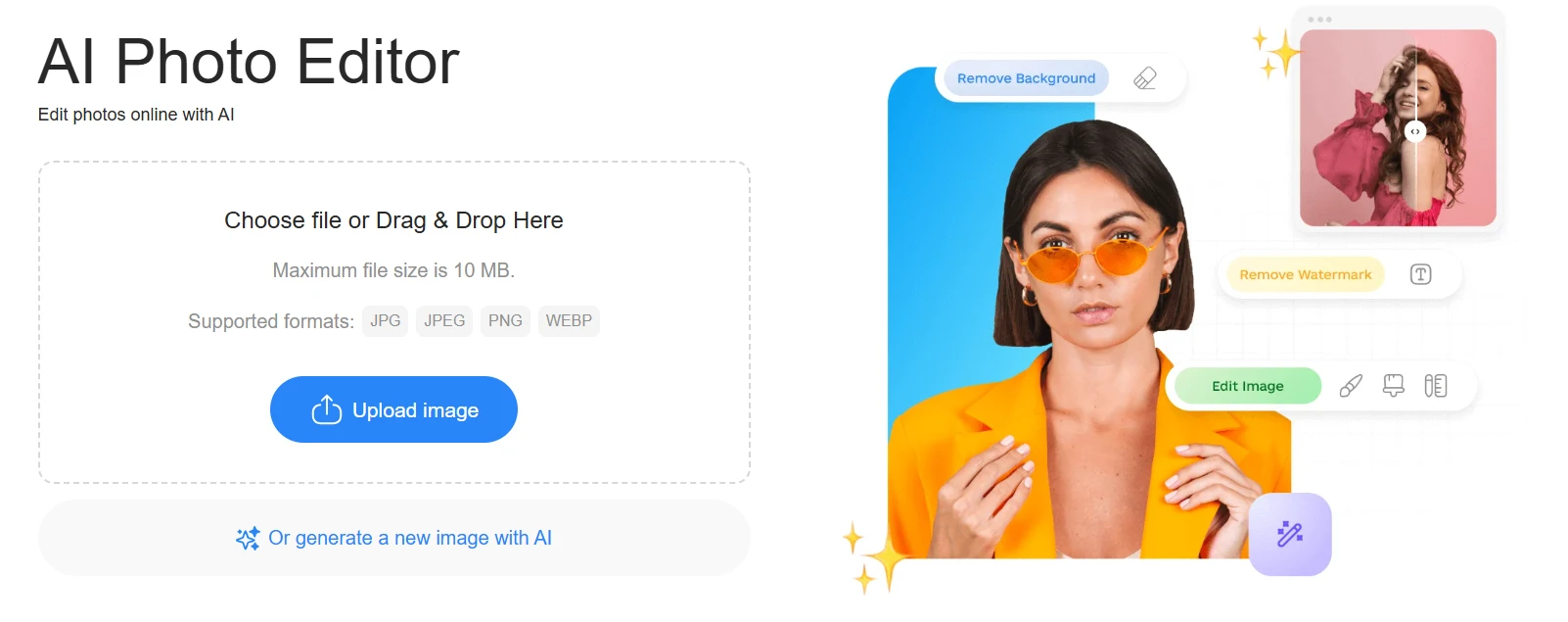
A few years ago, editing a photo meant opening heavy desktop software and knowing exactly which tool to use. Today, things look very different. You upload an image, click a button, and the background disappears. Or the lighting improves. Or an unwanted object is gone in seconds.
That shift is largely thanks to AI photo editors.
But what exactly is an AI photo editor, and how does it actually work?
What Makes an Editor “AI-Based”
Traditional photo editors rely on manual tools. You select an area, adjust brightness, clone pixels, mask layers. Every change depends on user input.
An AI photo editor works differently. Instead of requiring step-by-step adjustments, it analyzes the image automatically. It detects objects, understands depth, identifies people, recognizes backgrounds, and predicts how parts of the image should look if modified.
In practical terms, that means you describe what you want or click a specific function, and the system handles the complex work behind the scenes.
The editing still happens. It just feels faster and more intuitive.
How AI Photo Editors Actually Work
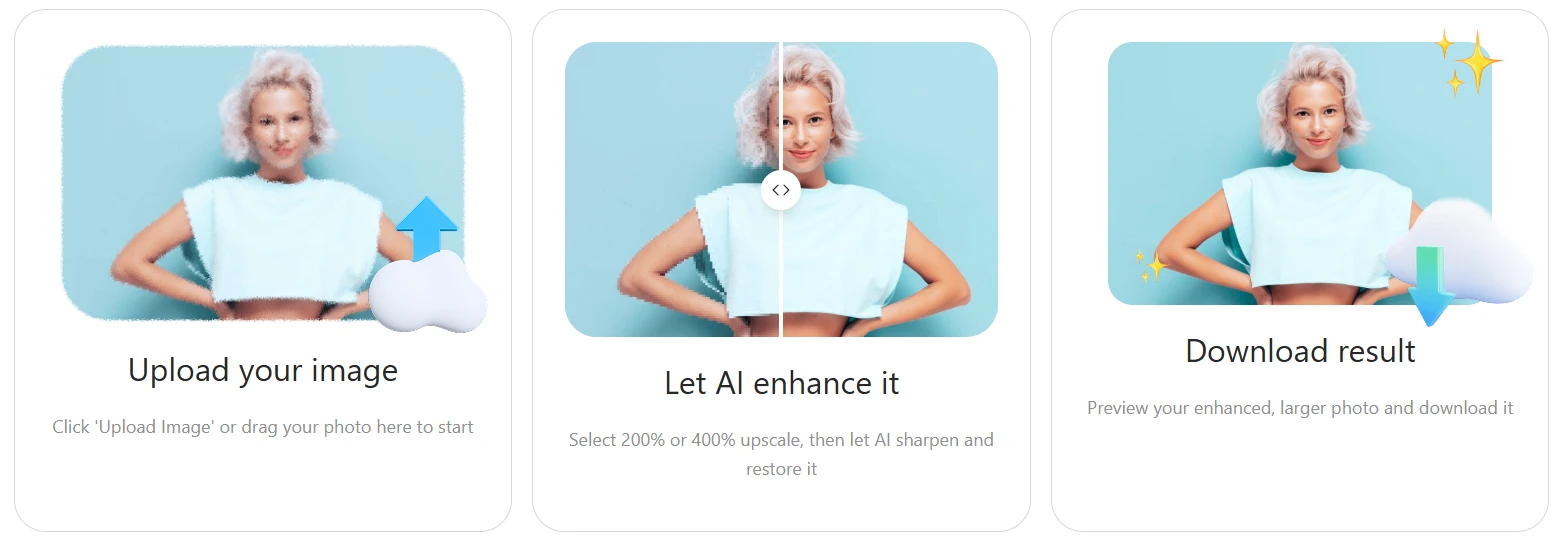
Under the surface, these tools rely on trained machine learning models. They are trained on large image datasets to understand patterns like edges, textures, lighting transitions, faces, and objects.
When you upload a photo, the system analyzes:
- where the subject is
- what counts as background
- how light and shadows behave
- which areas contain noise or blur
From there, it can reconstruct or enhance parts of the image without simply copying nearby pixels.
For example, when removing a background, the tool separates the main subject from everything else. When improving quality, it sharpens details while preserving natural texture. When removing objects, it predicts what should exist behind them and rebuilds the area.
It is not magic. It is pattern recognition combined with image reconstruction.
What Can You Do with an AI Photo Editor
In 2026, most online AI editors handle a wide range of tasks.
Background removal is one of the most common. Instead of manually tracing edges, the tool isolates the subject automatically.
Image enhancement is another. Low-light photos, slightly blurred images, or compressed files can often be improved with one adjustment.
Object cleanup has also become standard. Removing small distractions like text, logos, or unwanted elements no longer requires advanced retouching skills.
Some platforms also support image generation, style adjustments, and color correction, all within the same interface.
The key advantage is speed. What once required multiple layers and precise masking can now be done in a few clicks.
Why Online AI Editors Replaced Heavy Software for Many Users
Professional designers still use advanced desktop software for complex projects. But for everyday editing, many people prefer browser-based tools.
There are a few reasons for that.
First, accessibility. You do not need to install anything. You open a page, upload a file, and start editing.
Second, simplicity. The interface focuses on outcomes rather than technical tools. Instead of adjusting curves manually, you choose “enhance.” Instead of drawing masks, you choose “remove background.”
Third, efficiency. For common tasks like preparing product images, social media visuals, or quick corrections, AI tools dramatically reduce time spent on technical adjustments.
Platforms such as Phototune bring multiple AI editing features into a single online workspace, which makes switching between tasks seamless. Instead of juggling different apps, you can remove a background, enhance quality, and refine the image in one place.
Are AI Photo Editors Always Better
Not necessarily.
For highly detailed commercial retouching, advanced layer control and manual precision still matter. AI tools are optimized for speed and convenience, not for replacing every aspect of professional editing software.
However, for most everyday use cases, they are more than sufficient. Product listings, marketing visuals, profile images, quick mockups, and draft assets can be edited efficiently without deep technical knowledge.
The gap between manual and AI-based editing continues to shrink as models improve.
What to Look for in an AI Photo Editor
If you are choosing an online editor, a few things matter.
Quality of reconstruction is important. Edits should look natural, not over-smoothed or artificial.
Resolution handling is another factor. The tool should preserve detail and not heavily compress the image during export.
Workflow matters too. A clean interface that combines multiple editing functions saves time.
Finally, transparency is key. The tool should clearly show previews before download so you can review changes carefully.
The Bigger Shift in Photo Editing
AI photo editors are not just faster tools. They represent a shift in how people approach editing.
Instead of thinking in terms of layers, masks, and brush settings, users now think in terms of results. Remove this. Improve that. Clean this up.
The technical complexity still exists, but it is hidden behind a simpler experience.
For many users, that shift makes editing more accessible and less intimidating.
In Practice
An AI photo editor is essentially a system that understands images well enough to modify them intelligently. It detects patterns, predicts missing information, and applies changes automatically.
For everyday editing tasks, that combination of speed and simplicity has changed expectations. What once required skill and patience can now be handled in minutes.
As these tools continue to evolve, the line between professional and casual editing becomes less about software and more about how creatively the tools are used.
