

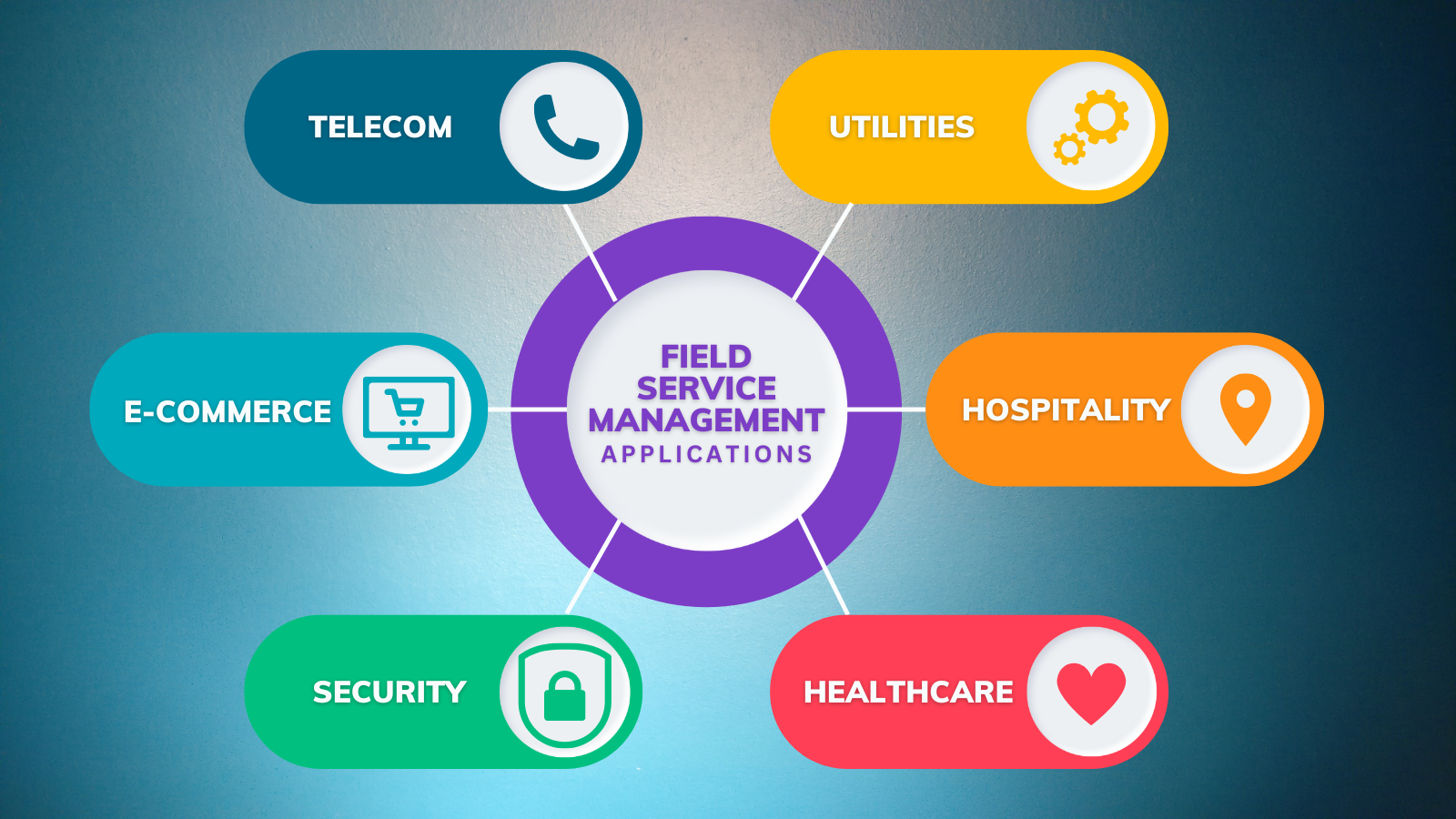
You manage teams, dispatch work, or own a service business, and you need a way to stop firefighting and start controlling outcomes. Field service management software centralizes scheduling, dispatch, inventory, route optimization, mobile job execution, and customer communication so you can reduce travel time, cut paperwork, and complete more profitable jobs each day.
This article Field Services Management Software shows which core features matter, how those capabilities work in the field, and what to evaluate during implementation so you can pick a tool that fits your workflows and scale. Practical comparisons and implementation tips will help you move from chaotic spreadsheets to a system that improves technician productivity and customer satisfaction.
Core Features and Capabilities
These features ensure your teams get the right job, with the right parts, at the right time while giving you visibility into costs and performance. Focus on automation, efficient scheduling, and accurate inventory to reduce travel, increase first-time fix rates, and control stock levels.
Work Order Automation
Automate creation, assignment, and lifecycle tracking of work orders so you avoid manual entry and missed tasks. Use templates and checklists to standardize inspections, repairs, and preventive maintenance; this enforces consistent procedures and captures required compliance data.
Include automatic status updates and configurable SLAs that trigger escalations or technician notifications when jobs fall behind. Integrate forms, photos, signatures, and time logs directly into the work order so billing and reporting draw from completed field data, reducing back-office reconciliation.
Link work orders to customer records and asset histories to show recurring issues, warranty status, and previous parts used. This context helps technicians arrive prepared and increases first-time fix probability.
Scheduling and Dispatch
Use a visual schedule board with drag-and-drop dispatching, real-time technician location, and skills/qualification filters to match work to the best resource. Prioritize jobs by SLA, travel time, and parts availability to minimize drive time and improve on-time arrivals.
Support both automated and manual scheduling: automated algorithms optimize routes and load balancing, while dispatchers retain override controls for urgent exceptions. Send job details, updates, and route maps to technicians via mobile app, and collect ETA confirmations and live job status to keep customers informed.
Offer shift templates, overtime controls, and capacity forecasting so you can plan labor costs and hire or contract staff proactively. Track technician utilization and travel time for payroll accuracy and operational analysis.
Inventory and Asset Tracking
Maintain real-time parts inventory across warehouses, vans, and job sites to prevent stockouts and emergency parts orders. Use barcode or RFID scanning in the field to update counts instantly when technicians pick or return items, linking transactions to specific work orders for cost tracking.
Manage serialized assets and warranty information by recording service histories, installed components, and next service dates. Set reorder points and automated purchase requests based on consumption rates and lead times to keep critical spares available.
Provide reporting on parts turnover, carrying costs, and stock aging so you can optimize stocking levels and reduce excess inventory. Integrate with ERP or purchasing systems to automate replenishment and sync financial records.
Key Considerations for Implementation
Plan integrations, training, and compliance deliberately so your rollout delivers usable features to technicians, preserves data integrity, and meets legal requirements.
Integration With Existing Systems
Map data flows between the FSM platform and your CRM, ERP, inventory, and accounting systems before you configure anything. Identify required fields, unique IDs (customer ID, asset tag, order number), and update direction (one-way vs. two-way).
Use an integration matrix to list endpoints, data formats (JSON, XML, CSV), frequency (real-time, batch), and error-handling rules. Prioritize real-time dispatch, parts availability, and invoice sync; these have immediate operational impact.
Decide whether to use the vendor’s prebuilt connectors, middleware (iPaaS), or custom APIs. Test with staging copies of your systems and sample datasets to validate mappings, latency, and conflict resolution. Include rollback plans and versioning for schema changes.
User Adoption and Training
Identify user personas—dispatchers, field techs, inventory clerks, and managers—and build role-specific training paths. Focus first on workflows that change most: job acceptance, parts requests, time capture, and signature/invoice capture.
Train using real tickets and devices your teams use. Combine short hands-on sessions, quick-reference guides, and in-app tips. Measure adoption with metrics: daily active users, jobs closed per tech, and time-to-first-claim. Tie initial KPIs to incentive or accountability programs to reinforce behavior.
Provide a support channel for the first 30–60 days and designate internal champions who can triage issues and collect feedback for iterative configuration changes.
Security and Data Compliance
Classify the data the FSM will store: customer PII, billing records, asset histories, and location traces. Apply least-privilege access controls and role-based permissions so technicians only see necessary fields.
Encrypt data at rest and in transit (TLS 1.2+). Maintain an audit trail for changes to work orders, inventory adjustments, and billing. If you process payments or handle regulated data, verify PCI, GDPR, HIPAA, or local privacy requirements and document vendor attestations and subprocessors.
Require device-level protections for mobile apps: screen lock, remote wipe, and app-level authentication (MFA or SSO). Perform periodic penetration tests and schedule regular reviews of access logs and retention policies.
