

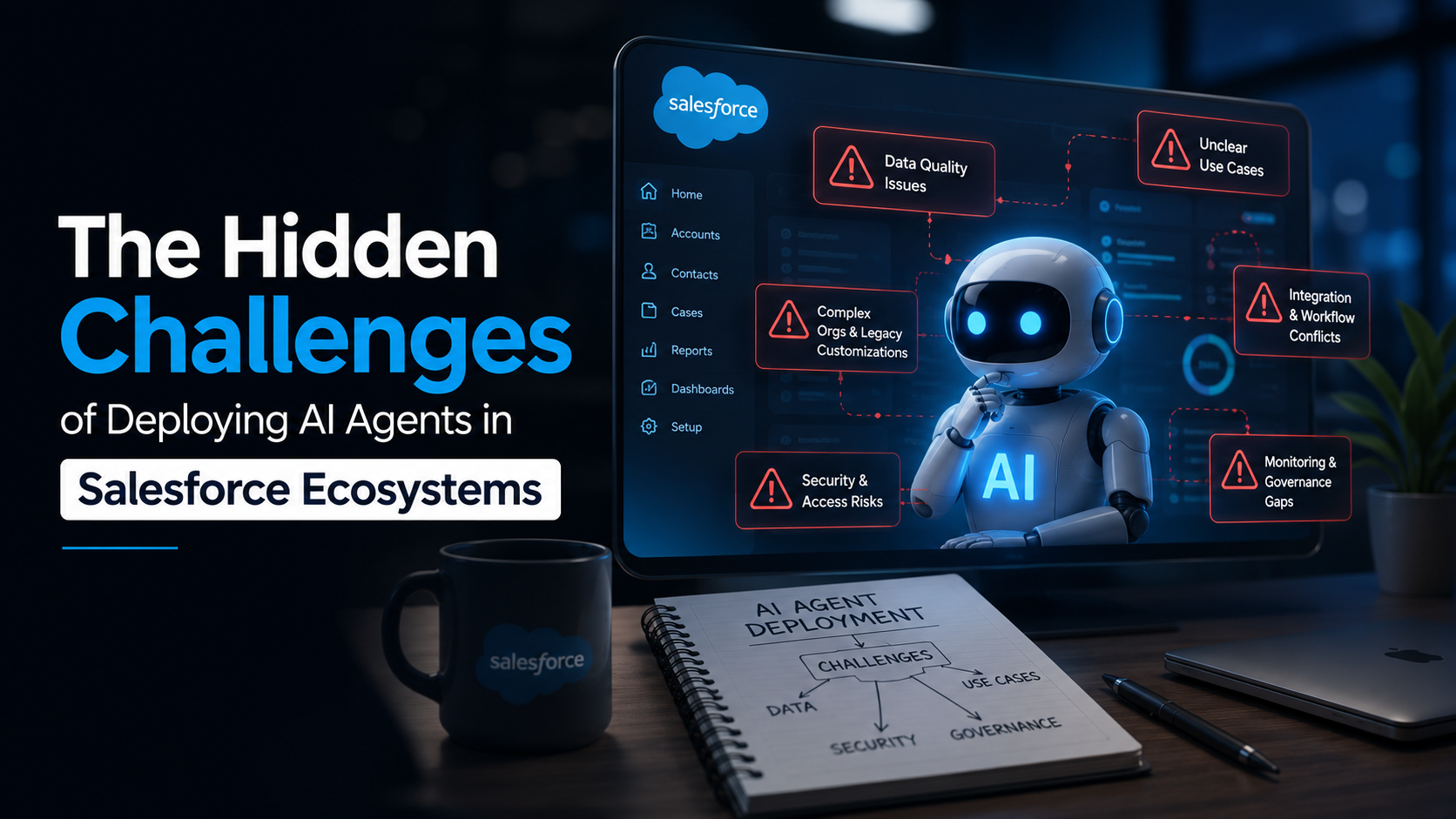
AI agents are becoming a big part of the Salesforce conversation. From service workflows and lead routing to internal support and sales assistance, the promise is hard to ignore. Teams are being told they can automate repetitive work, reduce response times, improve productivity, and make better use of customer data without adding more headcount.
On paper, it sounds like the perfect next step for modern Salesforce teams.
In practice, it’s a lot messier.
The truth is, deploying AI agents in a Salesforce development services is not just about turning on a new feature or connecting a model to your CRM. It’s about placing a new decision-making layer on top of an environment that is often already crowded with workflows, custom logic, disconnected data, permission rules, and years of platform changes.
That is where the real challenge begins.
The issue is not whether AI agents are useful. They can be. The issue is that most businesses underestimate what it takes to make them work properly inside a live Salesforce environment.
Why do AI agents look easy from the outside
The sales pitch around AI agents is simple. Give them access to the right business context, let them reason through requests, and they can help users complete tasks faster. In a Salesforce setup, that might mean answering customer queries, drafting replies, summarising cases, helping sales reps prepare for meetings, or even taking actions across workflows.
The problem is that most Salesforce ecosystems are not clean, simple systems. They are layered environments that have grown over time. Different teams have built different processes. Old automation still exists. Custom fields were created for one purpose and later reused for another. Data standards vary across departments. Permissions are often more complicated than they look.
An AI agent does not enter a perfect environment. It enters the environment you already have.
And that is exactly why deployment gets complicated.
Challenge #1: Bad data becomes a much bigger problem
Most Salesforce teams already know they have data issues. Duplicate records, outdated contact details, missing fields, inconsistent opportunity stages, half-filled case notes, and free-text entries that mean different things to different teams, none of this is new.
The difference is that a human user usually learns how to work around bad data. A sales rep may know which fields are trustworthy and which ones are always wrong. A support manager may understand that one field is rarely updated and should be ignored.
An AI agent does not have that instinct.
If the underlying data is messy, the agent can still use it with confidence. That is what makes the problem worse. Instead of simply exposing bad data, the agent can act on it, repeat it, route based on it, or generate summaries from it.
That is why companies that rush into AI without fixing core data problems often end up disappointed. The agent is not failing because it is “bad at AI.” It is failing because it is working with weak inputs.
Challenge #2: Salesforce orgs are full of hidden logic
One of the biggest hidden problems in Salesforce is not the visible setup. It is the invisible history behind it.
Most established orgs have years of customisations. Some were built by current admins. Some were built by consultants who are long gone. Some were created to solve short-term business needs and never cleaned up later. Validation rules, flows, old triggers, field dependencies, approval chains, routing rules over time, all of it piles up.
Humans can usually navigate around this because they know the business context. AI agents cannot do that on instinct.
An agent may trigger a workflow without understanding the downstream effect. It may pull from a field that was technically kept for reporting but is no longer trusted by the team. It may complete one task correctly while accidentally causing another process to break.
This is where many AI projects hit a wall. The pilot works in a controlled setup, but once the agent starts operating in the real Salesforce environment, it runs into old logic, conflicting automation, and edge cases nobody planned for.
Challenge #3: Security and access get a lot more sensitive
AI agents are useful only when they have enough access to do meaningful work. That sounds obvious, but it creates a serious balancing act.
If an agent has too little access, it cannot help much. It gives weak answers, fails to find context, or stops at the exact moment a user expects it to act.
If it has too much access, you create a different problem. Now you have an AI-powered layer interacting with customer records, case details, account information, internal notes, pricing data, or even regulated information.
That is not a small risk.
DianApps, a Salesforce consulting company, suggests permissions are already one of the most sensitive parts of system management. Add AI agents into the mix, and companies need to think much more carefully about what the agent can see, what it can suggest, what it can update, and what it should never touch without human review.
This is especially important for businesses in healthcare, finance, insurance, and other regulated industries. The more sensitive the data, the less room there is for vague guardrails and “we’ll refine it later” thinking.
Challenge #4: The use case is often too broad
A common mistake in AI projects is trying to do too much too early.
Leadership gets excited about the idea of an AI agent in Salesforce and wants one solution that can support sales, service, operations, internal knowledge, and customer communication all at once. It sounds efficient. In reality, it usually creates confusion.
AI agents perform better when the scope is clear.
For example, an agent that helps service reps summarise cases and suggest next actions is a much tighter use case than “an AI assistant for the whole support function.” The same goes for sales. An agent that helps with lead qualification or account research is easier to control than one expected to manage the full sales workflow from first contact to follow-up.
When the use case is too broad, the project becomes difficult to test, harder to govern, and much easier to disappoint people with. Teams stop knowing what success looks like because the agent is being asked to do too many things at once.
Challenge #5: Teams expect “smart” without preparing the system
There is a growing assumption that once AI enters the picture, the system itself becomes smart enough to compensate for process gaps.
That is not how it works.
AI agents do not magically fix broken business processes. They do not clean up years of poor field hygiene. They do not automatically understand internal politics, undocumented exceptions, or why one team handles a customer issue differently from another.
If the workflow is unclear today, adding an agent does not make it clearer. In many cases, it exposes the weakness faster.
That is why businesses need to look at AI deployment as an operating model decision, not just a feature rollout. If you want agents to act with confidence, the process itself needs to be clear. The ownership needs to be clear. The approval points need to be clear. The handoff between agent and human needs to be clear too.
Without that, the technology gets blamed for problems that were already sitting inside the business.
Challenge #6: Adoption inside the team is harder than expected
Even when the technical setup is solid, another issue shows up: people don’t fully trust the agent.
This happens more often than vendors admit.
Sales reps may ignore suggestions because they don’t trust the context behind them. Support teams may double-check every summary manually, which kills the time-saving benefit. Managers may like the idea of AI in strategy meetings but hesitate when it starts influencing live customer decisions.
And to be fair, some of that hesitation is reasonable.
Trust in AI agents is not built through announcements. It is built through repeated proof that the system is useful, accurate, and safe. If the first few interactions are weak, confidence drops quickly. Once that happens, adoption becomes an uphill battle.
This is why rollout strategy matters. Teams need to know what the agent is supposed to do, where its limits are, and when a human should step in. If users feel like the agent is being forced into their workflow without enough clarity, resistance is almost guaranteed.
Challenge #7: Measuring ROI is not as simple as it sounds
AI agent projects are often sold with broad promises around productivity and efficiency. But when the business starts asking what value the deployment is actually creating, the answers can get fuzzy.
Did the agent reduce case handling time? Did it improve lead response quality? Did it reduce manual admin work? Did it increase conversion rates? Or did it simply add another layer of activity without changing the outcome much?
This is one of the most overlooked parts of Salesforce AI deployments. If the business does not define success properly before rollout, it becomes difficult to prove whether the agent is helping or just existing.
Vanity metrics won’t help here. “Number of conversations handled” sounds good in a dashboard, but it does not tell you whether the agent improved business performance.
The smarter approach is to tie the agent to a narrow, measurable outcome from the start. That could be faster case summarisation, fewer manual escalations, better lead routing, lower admin load, or quicker access to internal answers. The clearer the metric, the easier it is to decide whether the deployment is actually working.
Challenge #8: Salesforce AI is not a plug-and-play layer
This is probably the biggest misconception of all.
A lot of companies still approach AI agents as if they are adding a smart assistant on top of Salesforce and then moving on. But in real-world environments, it does not work like that.
AI agents sit inside a much bigger system. They rely on data quality, system structure, governance, integrations, permissions, business rules, and user trust. If any of those pieces are weak, the deployment becomes shaky.For businesses preparing Salesforce for AI adoption, salesforce implementation services can help establish the required data structure, workflows, integrations, permissions, and configuration before deploying AI agents.
That does not mean companies should avoid AI agents in Salesforce. It means they should stop treating them like lightweight add-ons.
The businesses getting the most value from AI agents are usually the ones doing the boring groundwork first. They audit the org. They clean up data. They narrow the use case. They decide where the agent can act and where it should only assist. They set ownership early. They test more than the demo requires. And they prepare users for what the system can and cannot do.
That is not the glamorous part of AI. But it is the part that makes the difference.
What companies should do before deploying AI agents in Salesforce
If a business is serious about using AI agents inside Salesforce, the smartest first step is not to ask, “Which AI feature should we turn on?”
The better question is, “How ready is our Salesforce environment for an AI agent to operate inside it?”
That means looking at a few things honestly:
Is our data clean enough for an agent to use confidently?- Are our workflows clear, or are they full of exceptions and workarounds?
- Do we know which automations are active and what they affect?
- Are permissions structured properly for agent access?
- Have we defined one useful, narrow starting use case?
- Do we know how success will be measured?
Those questions are not exciting. But they are the ones who save projects from going off track.
Final thoughts
AI agents are going to play a bigger role in Salesforce development ecosystems. That part is clear. The opportunity is real, especially for businesses trying to reduce repetitive work, improve customer support, and help teams move faster.
But the deployment story is not as simple as the marketing makes it sound.
The hidden challenge is not the AI itself. It is the reality of the Salesforce environment it has to work inside.
If the data is messy, the process is unclear, the permissions are loose, and the use case is too broad, the agent will struggle no matter how impressive the demo looked. On the other hand, when companies treat AI deployment as a serious operational decision rather than a quick feature rollout, the results look very different.
That is the real shift businesses need to make.
Not “How do we add AI to Salesforce?”
But “What needs to be true in our Salesforce ecosystem before AI agents can actually succeed here?”
