

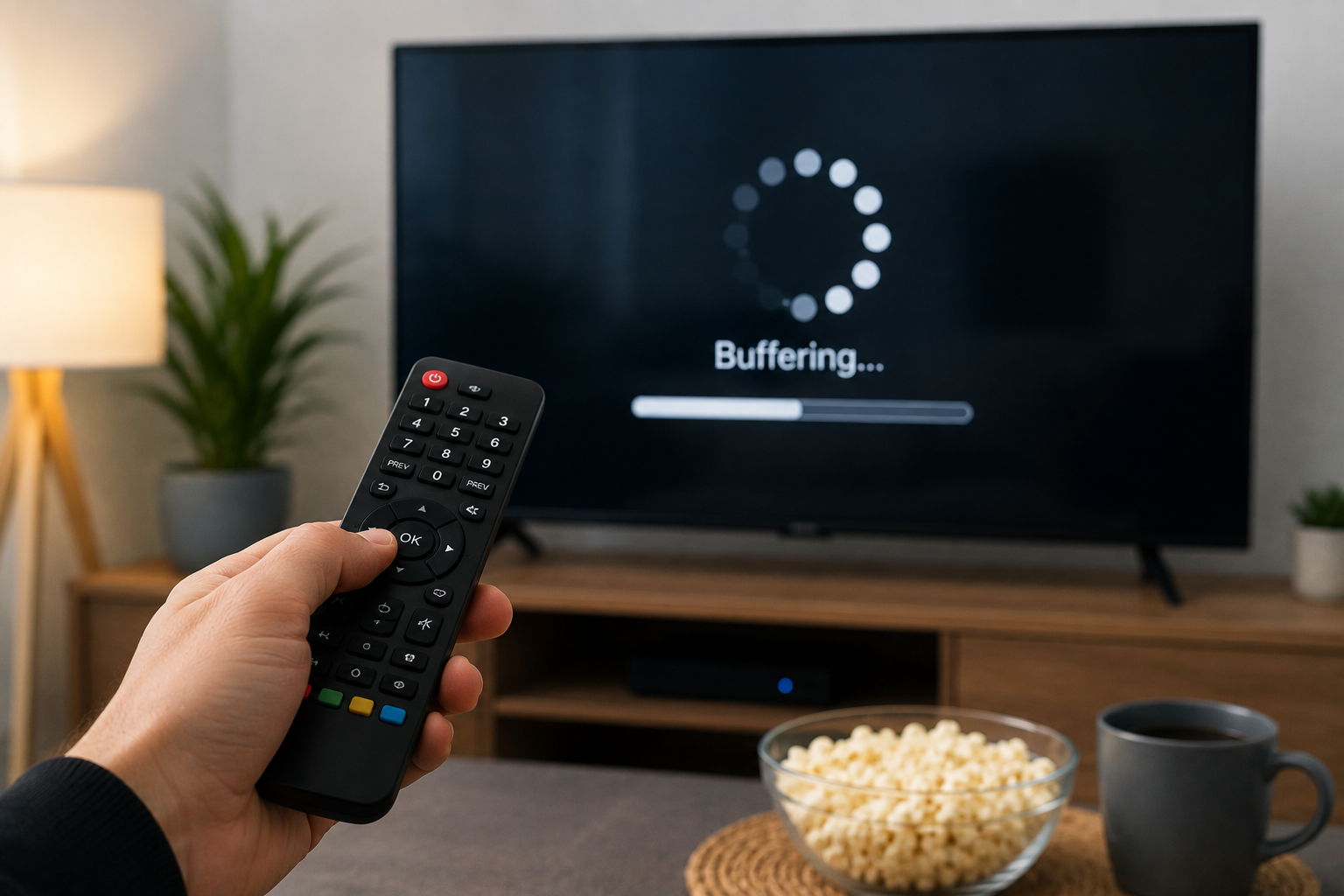
IPTV buffering is one of the most frustrating problems that viewers can experience when watching television through an Internet connection. A video may suddenly pause, display a loading icon, freeze for several seconds, or repeatedly reduce its quality. Although buffering can sometimes be related to the IPTV service, it can also come from the home network, Wi-Fi connection, device, or application.
Understanding the different causes can help users identify the problem and improve their viewing experience.
What Is IPTV Buffering?
Buffering happens when the video player cannot receive enough data quickly enough to continue playback without interruption.
When streaming IPTV, the device continuously receives video data from the Internet. If the connection becomes unstable or the data arrives too slowly, the player may need to pause while waiting for additional information.
This can happen occasionally, but frequent buffering usually indicates that something needs to be checked.
Check Your Internet Connection
The Internet connection should be the first thing to investigate. A connection can appear fast during a speed test but still experience temporary instability.
Try opening other streaming platforms on the same device. If they also experience interruptions, the problem may be related to the home network.
Restarting the router can sometimes resolve temporary connectivity issues. It is also worth checking whether several devices are using the connection at the same time.
Large downloads, video calls, online gaming, and cloud synchronization can consume bandwidth and potentially affect IPTV playback.
Improve Your Wi-Fi Connection
Wi-Fi quality can have a significant impact on streaming.
If the Smart TV is located far from the router, the signal may be weaker than expected. Thick walls, furniture, and interference from other electronic devices can also affect wireless performance.
Moving the router to a more central and open position may improve the signal.
For a television located close to the router, an Ethernet cable can be an excellent alternative. A wired connection can provide greater stability and reduce some of the issues associated with wireless networks.
Reduce Network Congestion
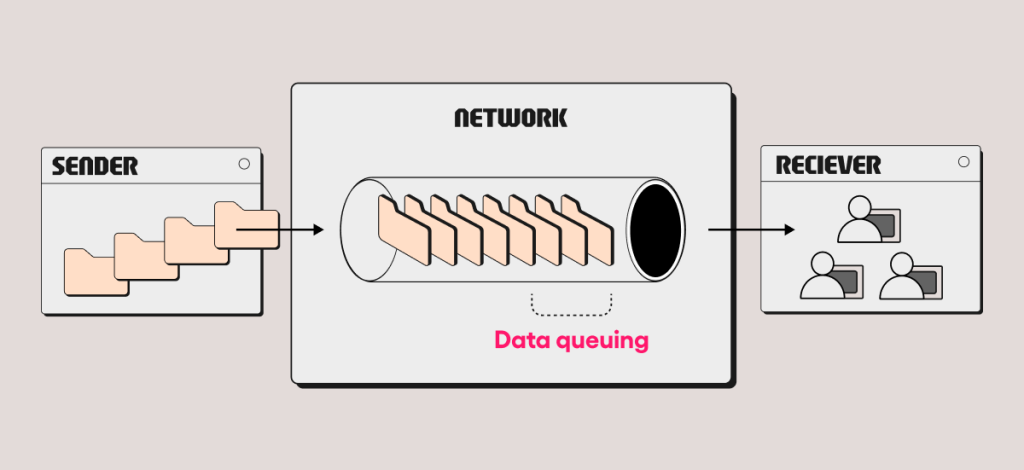
A busy home network can also cause IPTV buffering.
For example, several family members may be streaming videos while another device is downloading large files. Even with a good Internet package, these simultaneous activities can affect available bandwidth.
Try pausing unnecessary downloads and disconnecting devices that are not being used.
If IPTV becomes smoother afterward, network congestion was likely contributing to the problem.
Check the IPTV Application
The application used to watch IPTV can sometimes affect playback.
Make sure the application is updated and compatible with the device. An outdated application may have compatibility or performance issues.
Restarting the application can also help when temporary problems occur.
If the application offers different video quality settings, try lowering the resolution. If a lower quality stream plays smoothly while a higher resolution repeatedly buffers, the issue may be related to bandwidth or device performance.
Your Device Can Also Be the Problem
Not every buffering issue comes from the Internet.
Older Smart TVs and streaming devices may have difficulty handling certain high-resolution streams. Limited processing power, insufficient memory, or outdated software can affect playback.
If possible, test the same stream on another compatible device. This can help determine whether the issue is specific to the original television or streaming box.
Keeping the device software updated can also improve compatibility with modern applications.
Test Different Channels
Another useful troubleshooting step is to test several different channels.
If every channel buffers, the problem may be related to your Internet connection, device, or IPTV application.
However, if most channels work normally and only one or two repeatedly buffer, the issue may be specific to those particular streams.
This simple test can help determine whether the problem is local or related to a particular source.
Choosing a Reliable Abonnement IPTV
The quality of an abonnement IPTV can vary considerably depending on the service and its infrastructure.
When comparing different offers, users should not focus only on the number of available channels. Streaming stability, application performance, device compatibility, customer support, and transparent conditions are also important.
A large catalog does not necessarily guarantee a smooth experience. A well-maintained service with stable infrastructure may provide better everyday performance.
It is also important to choose services that have the appropriate rights to distribute the content they offer.
When Should You Contact Your IPTV Provider?
If you have already checked your Internet connection, Wi-Fi, device, and application but buffering continues, contacting your IPTV provider may be useful.
Before contacting support, collect some basic information. Note which device you are using, which application is installed, whether the problem affects every channel, and approximately when the buffering occurs.
This information can help identify whether the issue is related to your equipment or the service itself.
IPTV Buffering on Smart TV
Smart TVs are convenient for IPTV, but they can sometimes experience network or application problems.
If buffering occurs, start by restarting the television and router. Then check the network connection and make sure the application is updated.
If your television supports Ethernet, testing a wired connection can also be useful. Comparing Wi-Fi and Ethernet performance can help identify whether the wireless network is responsible.
You can also test another streaming application on the same television. If everything else works normally, the problem may be specific to the IPTV application or service.
Avoid Unnecessary Changes
When IPTV buffering occurs, it can be tempting to immediately change the application, device, or subscription.
However, it is better to identify the cause first.
Start with simple checks: Internet connection, router, Wi-Fi signal, network congestion, application updates, and device performance. These steps can often reveal the source of the problem without requiring major changes.
Final Thoughts
IPTV buffering can have many different causes. The problem may come from an unstable Internet connection, weak Wi-Fi, network congestion, an outdated application, an older device, or a specific stream.
When choosing an abonnement IPTV, users should therefore consider more than price and channel quantity. Stability, compatibility, application quality, support, and transparent service conditions are all important.
By checking each part of the setup step by step, it is usually easier to identify the cause of buffering and create a smoother IPTV viewing experience.
