

On a professional set, jobs are split up. One person runs the main camera, another watches a monitor, someone captures behind-the-scenes footage, and a producer keeps an eye on the livestream chat or client messages. Solo videographers and content creators do all of that alone, often with two hands and one camera rig. It is no surprise that something usually gets dropped.
One small accessory narrows that gap more than most people expect. By attaching a smartphone directly to the camera’s shoe, a solo shooter gains a second screen and a second camera without adding another stand or another person. The phone can run a camera control app, record a wider angle, monitor a stream, or simply show notes and shot lists. This article compares how crews and solo shooters handle common tasks, explains what the mount actually changes, walks through secure setup, and covers the balance and cable considerations that keep your rig comfortable during long shoots.
How a Crew Normally Splits the Work
Think about what happens on a small commercial shoot. The camera operator focuses on framing and focus. A second person holds a phone or tablet to record behind-the-scenes clips for social media. Another checks the livestream feed, answers comments, or monitors audio. Each role needs its own device and its own pair of hands.
Solo creators attempt the same output with far fewer resources. They set up a main camera, prop a phone on a separate tripod for a wide angle, and constantly glance at another device for messages or scripts. Every extra stand means more setup time, more gear to carry, and more chances something gets knocked over. The appeal of consolidating those roles onto a single rig is obvious once you have filmed a few events alone.
What the Mount Actually Changes
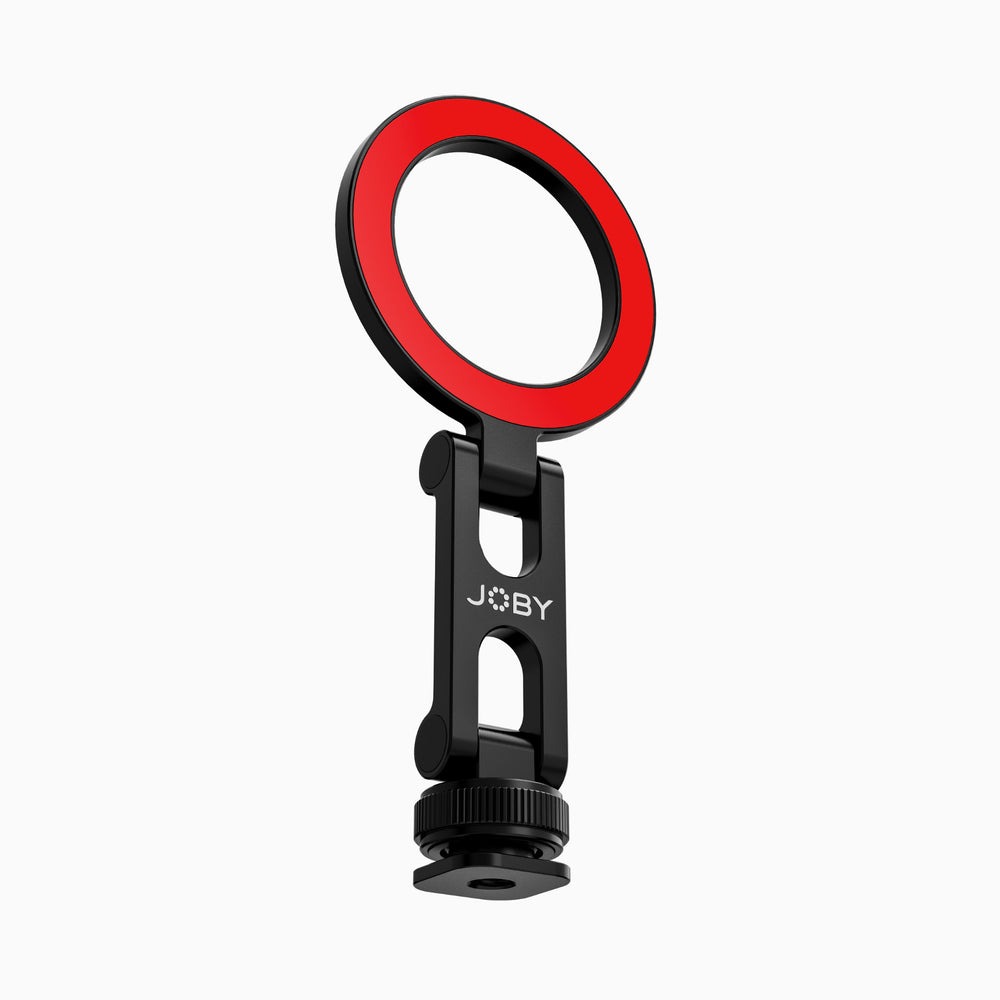
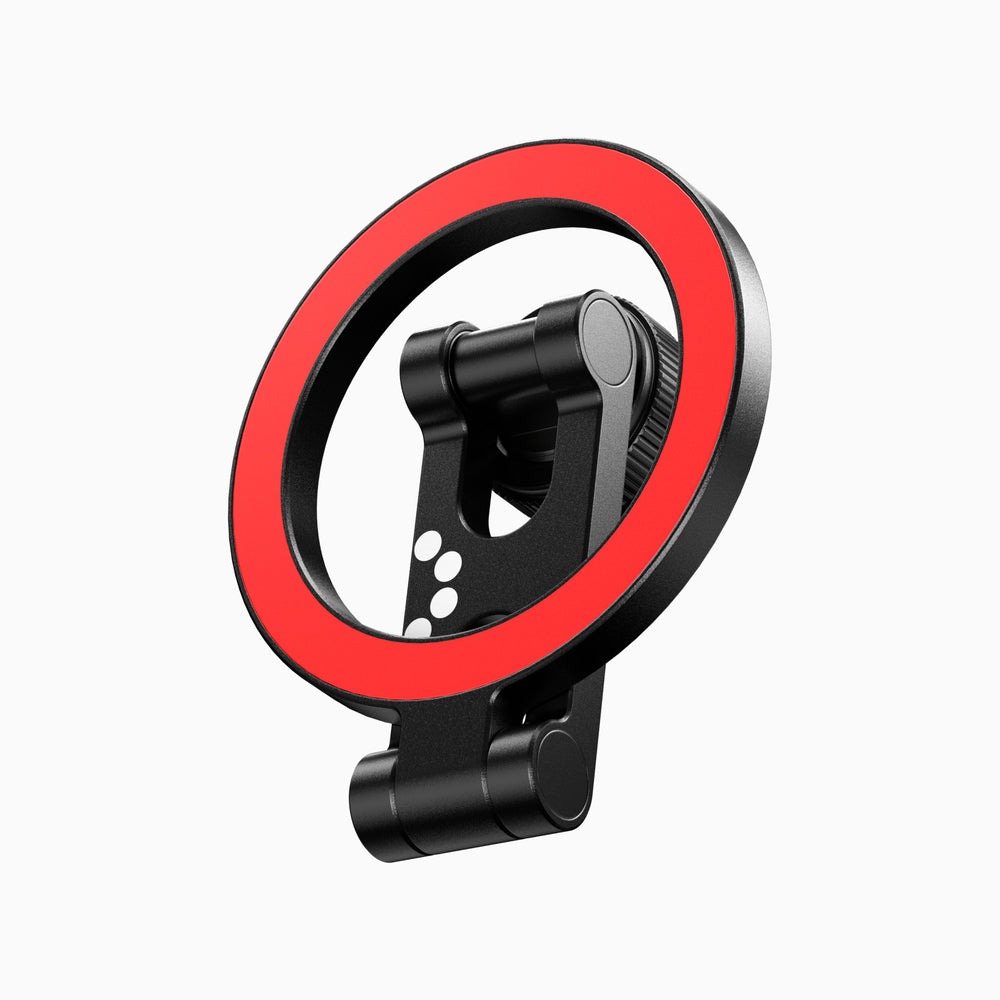
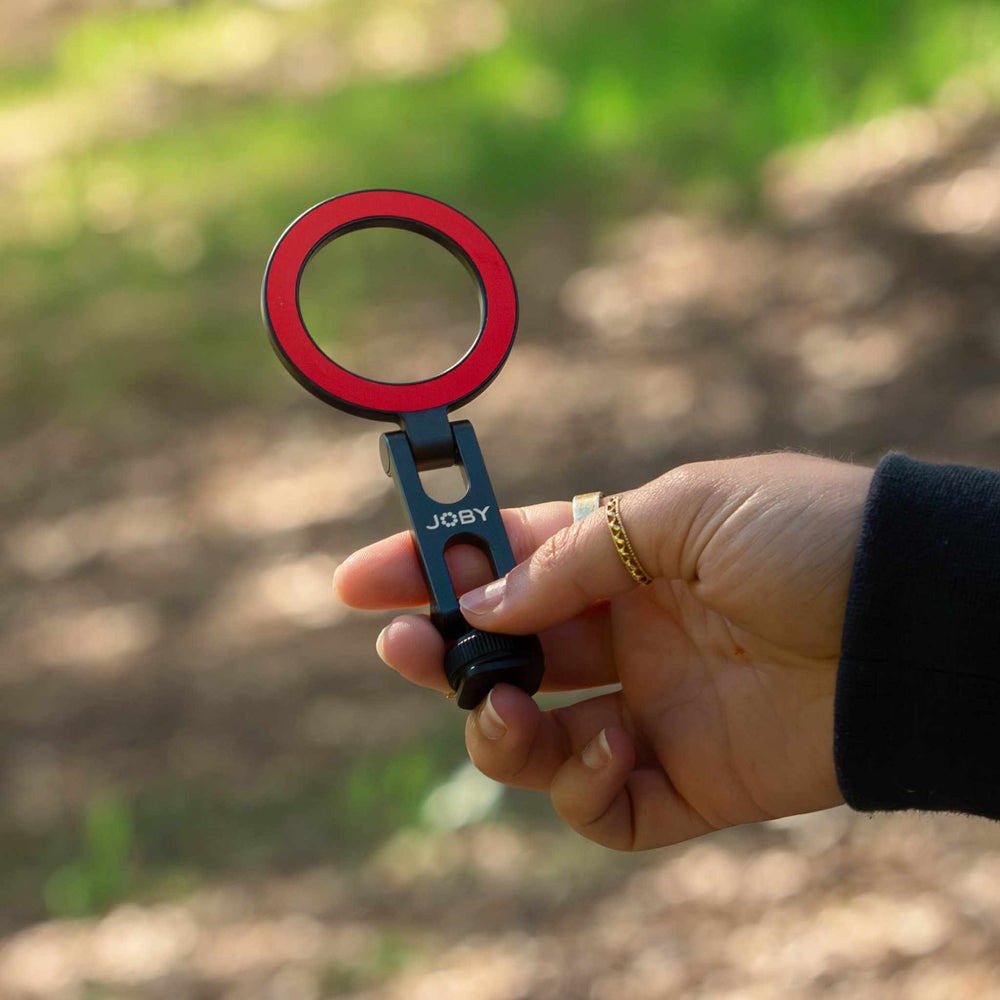
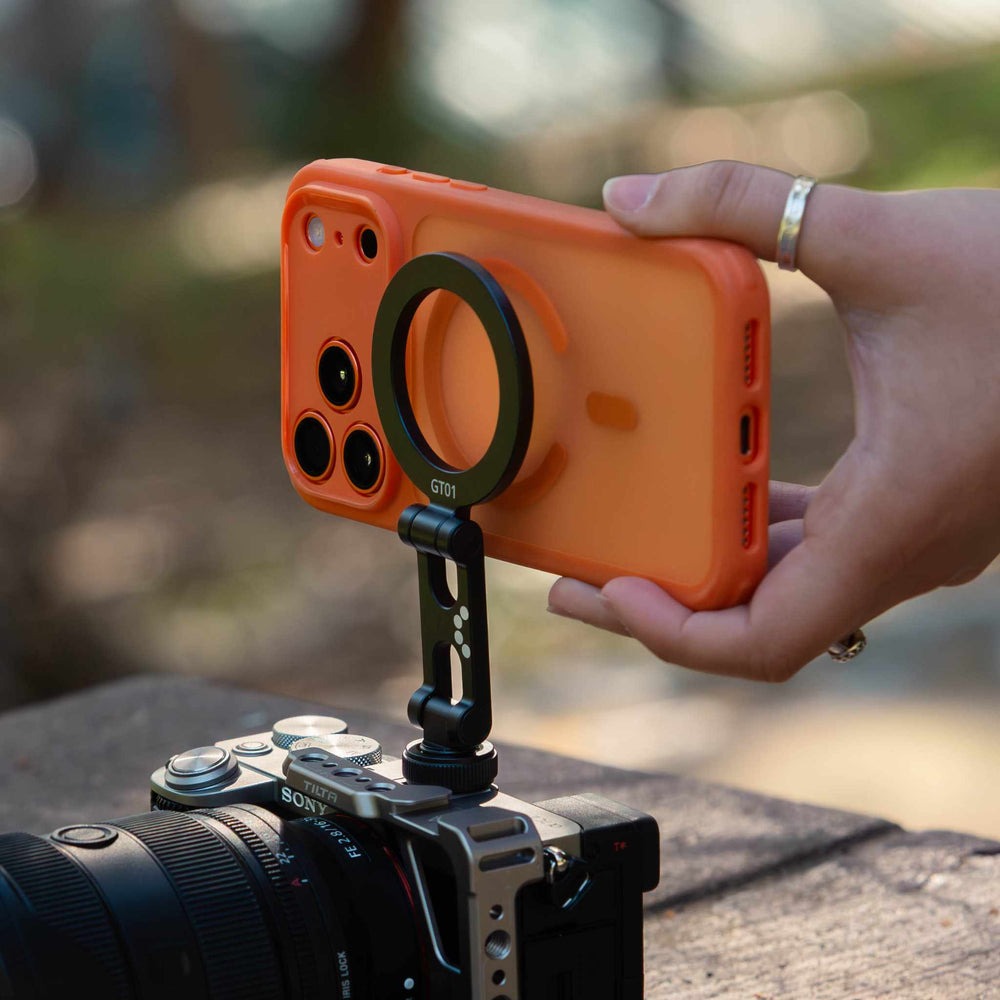
A GripTight Cold Shoe Mount slides into the shoe on top of your camera, cage, or rig and holds a smartphone with a spring-loaded clamp. That turns the phone into a rig-mounted accessory rather than a separate device on its own stand. It points where your camera points, travels with you as you move, and stays within easy reach and sight.
The shift is simple but meaningful. Instead of managing two setups, you manage one. The phone can take on the roles a crew member would normally fill: second angle, monitor, remote control, or teleprompter. Because it rides on the camera, you set it up once and it follows every move, whether you are shooting handheld, on a tripod, or on a gimbal that can handle the added weight. JOBY designed the GripTight line around exactly this kind of quick, secure phone attachment, so the clamp is meant to hold firmly while still letting you swap the phone in and out easily.
Solo Workflows Side by Side With a Crew
The best way to see the value is to look at specific tasks and compare how each approach handles them.
Monitoring and Remote Control
With a crew, a focus puller or assistant might watch a separate monitor. Solo, you can run your camera maker’s companion app on the mounted phone. Many apps show a live view and let you adjust settings or start recording. With the phone mounted at the right angle, you get a larger, clearer view for checking composition, especially when the camera’s built-in screen is hard to see in bright light.
A Second Angle for Behind-the-Scenes
Crews assign someone to capture behind-the-scenes clips. Solo, the mounted phone can record a wider view of the same scene, or be angled back to capture you as you work. These clips are valuable for social media, client updates, and portfolio reels. You get two angles from one position with no extra operator.
Streaming, Chat, and Notes
On a live stream, a producer normally watches comments and the outgoing feed. Solo, the phone can display the chat or stream preview right next to your framing, so you can respond without looking away from the camera. For interviews and presentations, it can also hold question lists, scripts, or shot lists, removing the need to juggle paper notes.
Which Solo Shoots Benefit the Most
Not every job needs a phone mounted to the camera, but some types of solo work change noticeably once you add one. Event videographers covering weddings, conferences, or concerts often need behind-the-scenes clips and quick social posts while still capturing the main footage. With the phone on the rig, both happen at once, and clients get fast previews without extra effort.
Interview and documentary shooters benefit in a different way. The phone can hold question lists and timing notes right beside the frame, which keeps conversations flowing and eye contact natural. For livestreamers, the phone becomes a real-time view of chat and stream health, so you can react to viewers without leaving your position.
Real estate and product videographers also find value here. A mounted phone can capture quick vertical versions of each shot for social platforms while the main camera records horizontal footage for the final edit. That saves a second pass through every room or product, which can add up to meaningful time savings over a busy week.
Mounting It Securely, Step by Step
A secure setup takes less than a minute once you know the order. Follow these steps:
- Check that the shoe on your camera or cage is clean and free of grit.
- Slide the mount fully into the shoe and tighten any locking mechanism firmly.
- Open the clamp and seat the phone in the center so its weight is balanced.
- Release the clamp slowly and confirm it grips the phone evenly on both sides.
- Tilt and rotate the phone to your desired angle, then lock the adjustment.
- Give the whole rig a gentle shake to confirm nothing shifts.
If you use a phone case, test the fit with the case on. Some thicker cases change how the clamp sits, so make sure the grip still feels firm before moving around with the rig.
Balance, Cables, and Other Rig Considerations
Adding a phone to the top of your camera shifts the balance slightly upward. For handheld shooting, this is usually easy to adapt to, but it helps to hold the rig closer to your body and use both hands during long takes. On a gimbal, rebalance after adding the phone, since even small weight changes affect motor performance.
Cables are another consideration. If you power the phone or connect a microphone, route cables so they do not pull on the phone or block camera controls. Small cable clips on your cage keep things tidy. Also think about screen glare. Angle the phone slightly away from direct sunlight so you can still see it clearly. Finally, keep your phone on silent mode and enable do-not-disturb during recording, so notifications do not interrupt your stream or pull your attention from the shot.
Battery life is easy to overlook. Running a companion app, recording video, or streaming from the phone drains its battery faster than normal use. For longer shoots, carry a compact power bank and a short cable so you can top up the phone during breaks. Lowering screen brightness and closing background apps also extends run time noticeably. Heat can build up during long recordings, especially in direct sun, so give the phone a short rest between sessions when possible.
It is also worth deciding in advance what role the phone plays for each shoot. Switching it between monitoring, recording, and streaming mid-session can cause confusion. Pick one main job, set it up before you start, and your workflow stays smooth from the first shot to the last.
Doing More With the Rig You Already Carry
Crews divide work across people and devices. Solo shooters rarely have that luxury, but they can consolidate roles onto a single rig. Mounting a smartphone to the camera’s shoe turns it into a monitor, a second camera, a stream preview, or a teleprompter, all without carrying extra stands or asking for help.
The key is a secure fit, thoughtful balance, and a clear plan for what the phone does during each shoot. Clean the shoe, seat the phone carefully, manage cables, and silence notifications. With those habits in place, a single operator can capture multiple angles, keep an eye on streams and settings, and deliver content that feels like it came from a larger team, using the camera and phone they already own.
