

Choosing a face recognition SDK can be tricky. Every company claims to have the most accurate, fastest, and most secure solution. But once you start testing, reality often feels different. Some SDKs struggle in low light, others slow down under pressure, and a few ignore privacy regulations altogether.
The right SDK, on the other hand, can quietly transform your product. It keeps verification fast, secure, and user-friendly. The wrong one can frustrate users and hurt your brand. Let’s walk through how to make the smart choice.
What a Face Recognition SDK Actually Does
A face recognition SDK is like a plug-in brain for your app. It gives your system the ability to detect and identify human faces automatically. Instead of building your own machine learning model from scratch, you can integrate a ready-to-use SDK that already knows how to process and recognize faces.
When you unlock your phone with your face or verify your identity in a banking app, that’s an SDK working behind the scenes. It captures your image, extracts unique facial features, and compares them to stored data, all within seconds.
A great SDK doesn’t just recognize faces; it adapts to real-world challenges like poor lighting, different angles, or masks. In short, it makes your app feel seamless and smart.
Why Choosing the Right SDK Matters
Not all SDKs are built the same. Some are quick but inaccurate, while others are accurate but painfully slow. The right choice strikes a balance between speed, reliability, and privacy.
When facial recognition fails, users don’t blame the SDK; they blame your product. Choosing wisely ensures smoother logins, fewer errors, and better compliance with privacy rules such as the GDPR.
It also saves your developers time. The less time they spend troubleshooting integration issues, the more time they can spend improving your user experience.
1. What to Look For in a Face Recognition SDK
You don’t need to be an AI engineer to choose the right SDK. Focus on what matters most.
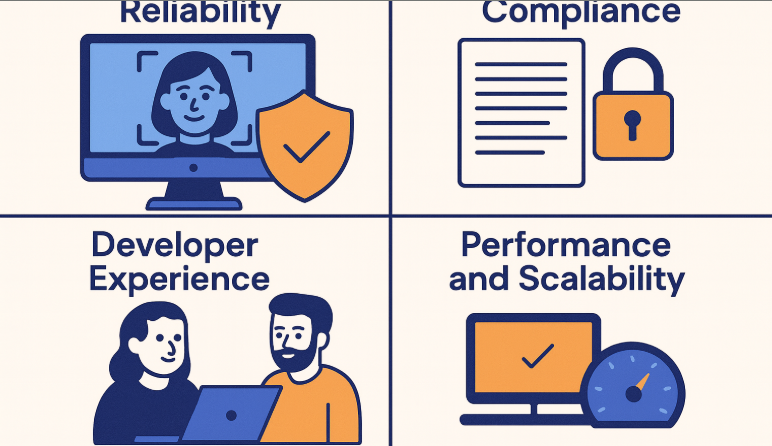
Accuracy and Reliability
If your SDK isn’t accurate, nothing else counts. Start by reviewing independent test results like the Face Recognition Vendor Test (FRVT) conducted by NIST. You can also browse the FRVT 1:1 results to see which systems actually deliver on their promises.
But don’t rely on charts alone. Run your own tests in real-world conditions. Try different devices, lighting, and user types. What works perfectly in a lab may fail in your office hallway.
Privacy and Compliance
Facial data is highly sensitive, and mishandling it can get you into serious trouble. Your SDK should process data locally when possible, encrypt all stored information, and provide built-in consent and deletion options.
If you operate in or with Europe, GDPR compliance is non-negotiable. Transparency and control over data aren’t just good practice; they’re the law.
Developer Experience
If your developers find the SDK painful to use, your project will stall. Look for clear documentation, sample code, and responsive support. Open platforms like the Recognito GitHub repository make it easier to see how things work before committing.
Performance and Scalability
Users expect instant results. Test how long it takes for your SDK to detect and match a face, especially under heavy load. A good SDK performs consistently, whether it’s handling ten users or ten thousand.
Cost and Support
Cheap solutions can become expensive over time if they charge per match or lack updates. Look for transparent pricing and vendors who provide continuous improvements and technical assistance.
2. How to Evaluate Before You Commit
Before signing any contract, do a structured test run. Here’s a simple plan:
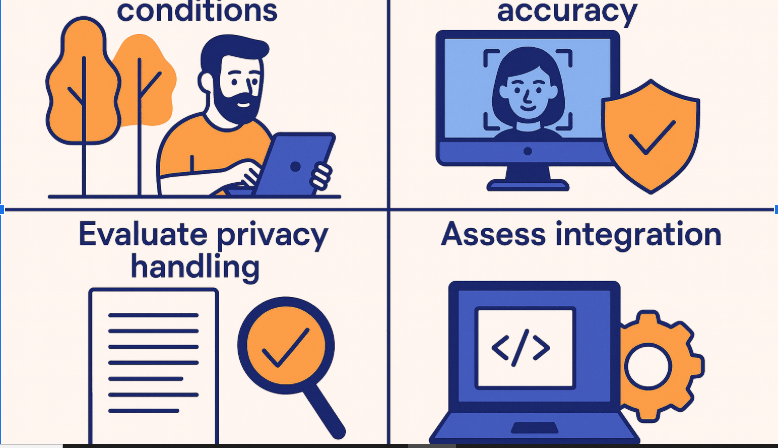
- Test in realistic conditions: Use various devices and lighting setups.
- Measure accuracy: Track both false accepts (wrong matches) and false rejects (missed matches).
- Check performance: Time how long recognition takes under normal and heavy use.
- Evaluate privacy handling: Confirm compliance with laws like the GDPR.
- Assess integration: If it takes your team weeks to make it work, it’s not the right fit.
If you want to experiment safely, the Recognito face biometric playground is a great place to start. It lets you test live recognition before investing time or money.
Avoid These Common Mistakes
Many teams rush through evaluation and end up regretting it later. Some rely solely on marketing claims, while others skip testing on diverse users. A few even ignore compliance until launch, only to face data privacy issues later.
The best approach is patience. Take the time to test carefully, document everything, and verify each claim. The extra week of testing will save months of debugging and complaints later.
Wrapping It Up
Choosing the right face recognition SDK isn’t about finding the most popular option. It’s about finding one that fits your product, your audience, and your values.
Look for accuracy, privacy, and developer-friendliness above all else. Check trusted sources like NIST’s FRVT reports and explore open solutions like Recognito’s GitHub.
If you’re ready to get started, Recognito is worth a look. It blends advanced AI with simple integration, making face recognition easier for developers and safer for users.
Because at the end of the day, great recognition isn’t about seeing faces. It’s about earning trust, one face at a time.
