

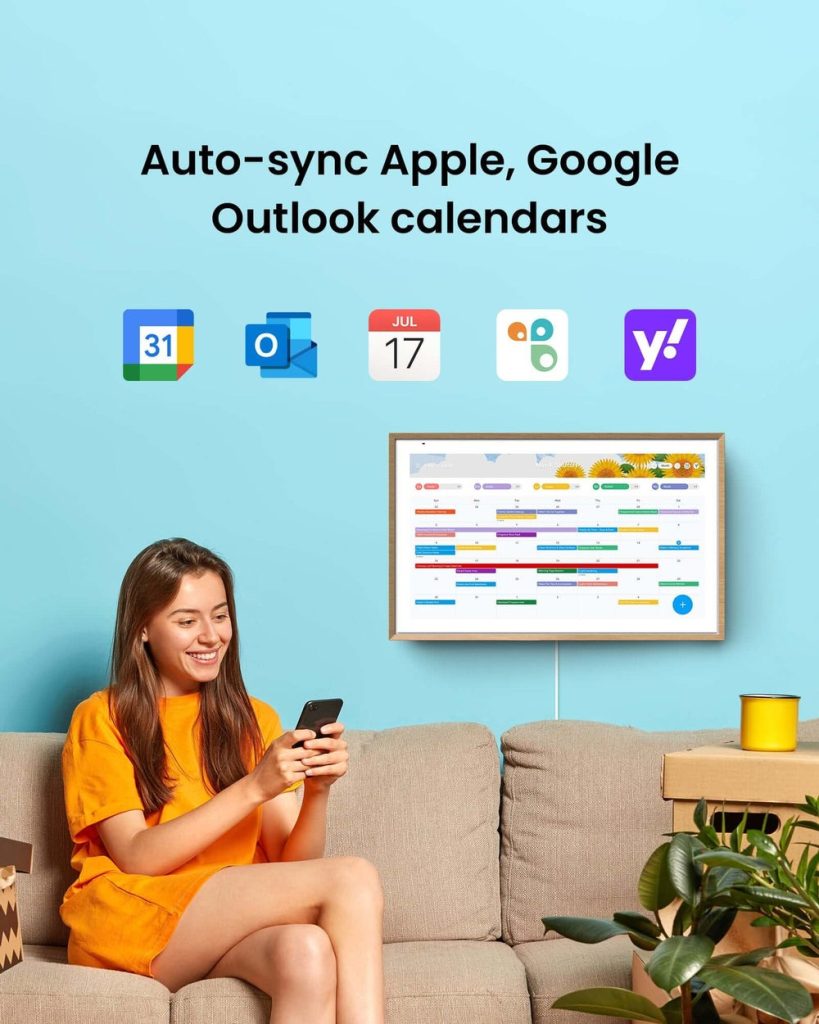
Modern families juggle an overwhelming number of commitments, from work meetings and school events to medical appointments and extracurricular activities. When each family member maintains their own schedule, chaos inevitably follows. Missed dentist appointments, forgotten soccer practices, and double-booked evenings become frustratingly common occurrences that strain relationships and waste precious time.
Digital calendars offer a powerful solution to this organizational nightmare. By centralizing family schedules in one accessible platform, these tools transform how households coordinate their daily lives. Parents can instantly see when their teenager has band practice, children know when mom will be home late for work, and everyone stays informed about upcoming family dinners or vacation plans. The shift from scattered paper calendars and mental notes to synchronized digital systems doesn’t just reduce scheduling conflicts—it fundamentally improves family communication and creates a shared sense of awareness that brings households closer together.
The Benefits of Digital Calendars
Digital calendars eliminate the guesswork that plagues traditional family scheduling. When everyone accesses the same calendar system, there’s no need to text back and forth asking “What time is Emma’s recital?” or “Did you remember the parent-teacher conference?” Real-time synchronization means updates appear instantly across all devices, whether someone checks from their phone during lunch break or glances at a tablet in the kitchen. This immediate visibility prevents the common scenario where one parent schedules a dinner reservation while the other has already committed to attending a school fundraiser.
The automation capabilities of digital calendars save families countless hours each week. Recurring events like piano lessons, trash day, or weekly meal planning sessions only need to be entered once, then automatically populate future weeks. Color-coding different family members or activity types creates visual clarity at a glance—blue for dad’s work commitments, green for kids’ sports, purple for family events. Many platforms also integrate with email, automatically adding flight confirmations, hotel reservations, or event tickets directly to the family calendar without manual data entry.
Perhaps most valuable is how digital calendars support proactive rather than reactive family management. Shared visibility allows families to spot potential conflicts days or weeks in advance, making it easier to arrange carpools, request time off work, or decline commitments that would overextend the household. Parents can set boundaries around family time by blocking off dinner hours or weekend activities, ensuring these priorities don’t get squeezed out by other obligations. This forward-looking approach reduces last-minute scrambling and creates breathing room in otherwise packed schedules.
Choosing the Right Digital Calendar
The foundation of successful family calendar management starts with selecting a platform that matches your household’s specific dynamics. Cross-platform compatibility should top your priority list—your system needs to work seamlessly whether family members use iPhones, Android devices, tablets, or desktop computers. A calendar that only functions well on one operating system creates barriers instead of bridges, leaving some family members disconnected from shared schedules. Test how the calendar displays on different devices before committing, ensuring that dad can update appointments from his work computer while teenagers can check schedules from their phones between classes.
Sharing capabilities determine whether your digital calendar truly serves the whole family or becomes just another isolated tool. Look for platforms that allow multiple permission levels—you might want teenagers to view but not delete important appointments, while giving your co-parent full editing access. The ability to create separate calendars within one account proves invaluable: maintain individual calendars for each family member plus shared calendars for household events, meal planning, or pet care schedules. This structure prevents clutter while maintaining comprehensive visibility when needed. Platforms like ApoloSign offer these layered sharing options, allowing families to customize who can view, edit, or manage different calendar categories based on household needs.
User interface simplicity cannot be overstated when multiple generations will interact with the system. A calendar loaded with complex features sounds impressive but fails if your twelve-year-old can’t figure out how to add their basketball practice or grandma struggles to check family dinner times. Prioritize intuitive design with clear visual cues, straightforward event creation, and easy navigation between day, week, and month views. The best family calendar is one that everyone actually uses, which means choosing accessibility over advanced functionality that sits unused. Consider starting with a basic platform that offers room to grow—many families find that mastering core features first, then gradually exploring automation and integration options, leads to better long-term adoption than jumping into feature-rich systems that overwhelm users from day one.
Setting Up Your Digital Calendar
Begin by creating a master family account that serves as your scheduling hub. Most platforms allow you to set up one primary account, then add family members as secondary users with their own login credentials or shared access through email invitations. Start with the account holder who manages most family logistics—typically a parent—then systematically add each household member. During this initial setup, establish a naming convention for events that everyone understands: use prefixes like “Dad -“, “Emma -“, or “Family -” to immediately identify who’s involved in each commitment. This small organizational step prevents confusion when scanning a week filled with overlapping activities.
Create separate color-coded calendars for different aspects of family life rather than dumping everything into one overwhelming stream. Set up individual calendars for each family member, then add shared calendars for categories like household chores, meal planning, school events, and family activities. Assign distinct colors that make visual sense—perhaps warm colors for kids’ activities, cool colors for parents’ work commitments, and a neutral tone for whole-family events. This structure allows anyone to toggle calendars on or off depending on what information they need at the moment. A teenager checking when they’re free might hide parents’ work meetings, while a parent planning the week needs to see everything simultaneously.
Populate your calendar with existing commitments in a focused two-hour session rather than trying to add events sporadically over weeks. Gather school schedules, work calendars, sports team communications, and recurring appointments like music lessons or therapy sessions. Enter regular commitments first—school hours, work schedules, weekly activities—using the recurring event function to automatically fill future dates. Then add one-time events like upcoming dentist appointments, birthday parties, or school holidays. Include essential details in each event: location addresses for easy navigation access, contact information for coaches or teachers, and any preparation notes like “bring snack for team” or “permission slip due.” This comprehensive initial input takes time upfront but establishes a reliable foundation that requires only maintenance updates moving forward.
Configure notification settings thoughtfully to balance awareness with avoiding notification fatigue. Set default reminders that give family members appropriate lead time—perhaps 24 hours for major events, one hour for daily activities, and 15 minutes for time-sensitive commitments. Customize notifications based on event type: doctor appointments might warrant both a one-week and one-day reminder, while daily homework time only needs a single alert. Ensure critical events have redundant notifications sent to multiple family members, particularly for appointments that require parent attendance or activities where kids need transportation. Test your notification system during the first week, adjusting timing and frequency based on what actually helps versus what creates digital noise that family members learn to ignore.
Advanced Features and Customization
Location-based reminders transform digital calendars from passive schedules into active planning assistants. Many platforms now trigger notifications when you arrive at or leave specific places—your phone can remind you to grab the soccer uniforms when you pull into the driveway, or alert you about picking up groceries when you’re near the supermarket. Geofencing works particularly well for families with older children who drive themselves to activities, sending automatic notifications to parents when teens arrive safely at their destination. This feature eliminates the “did you get there?” text exchange that happens dozens of times weekly.
Integration with other digital tools extends your calendar’s usefulness beyond simple scheduling. Connect your family calendar to task management apps so homework deadlines and household chores appear alongside soccer games and work meetings, creating a complete picture of everyone’s commitments. Link weather services to receive automatic alerts about outdoor event conditions, helping you decide whether to pack rain gear for Saturday’s tournament. Many families find value in connecting meal planning apps that populate dinner preparation times on the calendar, or fitness trackers that block exercise time as non-negotiable appointments. These integrations reduce the mental load of cross-referencing multiple platforms throughout the day.
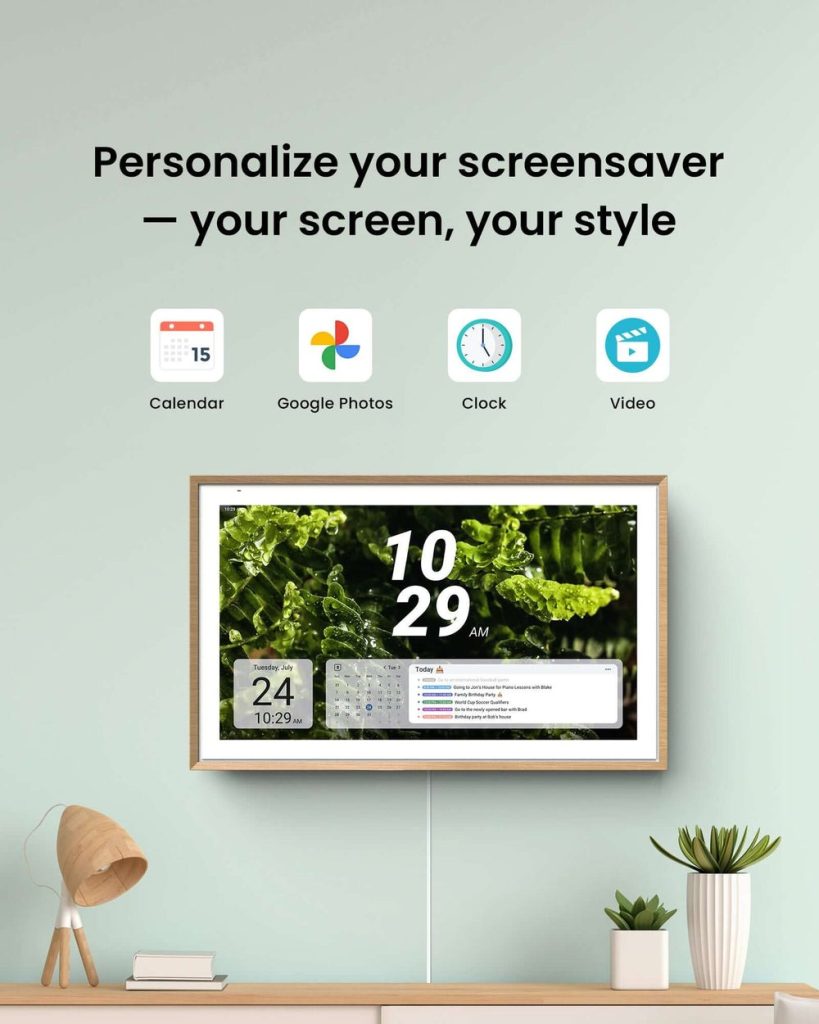
Customization transforms a generic calendar into a personalized family command center. Create calendar templates for recurring complex events—a “tournament weekend” template might include travel time, game schedules, hotel check-in, and meal times, ready to duplicate and adjust for each competition. Set up automatic event descriptions with standard information fields: sports events always include the opponent, location, and what to bring; doctor appointments list the provider, reason for visit, and insurance information needed. Many families establish visual systems beyond color-coding, using emojis or symbols to quickly identify event types—a car emoji for appointments requiring transportation, a dollar sign for activities with fees due, or a camera for events worth photographing. These small customizations compound over time, making your family calendar increasingly efficient and tailored to your household’s unique rhythm.
Case Studies and Testimonials
The Martinez family of five struggled with constant scheduling conflicts until implementing a shared digital calendar system. With three children in different schools and both parents working variable shifts, they frequently missed events or arrived unprepared. After setting up color-coded calendars for each family member and enabling automatic notifications, their missed appointments dropped to zero within the first month. Sarah Martinez notes that the most significant change wasn’t just better organization—it was reduced family stress. “We stopped blaming each other for miscommunications because everything was transparent. My teenagers could see when I had late meetings and plan accordingly, and I could support their activities without constant reminders.”
The Chen household discovered that digital calendars strengthened their blended family dynamics. With children splitting time between two homes, coordinating custody schedules, school events, and extracurricular activities created confusion and occasional conflict. By giving both households access to shared children’s calendars while maintaining private adult calendars, everyone stayed informed without overstepping boundaries. Michael Chen explains, “Our co-parenting relationship improved dramatically when we eliminated the ‘I didn’t know about that’ conversations. Both families can add events, see pickup times, and ensure the kids never feel caught in the middle of scheduling miscommunication.”
Retired grandparents Linda and Robert Thompson use their family calendar to stay connected with adult children and grandchildren across three states. Their family populates a shared calendar with school performances, sports events, and family gatherings, allowing the Thompsons to plan visits around meaningful moments. “We never miss a grandchild’s birthday or important event anymore,” Linda shares. “The calendar helps us feel involved in their daily lives even from a distance, and our kids appreciate that we show up informed and prepared rather than constantly asking for schedule updates.”
Common Challenges and Solutions
Technology resistance often emerges as the primary obstacle when introducing digital calendars to families. Some members, particularly older children or less tech-savvy adults, may resist abandoning their existing methods or feel overwhelmed by new systems. Address this by starting with just one or two family members who embrace technology, demonstrating tangible benefits before expanding adoption. Schedule a family meeting where everyone inputs their first week of activities together, transforming setup from a solitary task into a collaborative experience. Keep initial expectations modest—focus on simply viewing the calendar daily before expecting everyone to actively add events.
Calendar overload happens when families enthusiastically add every minor detail, creating visual chaos that defeats the purpose of centralized scheduling. Combat this by establishing clear guidelines about what merits calendar inclusion. Major commitments, time-sensitive appointments, and events requiring coordination belong on the shared calendar, while personal reminders or flexible tasks might stay in individual systems. Regularly audit your calendar monthly, archiving past events and removing recurring items that no longer apply. If the calendar feels cluttered, create viewing filters that show only relevant information for specific family members or time periods.
Notification fatigue develops when excessive alerts train family members to ignore important reminders. Fine-tune your system by surveying household members about which notifications actually prove helpful versus annoying. Reduce redundant alerts for routine events that everyone knows about, reserving notifications for exceptions or time-critical situations. Establish a family protocol where the calendar serves as the authoritative source—if it’s on the calendar, it’s happening—reducing the need for verbal reminders that duplicate digital notifications.
Transform Your Family’s Daily Coordination
Digital calendars represent far more than organizational tools—they fundamentally reshape how families communicate, coordinate, and connect in an increasingly complex world. By centralizing schedules, automating repetitive tasks, and providing transparent visibility into everyone’s commitments, these platforms eliminate the friction that causes missed events and strained relationships. The transformation from scattered paper calendars and forgotten verbal agreements to synchronized digital systems doesn’t happen overnight, but families who commit to the transition consistently report reduced stress, fewer conflicts, and stronger bonds built on reliable communication.
The key to success lies in choosing a platform that matches your family’s technology comfort level, setting it up thoughtfully with clear structures and conventions, and giving everyone time to adapt to new habits. Start simple, celebrate small wins when the calendar prevents a scheduling disaster, and gradually expand your use of advanced features as confidence grows. Whether you’re coordinating a household of two or managing the logistics of a large blended family, digital calendars offer the structure and flexibility modern families need to thrive together rather than merely survive the chaos of daily life.
