

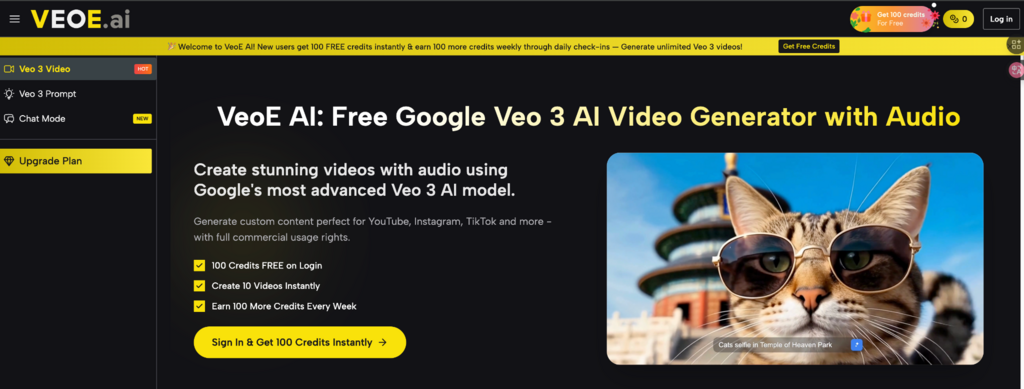
VeoE AI combines two powerful tools for creating Veo 3 videos: Chat Mode, a conversational AI video agent for brainstorming and refining ideas, and a curated prompt library with an AI prompt generator for fast, reliable execution. Used together, they streamline the full workflow—from planning the concept in chat to reusing proven, high‑performing prompts for more consistent results, similar to how Reddit automation tools monitor threads and automate repetitive tasks.
In this article, we’ll explain what each page does, why they work better together, and how to use Veo 3 Video Generator to produce more cinematic, repeatable videos with fewer retries.
What You Get on VeoE AI
- Chat Mode: “Talk to an AI Video Agent” instead of writing prompts
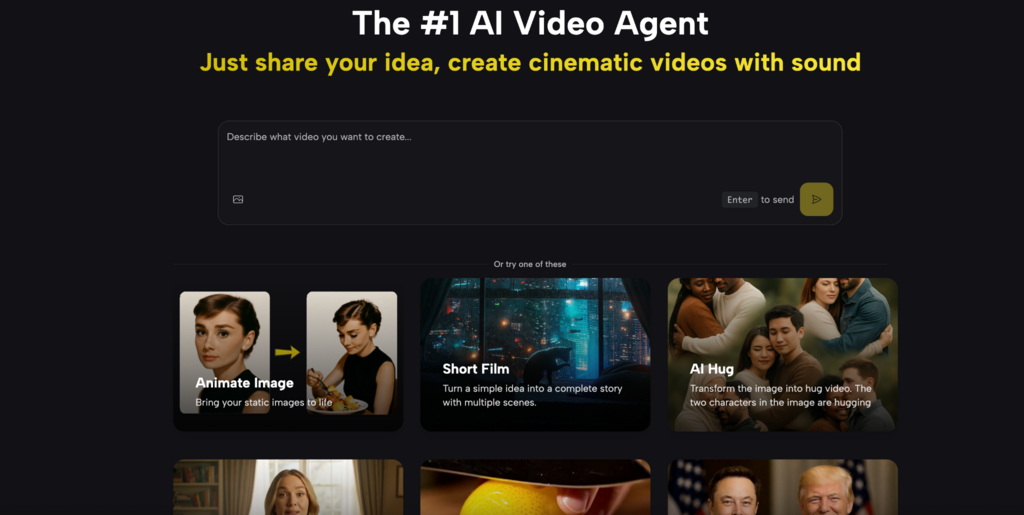
On VeoE AI Chat Mode, the product positions itself as “The #1 AI Video Agent” where you can describe your idea in natural conversation and generate cinematic Veo 3 videos—including synchronized audio.
The page emphasizes:
- Conversational video creation (stop writing complex prompts, start talking)
- Context-aware iteration (refine through conversation and keep continuity)
- A clear 4-step flow: describe → agent plans → generate → refine by chatting
- Use-case ideas like product demos, social clips, educational explainers, brand storytelling, and event promos
It also highlights a free-credit onboarding message: new users get free credits and can earn more via check-ins.
- Veo 3 Prompt Page: Prompt examples + “Use It” + AI prompt generation
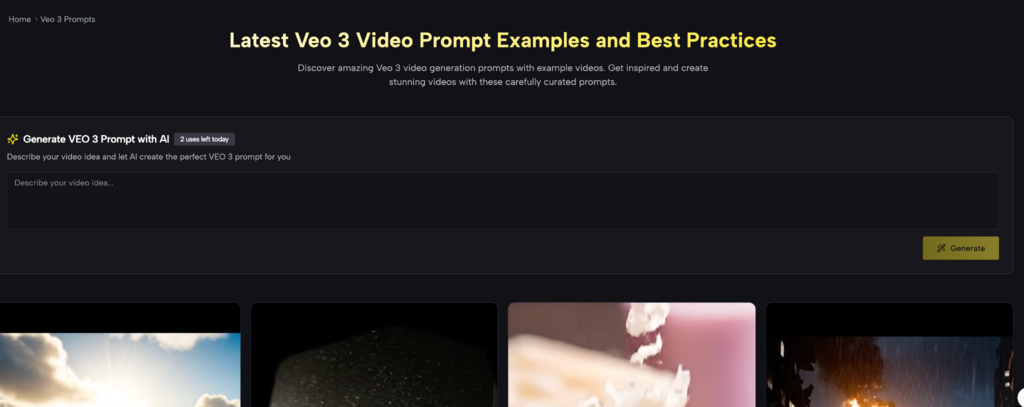
On Veo 3 Prompt, VeoE AI offers a large collection of Veo 3 prompt examples labeled as “Latest Veo 3 Video Prompt Examples and Best Practices,” plus a built-in “Generate VEO 3 Prompt with AI” feature that returns multiple prompt options.
Key elements on the page:
- A prompt generator module with daily usage (“uses left today”)
- Dozens of prompt cards with detailed structure—tone, camera, lighting, environment, dialogue/music cues—and buttons like “Use It” / “Copy it”
- A simple “prompt → video” workflow: browse prompts → click Use → download
- Professional use cases for marketers, creators, educators, influencers, business owners, and artists
Why These Two Pages Work Better Together
Most creators face a trade-off:
- Chat-only tools are great for ideation and iteration, but sometimes you still need highly structured prompt language (camera, lens, pacing, lighting, constraints) to lock in a style.
- Prompt-library tools give you proven templates, but they don’t always help you develop the concept or refine quickly when the output is “almost right.”
VeoE AI solves this by letting you:
Talk through the idea in Chat Mode (get clarity, direction, and iteration)
Anchor the execution with proven prompt templates (or generate prompt drafts) on the prompt page
Think of it like this:
- Chat Mode = Director / Producer (vision, story intent, revisions)
- Veo 3 Prompt Page = Cinematographer Toolkit (shot language, mood, camera control, reusable structures)
What to Write in Chat Mode
The Chat page explicitly frames each conversation as a planning session where the system analyzes your request and creates an execution plan. So instead of “make a cool video,” use a short brief with the details that matter:
A practical chat message template
Use something like:
- Goal: what the video is for (TikTok ad, trailer, product demo)
- Length: 8s / 15s / 30s
- Subject: who/what is on screen
- Key actions: what must happen
- Style: cinematic, documentary, anime, surreal
- Audio: calm music, energetic beats, ASMR textures (if relevant)
- Constraints: no text/logos, no dialogue, consistent character
This matches the page’s promise: “Just share your idea” and refine through conversation after generation.
How to Use Veo 3 Prompt Examples Without Copying Them “As-Is”
The Veo 3 Prompt page is full of prompts written with cinematic specificity—camera angles, motion, lighting, environment, even dialogue/music cues. You don’t have to use them verbatim. The best approach is to reuse the structure and swap the variables.
The “Template Swap” method
Pick a prompt card that matches your target vibe:
- Tracking action, POV realism, horror CCTV, Wong Kar-wai-style neon, etc.
Then change only:
- Subject (your character/product)
- Location (your setting)
- Action (your story beat)
Keep:
- Camera language (shot + motion)
- Lighting + color (the look)
- Constraints (no dialogue/text if needed)
This keeps results consistent and reduces the “randomness” that happens when you rewrite everything each time.
Best Workflow: Chat First, Prompt Library Second
Here’s a clean workflow that matches what both pages are designed to do:
Step 1: Start in Chat Mode
Tell the agent what you want in normal language, then let it analyze and plan. The page describes this exact sequence: describe → agent plans → generate → refine.
Step 2: Move to the Veo 3 Prompt page for execution style
If your goal is a specific cinematic look, open the prompt library and:
- Browse prompt examples
- Click Use It when you find the closest match Or:
- Use Generate VEO 3 Prompt with AI to get multiple candidates from your idea
Step 3: Iterate using conversation
If you need changes—pace faster, lighting more dramatic, different shot distance-the Chat page explicitly encourages refining by conversation.
This is where Chat Mode beats manual prompt editing: you can request adjustments in plain language without rebuilding the entire prompt.
Who This Is Best For
The prompt page lists professional use cases across marketing, creators, educators, influencers, and business use.
In practice, these two tools together are especially helpful for:
- Marketing teams: quick variations for campaigns (multiple versions, consistent brand look)
- Content creators: fast trend experimentation + reusable prompt templates
- Educators: structured explainers with controlled pacing and visuals
- Creative storytellers: short films from simple ideas (the chat page explicitly lists “Short Film”)
Conclusion
VeoE AI makes Veo 3 creation simpler in two ways: Chat Mode helps you plan and refine ideas through conversation, while the Veo 3 Prompt page gives you reusable, structured prompts you can run in one click. Use them together to generate faster, waste fewer retries, and keep a consistent cinematic style.
