

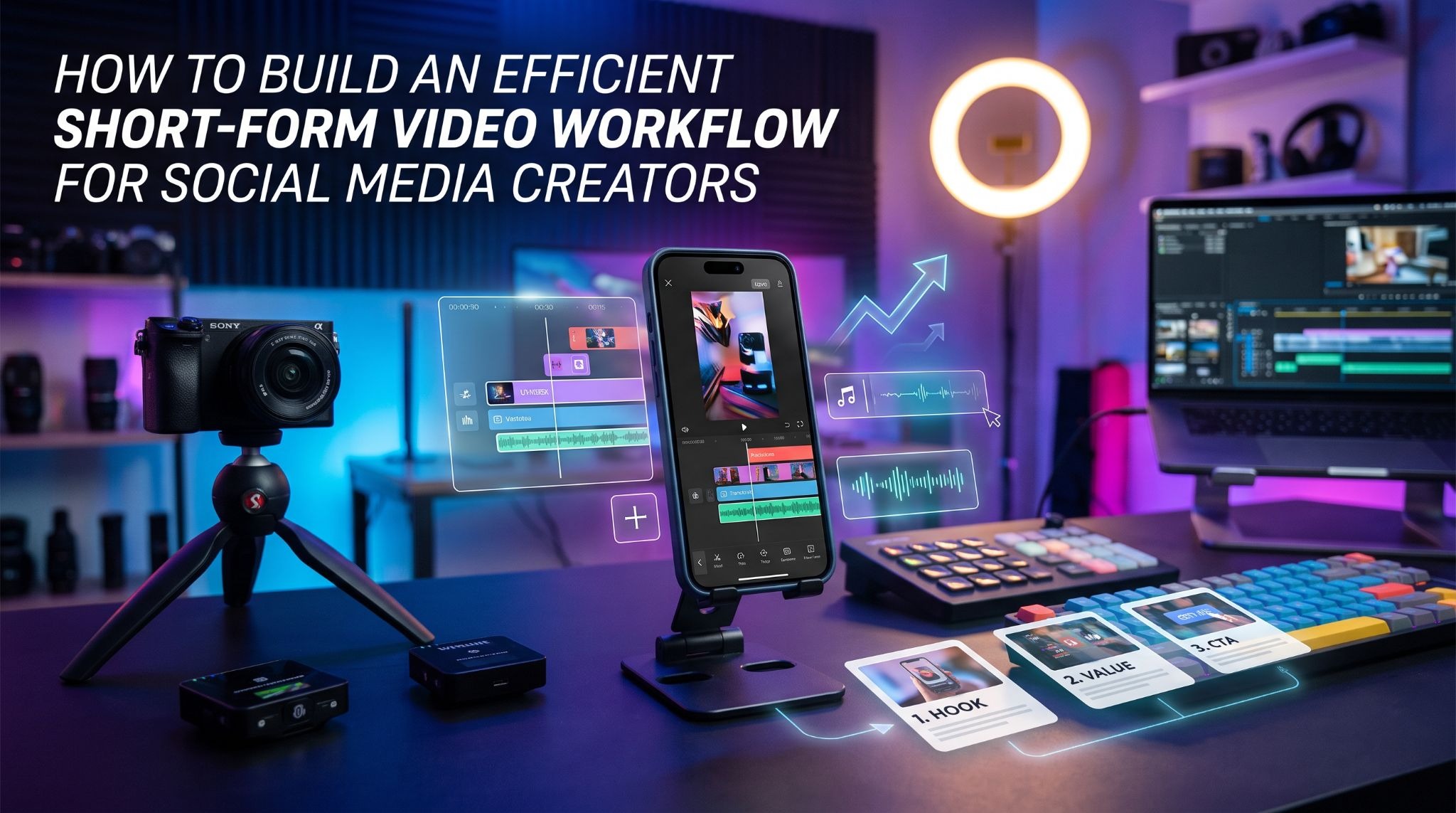
Creating short-form videos may look simple from the viewer’s perspective. A creator records a few clips, adds captions, makes some edits, and publishes the result. Behind a consistent publishing schedule, however, there is usually much more work involved.
Creators need to develop ideas, prepare recordings, review footage, edit different versions, and keep track of published content. Without an organized process, even a simple video project can become time-consuming.
A practical workflow helps manage these activities. It reduces time spent searching for files and gives creators more room to focus on developing useful, engaging content.
Why Short-Form Video Production Needs a Workflow
Publishing occasionally and producing content consistently are two different challenges. Someone creating one video every few weeks might manage everything from a phone gallery. A creator publishing several videos each week needs a reliable way to handle ideas, footage, drafts, and completed projects.
Without a clear process, original recordings can get mixed with exported videos, unfinished edits become difficult to identify, and useful ideas disappear among saved posts and screenshots.
A workflow gives each activity a defined place. Creators should be able to answer three basic questions:
- What content are we planning to produce?
- Which files and resources are required?
- What needs to happen before publication?
Even a simple spreadsheet or project board can help organize these activities and maintain a consistent publishing schedule.
Start With a Clear Content Plan
Before recording anything, decide what the video should communicate. A short-form video needs a clear purpose, even when its presentation is informal.
For example, a technology creator might publish tutorials, product demonstrations, quick explanations, and commentary on industry developments. Each format serves a different audience need.
A basic content plan should include the topic, intended audience, main message, format, and planned publication date. Creators can also organize ideas into recurring categories such as educational content, audience questions, product demonstrations, and behind-the-scenes footage.
This prevents a content calendar from becoming a collection of unrelated ideas.
Choose Topics That Solve Real Problems
Choosing topics only because they are trending can lead to inconsistent content. Trends may create opportunities, but they do not automatically make an idea useful to a particular audience.
Consider the questions people regularly ask about a subject. A creator discussing smartphones might explain battery maintenance, storage management, camera settings, or common software problems.
Before recording, write down the main question the video should answer. If the explanation contains several unrelated ideas, consider dividing it into separate videos. A focused message makes scripting easier and helps viewers understand the content.
Organize Footage Before Editing
Recording is only one stage of video production. The material collected during a session needs to be reviewed and organized before editing begins.
Creators who record several videos in one session should separate footage by project. A simple folder structure might include:
- Ideas: Notes, outlines, and planned concepts.
- Raw Footage: Original recordings.
- Editing Projects: Timelines and unfinished versions.
- Final Exports: Completed videos ready for publication.
- Published Content: Copies of videos already released.
- Creative Assets: Logos, graphics, and licensed resources.
File names matter too. A recording named VID_2048 provides little information when someone tries to locate it later. A descriptive name such as smartphone-camera-tips-november is easier to recognize.
Keeping original recordings separate from final exports also makes future editing easier. Creators may want to change a video’s format, correct an error, or produce a shorter version without re-recording everything.
Use Creative References Without Copying Other Creators
Watching other creators can help generate ideas, particularly when studying storytelling, editing, and presentation techniques.
However, collecting references is not the same as developing original content. Instead of copying another creator’s script or footage, identify the technique that makes a reference effective.
Perhaps the video introduces a problem before explaining the solution, uses visual demonstrations, or changes camera angles to maintain attention. Recording these observations in a reference library makes them useful during future planning.
Short-form video platforms also provide access to a wide range of public content. Creators may want to revisit eligible videos for personal reference. An online resource such as SnapTikk can be considered when looking for ways to access available TikTok video material.
For Indonesian-speaking audiences, the localized Download Video TikTok page provides a language-specific destination.
Any third-party material should be used within the permissions granted by its creator and applicable copyright rules. Saving a public video does not automatically provide permission to republish it, remove attribution, or use it commercially.
Develop a Repeatable Editing Process
Editing becomes easier when creators follow a consistent sequence instead of making every decision from scratch.
Start by reviewing recordings and selecting clips that support the video’s main message. Arrange them in a logical order, then add captions and on-screen text where they improve understanding.
Before exporting, review the complete video. Check for abrupt transitions, spelling mistakes, unclear audio, and sections that take too long to communicate a simple idea.
A final review checklist can include:
- Does the opening explain what the video is about?
- Is the main message easy to understand?
- Are captions accurate and readable?
- Is the audio clear?
- Does the video use the appropriate aspect ratio?
- Are copyrighted assets used with the necessary permissions?
- Does the final export play correctly?
Reusable editing templates can also save time, particularly for creators who publish similar formats regularly.
Track Published Videos and Review Performance
Once a video has been published, keeping a record of completed posts can help creators understand their publishing history.
A simple tracking sheet might include the video title, topic, publication date, platform, format, and project folder. Where available, creators can also record views, watch time, comments, and audience retention.
The purpose is not to chase every number. It is to identify patterns that can inform future decisions.
For example, a creator may notice that demonstrations receive more meaningful comments than general announcements. Another might discover that a particular subject generates questions that could become a series of follow-up videos.
These observations provide a better basis for planning than simply choosing topics because they appear popular elsewhere.
Protect Files and Account Information
An efficient workflow should also protect the material it contains. Video projects may include personal recordings, unpublished ideas, or private conversations. Store these files carefully, limiting access to people who need them.
Creators can reduce avoidable risks by using strong passwords, enabling available account security features, and keeping important files backed up.
When using third-party websites, avoid services that request unnecessary account credentials or unrelated permissions. Review privacy information and understand how submitted content is handled.
Copyright matters as well. Music, photographs, graphics, and video clips may belong to other creators or rights holders. Their presence in a public post does not automatically make them available for unrestricted reuse.
Build a Workflow That Fits Your Schedule
A good workflow should make production easier, not create another administrative burden.
Creators publishing occasionally may only need a folder structure and a simple content calendar. Those producing videos every day might enjoy project management software, shared asset libraries, and more detailed review processes.
Start with the activities that cause the most friction. If ideas are frequently forgotten, improve the planning process. If files are difficult to locate, reorganize the archive. If editing takes too long, create reusable templates.
Review the process periodically and remove steps that no longer provide value.
Final Thoughts
Consistent short-form video production depends on more than recording and publishing. Planning, file organization, creative research, editing, and performance review all contribute to the finished result.
A repeatable workflow helps creators manage these activities while protecting original work and making previous projects easier to revisit.
The most effective system is the one that fits the creator’s actual needs. Start with a clear content plan, organize recordings, keep references separate from original work, and regularly review published content.
These small improvements can make video production more manageable and leave creators with more time to focus on developing ideas worth sharing.
