

Picking an access control system for a multi-tenant building is not the same as picking one for an office. The rhythms are different, the user population is different, and the consequences of getting it wrong are bigger. In an office you usually have a set of staff who know the rules and can adapt. In a residential building you have a constantly rotating cast of residents, guests, delivery drivers, maintenance crews, and visitors, and your system has to work smoothly for all of them without anyone needing training.
Here is the framework I use when advising property managers through this decision.
Start with door count and unit count
These two numbers shape everything else. A twelve unit brownstone with two entry points has completely different needs than a two hundred unit complex with a parking garage, three lobby entrances, an amenity floor, and a package room. The larger the building gets, the more the integration between intercom, entry doors, and management software starts to matter. Small properties can often get away with a simpler deployment. Larger properties quickly hit the limits of basic systems and end up paying twice, once for the initial install and again for the replacement.
Think through credential management
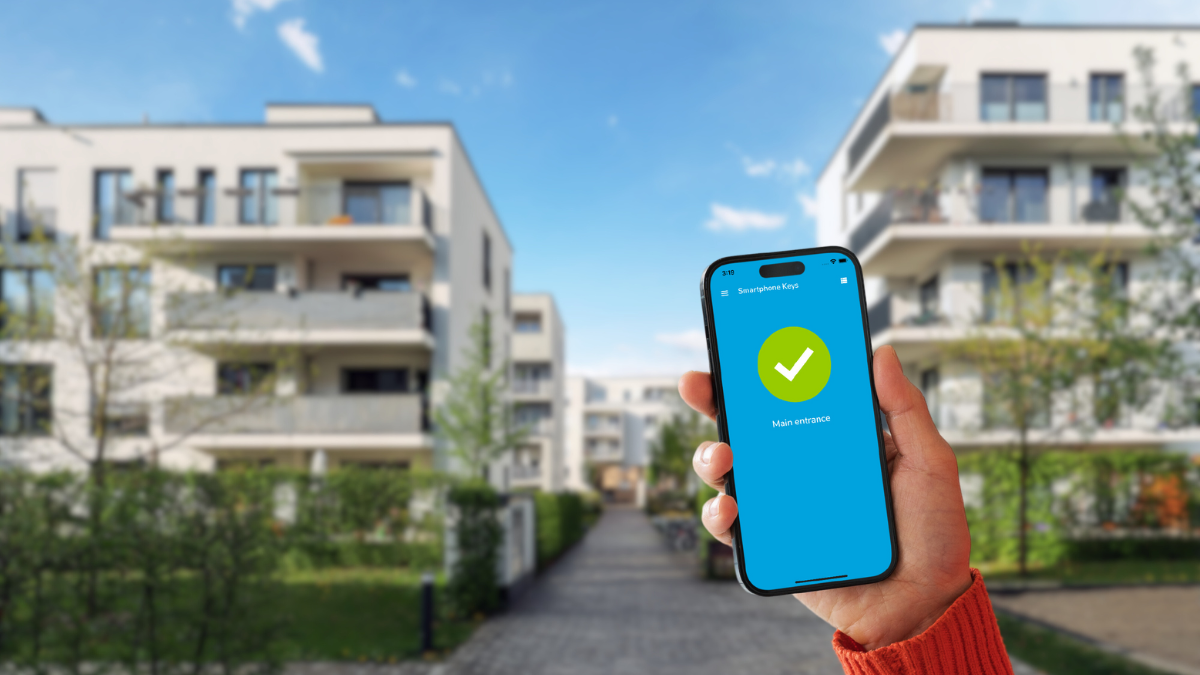
This is the operational backbone of the system. Fobs and cards are fine, but they carry real costs. Every time a resident moves out you either lose a fob or you pay staff time to collect and reissue. Mobile credentials solve most of this because they can be provisioned and deprovisioned from a laptop in thirty seconds. If your turnover rate is high or your property manager is already stretched thin, mobile credentials are worth the small per-unit cost difference. Dnake Access Control systems and similar IP-based platforms have made this shift much more affordable than it used to be, and the administrative savings over a few years usually justify the initial spend on their own.
Plan for video intercom from day one
For residential, video is no longer optional. Residents expect to see who is at the door before they buzz them in, and delivery drivers expect to be able to leave packages in a secure way. A system that combines intercom with access control gives you a single interface for both, which cuts down on hardware, wiring, and the number of separate apps your residents have to deal with. Look specifically at how the intercom handles calls to resident mobile devices. The cheaper systems will route a call through an app that may or may not ring reliably. Better systems have proper VoIP backends with call fallback to a secondary number or device. This difference shows up every time a delivery person stands at the door and presses the button.
Scope the network properly
A surprising number of access control problems trace back to bad network design. If your cameras, your intercom, and your access readers are all fighting for bandwidth on the same undersized router, you will get dropped calls and delayed entry events that residents will complain about. When you scope an installation, make sure your installer is planning the network properly. A small investment in a managed switch and a dedicated VLAN pays for itself the first time you avoid a weekend service call.
Ask hard questions about the admin interface
You or your property manager is going to live in this interface for years. Ask for a demo, not a slide deck. Pull up a test account and walk through the tasks you will actually perform. Adding a resident. Revoking a lost fob. Pulling an access log for a specific door and date range. Changing the after-hours schedule. If any of these tasks feel clunky in the demo, they will be worse when you are doing them under pressure. The best systems treat these workflows as first-class features, not afterthoughts.
Understand redundancy and offline behavior
What happens if the internet goes down? What happens if the power fails? A properly designed access control system has local fallback for door decisions so that residents can still get in during an outage. A cheap system routes every decision to the cloud and fails closed, which means your residents are stuck in the lobby until the internet comes back. Ask about offline behavior specifically. The answer tells you a lot about how the system was designed.
Plan for expansion
Buildings are not static. You might add a bike room next year. You might renovate the lobby in three years and add a package locker. The system you choose should have a clear path for expansion without requiring a full replacement. IP-based systems have a significant advantage here because adding a reader or a door is usually a matter of running a cable and provisioning the device through software, not tearing into the original install.
Put cost last, not first
Access control is one of those areas where the cheapest option almost always turns into the most expensive option over a five year horizon. The math usually works out to you paying a small premium upfront for better hardware, a better admin interface, and better long-term support, and recovering that premium many times over in avoided service calls and resident complaints. If a quote comes in dramatically lower than the others you are comparing it to, ask exactly what has been cut. The answer is almost never nothing.
Make the decision deliberately. Residents notice access control every single day, whether it works well or it does not. Getting this right is one of the highest leverage investments a property manager can make.
