

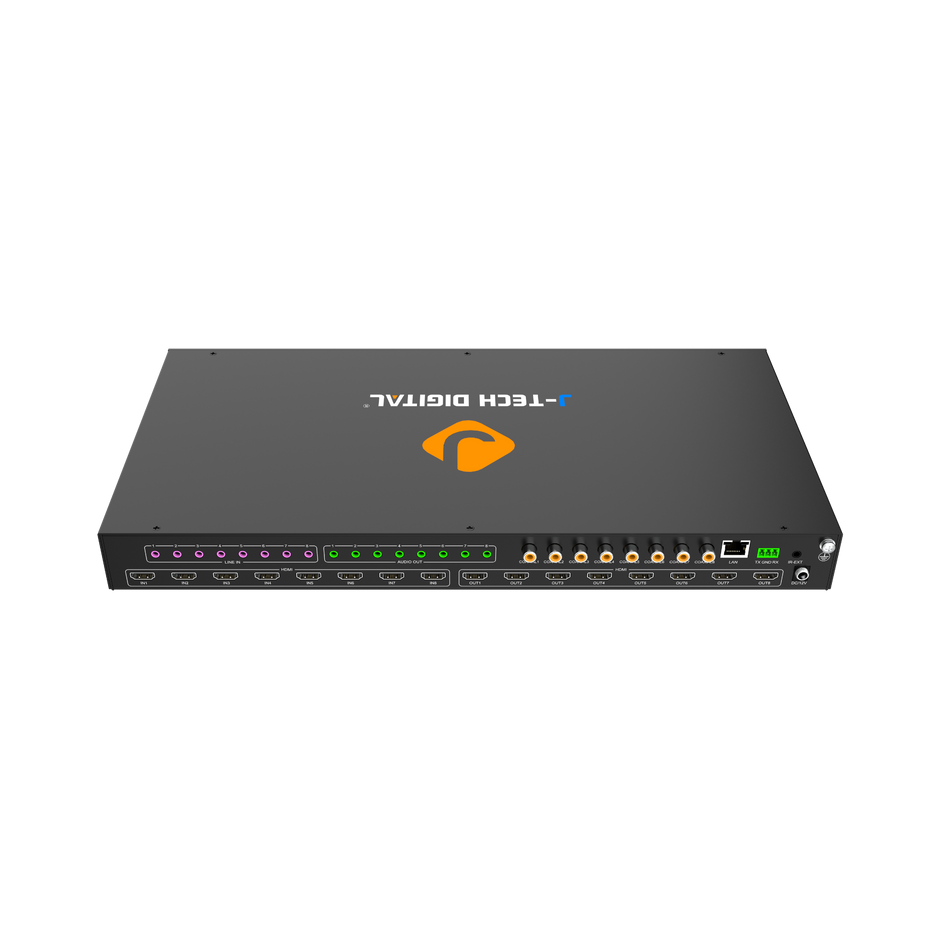
Managing dozens of HDMI sources across conference rooms, training centers, and executive suites presents one of the most persistent headaches for IT professionals in corporate environments. When a single boardroom might need to switch between a laptop, a media player, and a video conferencing system—all routed to multiple displays—the complexity multiplies fast. HDMI matrices offer a scalable, centralized solution for video routing that eliminates cable chaos and puts control back in the hands of IT teams. This guide walks you through the complete process of creating and managing HDMI matrix systems, from initial planning through installation and ongoing maintenance. Whether you’re starting with a foundational component like an HDMI switch 2 in 1 out or architecting a facility-wide distribution network, you’ll find actionable steps tailored to the demands IT managers face daily. We’ll cover scalability considerations, technical configuration, and how to leverage manufacturer support to keep your systems running reliably for years to come.
Understanding HDMI Matrices and Core Video Routing Concepts
An HDMI matrix is a hardware device that connects multiple video sources to multiple displays simultaneously, allowing any input to be routed to any output independently. This differs fundamentally from a simple HDMI switch, which only directs multiple sources to a single display. A matrix gives IT professionals granular control over video routing—sending a laptop feed to the main conference display while simultaneously pushing a digital signage stream to lobby monitors, all from one centralized unit.
For IT teams managing corporate multimedia environments, this technology solves a critical operational problem. Without a matrix, each source-to-display connection requires dedicated cabling and manual intervention to change configurations. With a matrix, routing decisions happen electronically, often through software interfaces or control systems like Crestron or AMX. The benefits in corporate settings are substantial: reduced cable infrastructure, faster room reconfiguration, centralized management from a server closet rather than behind individual displays, and the ability to support dynamic meeting scenarios where presenters change frequently. Video routing through a matrix also preserves signal integrity across longer runs, which matters when sources and displays sit in different parts of a building.
Planning a Scalable HDMI Matrix Setup for IT Environments
Scalability should drive every decision when designing an HDMI matrix deployment. Corporate environments rarely stay static—new conference rooms come online, departments restructure, and display technology evolves. IT professionals who plan only for today’s needs inevitably face costly rework within months.
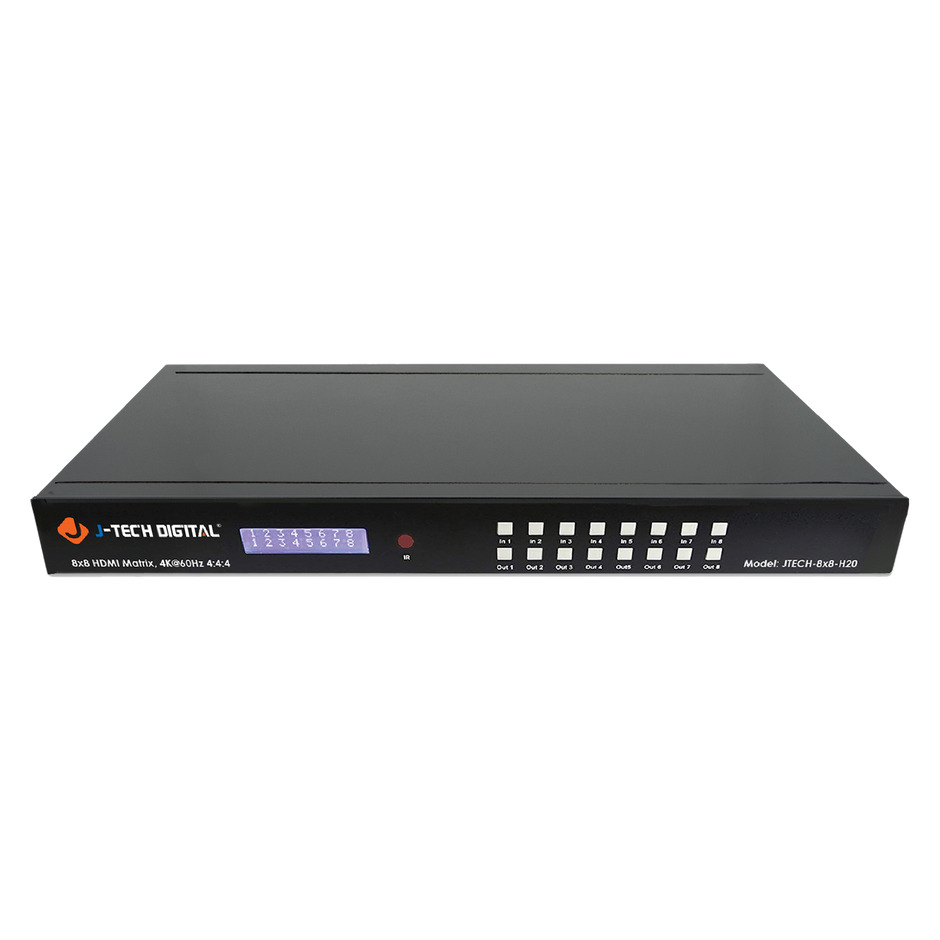
Start by auditing your current infrastructure. Document every HDMI source and display across all managed spaces, noting their physical locations and typical usage patterns. Count not just what exists now, but anticipate growth over a 3-to-5-year horizon. If your organization plans to add training rooms or expand a floor, factor those endpoints into your matrix sizing from the outset. A facility currently running six sources and eight displays might need capacity for twelve inputs and sixteen outputs within two years.
Equipment selection follows directly from this assessment. For smaller satellite rooms or huddle spaces, an HDMI switch 2 in 1 out serves as an effective edge device that feeds into your larger matrix infrastructure. This tiered approach—local switches handling room-level consolidation while a central matrix manages building-wide routing—keeps the architecture modular and cost-effective. When evaluating matrix hardware, prioritize units with open expansion slots or daisy-chain capability. Confirm that your chosen platform supports the resolutions and HDCP versions your sources require, and verify compatibility with your existing control systems. Planning for growth at the equipment selection stage prevents the frustrating scenario of hitting port limits just as a new executive suite comes online.
Step-by-Step Guide to Create HDMI Matrix
Selecting Components and Initial Setup
Building a reliable HDMI matrix starts with assembling the right components. You’ll need the matrix switcher itself, HDMI cables rated for your required resolution and run length, a control interface (whether IR remote, RS-232 controller, or IP-based management software), and any edge devices like an HDMI switch 2 in 1 out for room-level source consolidation. Rack-mounting hardware and proper ventilation equipment round out the physical requirements. When selecting your matrix unit, manufacturers like J-Tech Digital Inc offer options designed specifically for professional AV environments with features that matter to IT teams—rack-mountable form factors, EDID management, and network-accessible control interfaces. Choose components that share compatible HDCP versions and support your highest-resolution sources. Confirm that cable lengths won’t exceed HDMI specification limits for your signal type, and budget for active cables or HDBaseT extenders if distances exceed 15 meters.
Installation, Configuration, and Video Routing Implementation
Mount the matrix in your equipment rack with adequate airflow clearance above and below the unit. Connect all source devices to input ports using certified cables, labeling each connection at both ends for future troubleshooting. Run output cables to their respective displays, using extenders where distance requires them. Power on the matrix before connecting sources to allow proper EDID handshaking. Access the configuration interface—typically through a web browser for IP-enabled units or dedicated software—and assign input-output routing maps that match your default room configurations. Set up EDID modes appropriate for each output display to prevent resolution negotiation failures. Program preset routing scenes for common scenarios: all-hands meetings, individual presentations, and digital signage modes. If integrating with a control system, map matrix commands to room control panels so end users can switch sources without IT intervention. Common installation issues include HDCP handshake failures (resolved by ensuring consistent HDCP versions across the signal chain) and blank outputs caused by incorrect EDID settings (fixed by manually loading the target display’s EDID profile into the matrix).
Testing and Validating the HDMI Matrix
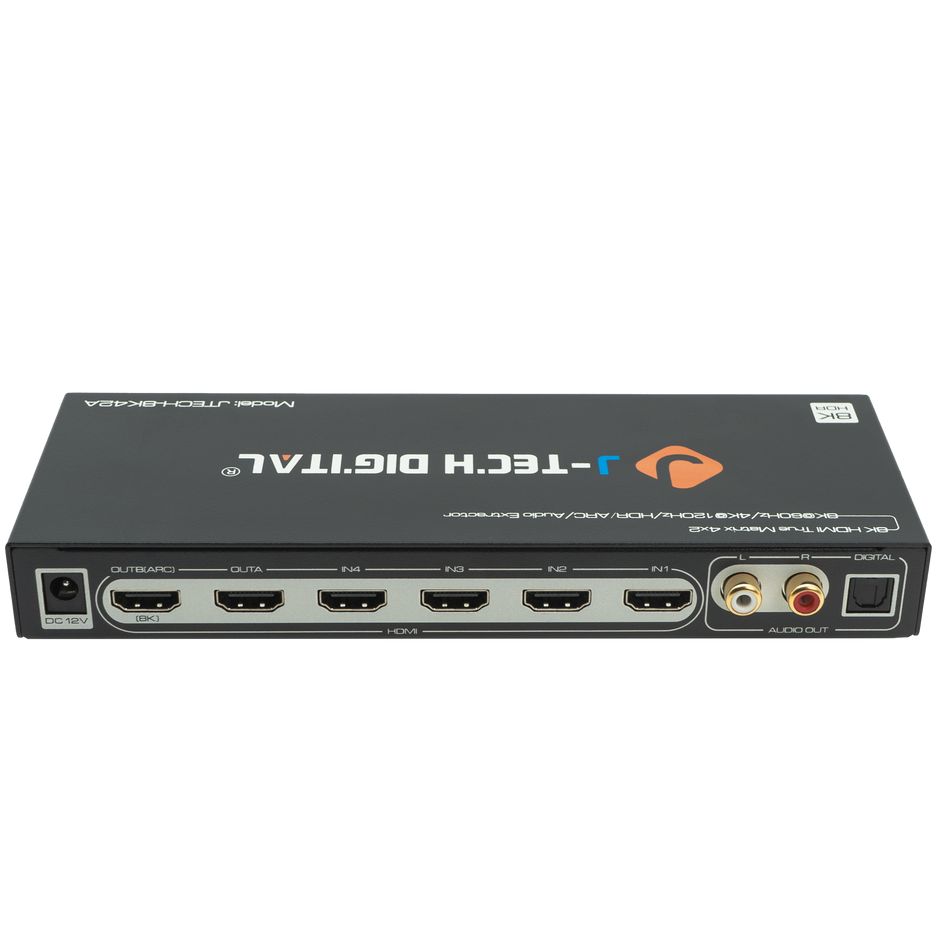
Systematically test every input-to-output combination rather than just the routes you expect to use daily. Send a test pattern from each source and confirm it displays correctly on every connected output, checking for resolution accuracy, color fidelity, and audio pass-through. Verify that switching between presets happens within acceptable timeframes for your users—typically under three seconds. Test control system integration by triggering route changes from every interface point. Finally, simulate your growth scenario by connecting devices to expansion ports to confirm the matrix handles additional endpoints without degrading performance on existing routes.
Accessing and Utilizing Manufacturer Support
Even experienced IT professionals encounter scenarios where manufacturer support becomes essential—whether it’s a firmware bug affecting HDCP handshaking, an advanced matrix configuration that isn’t documented in standard guides, or a compatibility question about integrating new source devices into an existing routing infrastructure. Companies like J-Tech Digital Inc provide technical support channels that IT managers should treat as a strategic resource rather than a last resort.
Engage support proactively during the planning phase, not just when problems arise. Before purchasing, reach out to confirm that your proposed matrix configuration supports your specific source and display combinations, particularly if you’re running 4K HDR content or need to pass multichannel audio formats. During installation, leverage their expertise for EDID management challenges—these often require device-specific knowledge that goes beyond general troubleshooting. For firmware updates, subscribe to notification channels so you’re aware of patches that address security vulnerabilities or add compatibility with newer HDCP revisions. When contacting support, document your signal chain completely: source device models, cable types and lengths, matrix firmware version, and display specifications. This information accelerates resolution dramatically. For ongoing operations, establish a relationship with your support contact so they understand your environment’s complexity, making future interactions more efficient and tailored to your infrastructure’s specific demands.
Best Practices for IT Managers in Maintaining Video Routing Systems
Keeping HDMI matrix systems reliable over time requires disciplined ongoing management. Schedule quarterly inspections of all cable connections and extenders, checking for signal degradation before users report issues. Maintain a living document that maps every source, output, cable run, and firmware version in your routing infrastructure—this single reference eliminates guesswork during troubleshooting and simplifies onboarding new team members. Set calendar reminders to check for firmware updates and test them in a non-production environment before deploying across your matrix fleet. Future-proof your investment by reserving at least 20 percent of your matrix capacity for unplanned growth, and standardize on scalable components like the HDMI switch 2 in 1 out at the room level so expansions require minimal redesign. Pair these technical practices with a reliable support relationship, ensuring that when edge cases arise, you have a direct path to resolution without extended downtime.
Building a Reliable HDMI Matrix Infrastructure for Long-Term Success
Building and managing HDMI matrix systems represents a core competency for IT professionals responsible for corporate multimedia environments. The process begins with understanding how matrices differ from simple switches and why centralized video routing transforms operational efficiency across conference rooms, training facilities, and executive spaces. Careful planning—auditing current infrastructure, anticipating growth, and selecting scalable components like an HDMI switch 2 in 1 out for room-level consolidation—prevents costly rework and ensures your architecture adapts as organizational needs evolve. The step-by-step creation process, from component selection through installation, configuration, and rigorous testing, provides a repeatable framework you can apply across any facility. Equally important is the ongoing relationship with manufacturer support, which serves as a force multiplier when tackling complex configurations, firmware management, and compatibility challenges. Apply this guide as a living reference for your next deployment or system expansion. IT teams that invest in well-architected video routing infrastructure today position their organizations for seamless collaboration and communication as display technology and workplace demands continue advancing.
