

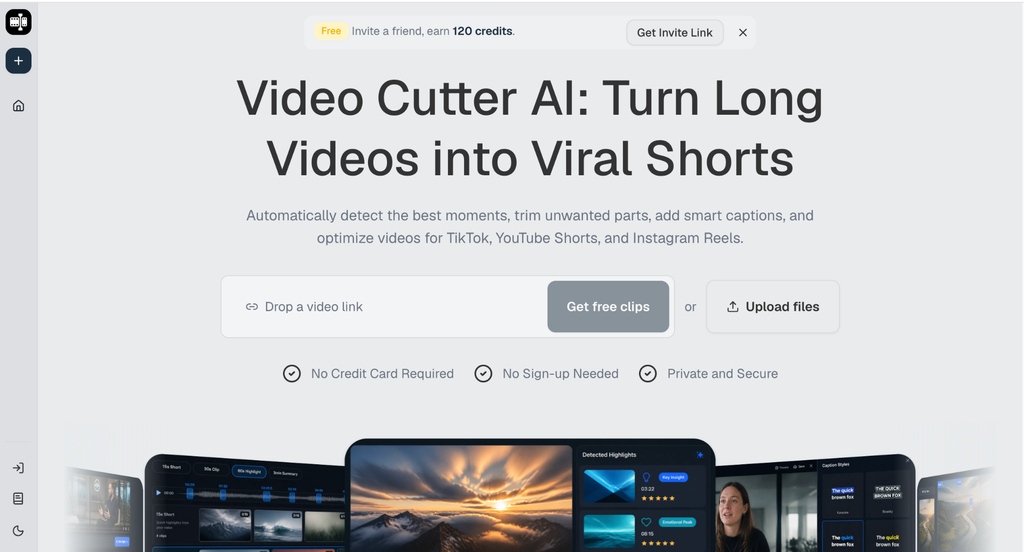
A one-person content operation does not need more recording sessions to stay visible. It needs a better way to treat each long recording as source material for several useful posts. Video Cutter AI is built for that first step: it can analyze a long spoken video, surface likely highlights, remove silence and filler, create captions, and reframe clips for vertical platforms. The important part is what happens after the first pass. You still need to decide which moments deserve to represent your work.
(Video Cutter AI homepage)
Start With a Recording Worth Reusing
Video Cutter AI works best when the source has spoken substance to analyze. Record one long video with several clear ideas instead of trying to create a dozen unrelated short videos. A founder update, podcast episode, tutorial, webinar, or customer interview can work when the speaker explains specific problems, gives examples, and finishes complete thoughts.
Before uploading a file or pasting a YouTube link, make a short note of the topics inside it. That note helps you recognize whether a suggested highlight supports an educational post, an opinion-led clip, a product explanation, or a teaser for the full video.
Look for Complete Moments
Do not choose a clip only because one sentence sounds dramatic. A useful short should give a new viewer enough context to understand the point. The opening should create interest, the middle should deliver the idea, and the ending should feel finished.
For example, a good clip may begin with a problem, explain the cause, and finish with one practical adjustment. A clip that starts with “That is exactly what happened” probably needs an earlier start point.
Build a Candidate Queue Before Editing
(How to use Video Cutter AI workflow guide)
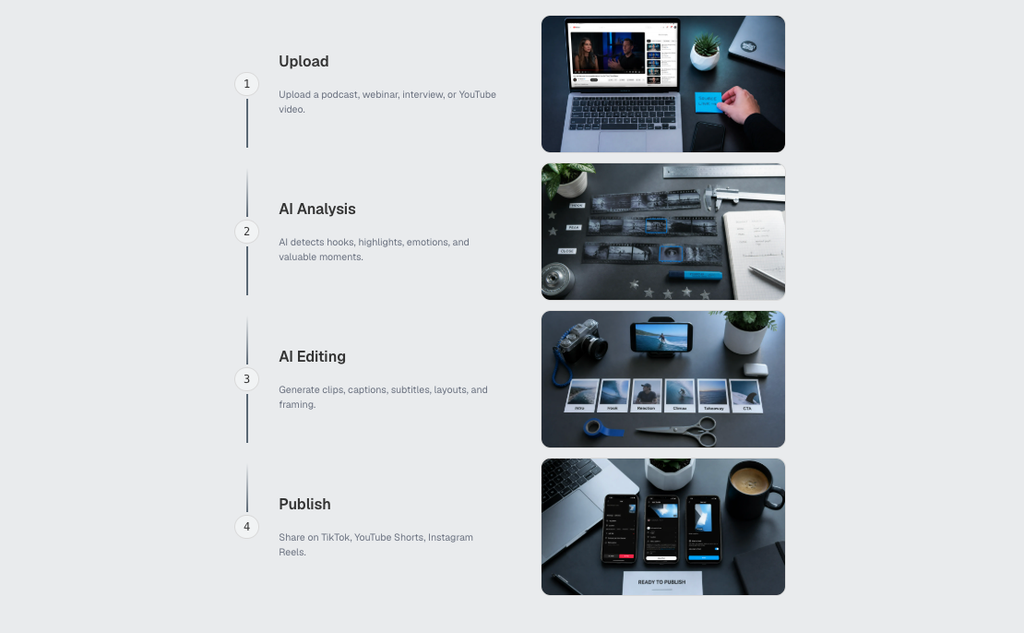
The first output from AI should be a queue of options, not a publishing list. Review the suggested highlights and group them by purpose. One clip may answer a common beginner question. Another may show a product detail. A third may contain a strong opinion that invites discussion.
Give Every Clip One Job
A clip becomes easier to edit when it has one reason to exist. It might explain one mistake, demonstrate one step, share one observation, challenge one assumption, or introduce one longer resource. Avoid trying to teach five ideas in forty seconds.
This also makes captions, framing, and post copy easier to review. When the message is clear, you can tell whether the first line is strong enough and whether the ending needs a cleaner cut.
Make Vertical Formatting an Editorial Decision
Auto Reframe can turn landscape footage into a vertical Short, but it cannot decide what matters most in every frame. Watch the result on a phone-sized preview. Check whether the speaker’s face, screen recording, slide text, and captions are competing for space.
Review Captions and Pacing Together
Smart captions are useful as a starting point, especially when you need consistent short-form output. Proofread names, numbers, product terms, and line breaks. Then listen to the clip. Silence and filler removal can tighten a slow opening, but removing every pause can make the speaker sound rushed.
AI B-roll can support a clip when it clarifies a process or gives visual proof. It should not cover the most important facial expression or replace the evidence the speaker is discussing.
Publish in a Rhythm You Can Maintain
The practical goal is not to post every possible highlight. It is to create a small, reliable group of clips that can carry a week of publishing. Keep a simple list with the source video, topic, target platform, status, and one note about why the clip was selected.
Review what happened after publication. A clip that earns comments may show that a question deserves a longer follow-up. A clip with an unclear opening may reveal a recording habit to fix next time. That learning improves the next source video before editing begins.
Conclusion
Avoid treating every AI-suggested moment as a finished post. Check whether the idea stands alone, whether captions are accurate, and whether the vertical frame supports the message. Also avoid building a schedule around volume alone; a smaller set of clear clips is easier to review and more useful to the audience.
Video Cutter AI (https://video-cutter.ai/) has successfully bridged the gap between long-form source material and practical short-form clipping. Its highlight detection, captions, reframing, silence and filler removal, and AI B-roll can support the first editing pass while human review protects clarity and context.
Try Video Cutter AI: https://video-cutter.ai/
