

WhatsApp remains the world’s most popular messaging platform, but many users wish they had more control over privacy, customization, and media sharing. That’s one reason modified versions like fm whatsapp apk continue to attract Android users looking for additional functionality.
While most people know about themes and privacy settings, there are several lesser-known features that can significantly improve the messaging experience. Whether you’re interested in personalization, productivity, or greater control over your conversations, these hidden features are worth exploring.
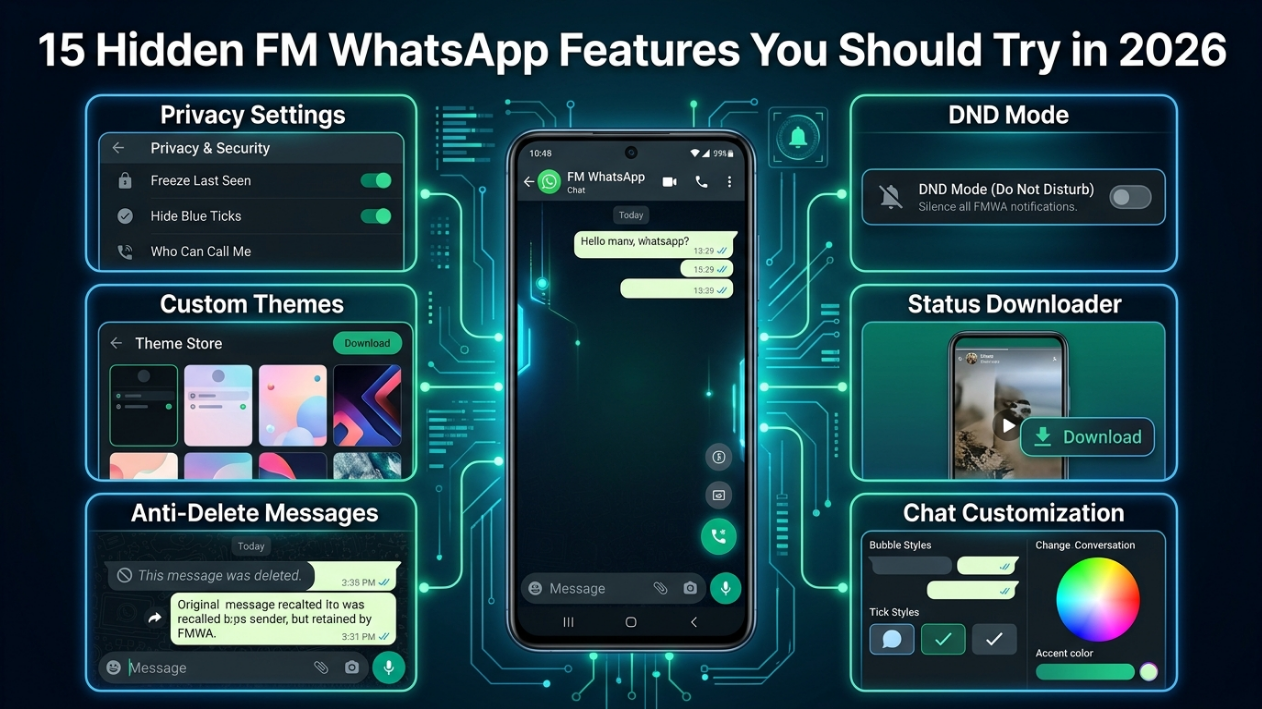
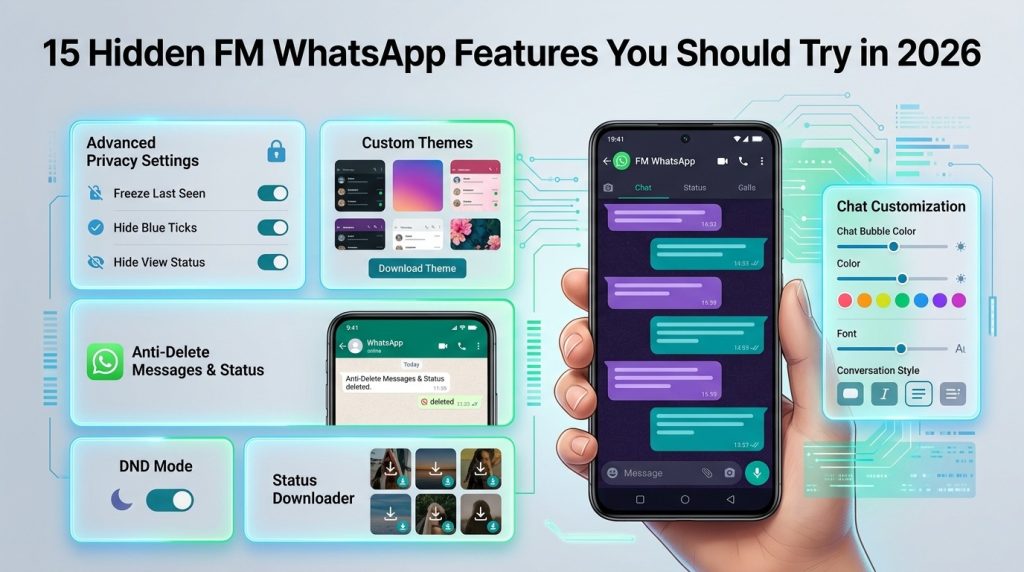
1. Freeze Last Seen
Sometimes you want to stay connected without constantly updating your activity status.
Freeze Last Seen keeps your visible timestamp unchanged while allowing you to continue using the app normally. This gives users more control over how much information they share with contacts.
2. Hide Online Status
Many people prefer checking messages without appearing online.
This feature allows you to browse chats, read conversations, and send replies while remaining invisible to others. It’s particularly useful for users who want fewer interruptions throughout the day.
3. Anti-Delete Messages
Have you ever received a notification only to discover the sender deleted the message before you could read it?
Anti-Delete Messages allows deleted texts to remain visible, helping users see what was originally sent before it was removed.
4. Anti-Delete Status
The same functionality applies to status updates.
If a contact uploads a photo, video, or text status and later deletes it, the content may still remain accessible on your device.
5. Thousands of Themes
One of the biggest attractions is the ability to personalize nearly every aspect of the interface.
Users can choose from thousands of themes, customize fonts, adjust colors, and modify chat layouts to create a messaging experience that feels unique.
6. Enhanced Chat Protection
Privacy-conscious users appreciate the ability to secure individual conversations.
Chats can be protected using passwords, PIN codes, fingerprints, or patterns, providing an additional layer of security beyond the standard app options.
7. Built-In Status Downloader
Saving status updates becomes much easier with a built-in download tool.
Instead of asking friends to send photos or videos separately, users can save content directly to their devices with just a few taps.
8. Larger Media Sharing Limits
Sharing high-quality content is often a challenge on traditional messaging platforms.
Enhanced media-sharing options allow larger files, longer videos, and better image quality, making it easier to send content without significant compression.
9. Custom Notifications
Not every message deserves the same level of attention.
Custom notification settings allow users to assign unique alerts, icons, or preferences to specific contacts, making important conversations easier to identify.
10. Cleaner Message Forwarding
Some versions offer additional control over forwarded content.
This creates a cleaner appearance when sharing messages with groups or individual contacts.
11. Do Not Disturb Mode
There are times when you need a break from constant notifications.
Do Not Disturb (DND) Mode disconnects the messaging app from the internet while leaving other applications unaffected, helping users focus without completely disconnecting their devices.
12. Hide Typing and Recording Indicators
Many users prefer composing messages privately.
With typing and recording indicators hidden, you can prepare replies or voice notes without notifying the recipient until you’re ready to send them.
13. Message Scheduler
Remembering to send messages at the perfect time isn’t always easy.
A built-in scheduler allows users to set future messages for birthdays, reminders, business communications, and other important occasions.
14. Auto Reply
Originally popular among business users, Auto Reply has become useful for anyone with a busy schedule.
Automatic responses can help manage conversations when you’re unavailable, traveling, or focusing on work.
15. Advanced Interface Customization
Beyond themes, users can customize chat bubbles, ticks, navigation styles, home screens, and other visual elements.
These options allow for a highly personalized messaging experience that feels different from the standard app.
Why Many Android Users Prefer Additional Customization
The continued popularity of modified messaging apps comes down to a few key advantages:
- More privacy controls
- Greater customization options
- Improved media-sharing capabilities
- Enhanced conversation management
- Additional productivity tools
For users who enjoy tailoring apps to their preferences, these extra features can make everyday messaging more convenient and enjoyable.
Is FMWhatsApp Right for You?
The answer depends on how you use messaging apps.
If you’re satisfied with the standard experience, the official version may already meet your needs. However, users who value customization, advanced privacy controls, and additional communication tools often appreciate the flexibility offered by alternative solutions.
Before installing any third-party application, it’s important to research compatibility requirements, review available features, and stay informed about updates.
A Reliable Resource for Updates and Guides
Finding trustworthy information about modified messaging apps can be surprisingly difficult. Many websites publish outdated files, incomplete tutorials, or confusing installation instructions.
For users who want detailed guides, feature breakdowns, update information, and troubleshooting resources, https://fmwhapp.net/ serves as a dedicated knowledge hub focused on the platform and its latest developments.
Final Thoughts
Messaging apps continue to evolve, and many users want more flexibility than traditional platforms provide. Features such as Freeze Last Seen, hidden activity indicators, advanced customization, media-sharing enhancements, and scheduling tools demonstrate why alternative messaging solutions remain popular among Android users.
Whether your priority is privacy, personalization, or productivity, exploring these hidden features of fm whatsapp can help you get more from your everyday conversations.
