

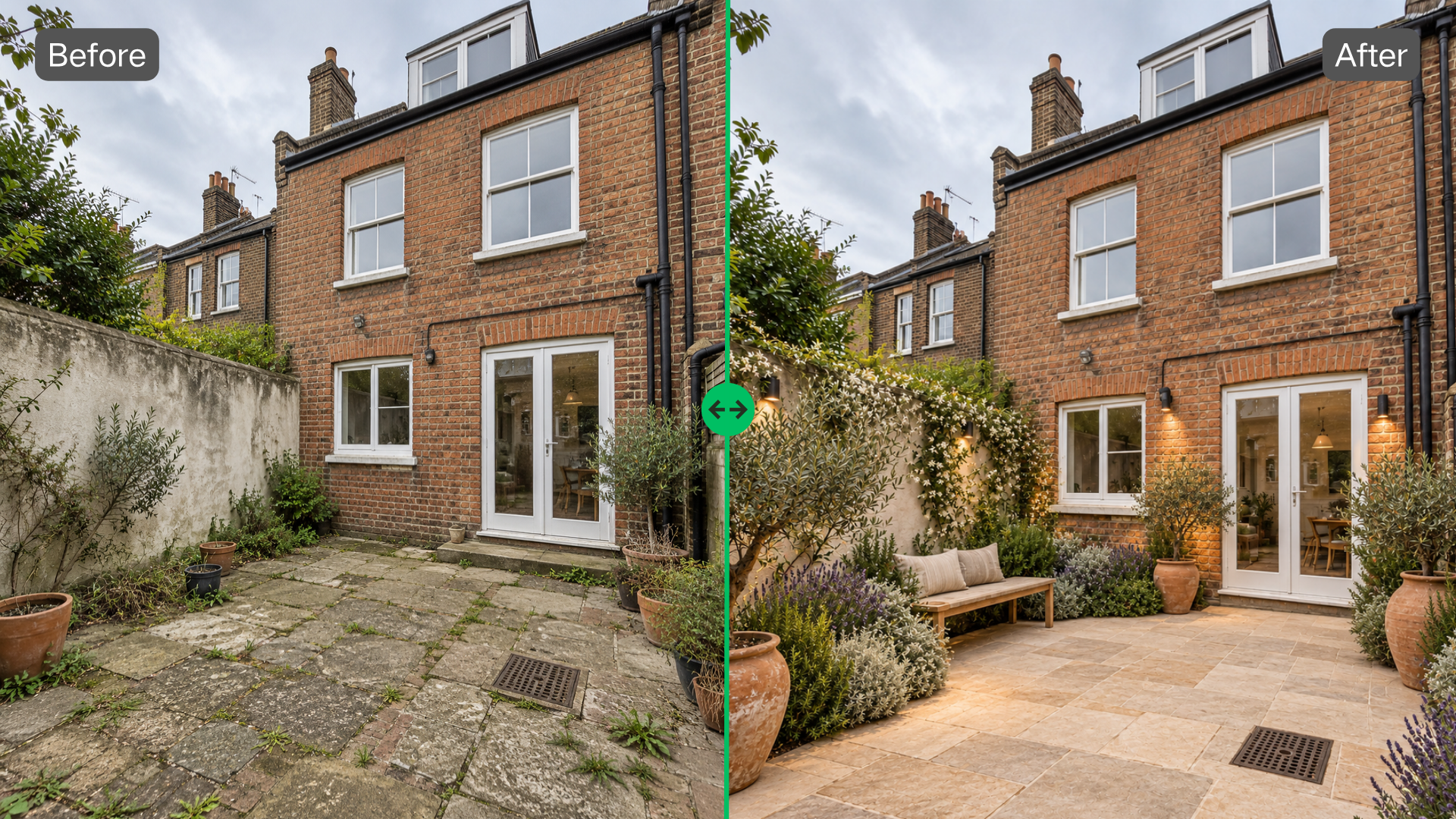
Outdoor projects often lose time before the real design work even starts. A homeowner has five reference images but no clear preference. A property team agrees that a courtyard needs improvement, yet nobody agrees on what “better” means. The space is real; the ideas are still floating. That gap is where early visualization can do useful work.
Put the Idea on the Actual Site
A landscape plan starts with a photo of the place you are trying to change.
That sounds basic, but it removes a lot of guesswork. The existing building stays in view. So do the mature trees, awkward paving, narrow entrances and empty corners that may be easy to ignore when looking at reference projects.
Test one design question at a time
Consider a commercial entrance with a broad paved approach and very little planting.
The initial request is vague: make it feel greener and less exposed.
Instead of asking for a complete redesign, test one change. Keep the existing route to the door. Add planting along the building edge and around the outer boundary. Leave the center mostly open.
The first landscape plan now has a clear purpose. It shows whether more planting improves the arrival experience without taking over the circulation space.
If the entrance starts to feel narrow, reduce the planting. If the building still looks bare, strengthen one side rather than adding greenery everywhere.
The direction gets clearer without turning one problem into five new ones.
Use style to clarify, not decorate
Once the layout is roughly right, style becomes more useful.
A Modern version might introduce cleaner planting edges and a simpler visual rhythm. A Natural version could soften the same entrance with looser vegetation.
The question is not which image looks more polished.
Look at the building. Look at the width of the approach. Look at what is already there.
One landscape plan may fit the architecture better. Another may handle planting more naturally. Keep the useful part from each if that produces the stronger direction.
Early landscape planning does not need rigid labels.
Look Beyond the First Impression
AI can make an outdoor space look different very quickly. Different is not automatically better.
The next step is checking whether the new image still respects how the site is used.
Compare what was gained and what disappeared
Take a rooftop with planters around the perimeter and a large open center.
It looks sparse in the original photograph, so adding a seating area feels logical. A generated concept fills one side with furniture and adds more planting around it.
Visually, the rooftop feels more complete.
Compare it with the original again.
The open center gave people a clean route across the roof. It also made the existing planters feel more prominent. The new landscape plan has solved the “empty” feeling but created a busier space than the site probably needs.
Remove half the furniture. Keep one seating cluster. Let some floor remain empty.
The quieter version may be the better one.
Refine instead of regenerating
Once a direction works, broad changes become less useful.
Suppose the rooftop layout is now right, but one planting group blocks too much of the view. That is a local problem.
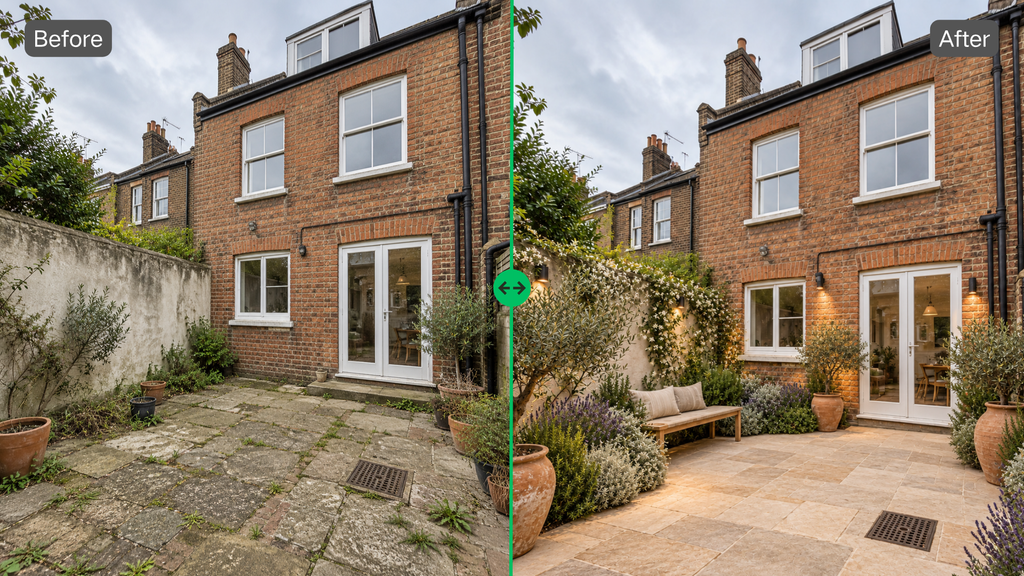
Select the area in landscaping near me Editor and ask for lower planting. Leave the seating, existing planters and open center alone.
The next landscape plan does not need to look dramatically new. In fact, it probably should not.
A good revision preserves decisions that have already survived review.
Match the Tool to the Scale of the Problem
Not every outdoor project needs the same kind of exploration.
A small home garden may already have a workable layout. The homeowner is deciding whether the border should be denser, whether a water feature fits beside the patio, or whether another garden style changes the mood.
In that case, a garden planner is a more focused option, especially when the questions stay close to residential garden type, vegetation density, water features, time and weather.
A broader landscape plan becomes more relevant when the design extends into circulation, entrances, courtyards, rooftops, streets or commercial outdoor areas.
Keep the existing site in the conversation
This matters on larger spaces because empty areas are often functional.
A plaza may need open room for movement. A courtyard may look underused while still serving as a direct route between two buildings. A commercial entrance may benefit from planting without needing new seating at all.
The site photo keeps those facts visible.
Without it, there is a risk of designing toward a generic idea of what an attractive outdoor space should contain: more plants, more furniture, more visual interest.
Sometimes the right landscape plan adds very little.
Get to a Smaller Set of Better Choices
The value of AI landscape design is not the number of concepts it can produce.
Ten variations are not automatically more useful than three.
What matters is whether each round removes uncertainty.
Stop when the discussion becomes specific
At the beginning, feedback often sounds like this: greener, warmer, less empty, more modern.
After a few visual tests, the language changes.
Keep this tree. Reduce the planting near the door. Leave the center open. Move the seating farther from the entrance.
That shift is important.
A landscape plan has done useful work once the team is discussing visible choices rather than broad preferences.
There will still be decisions later. There should be. The preview is not meant to settle everything.
Its role is earlier: take an idea that only exists in conversation, put it onto the real site, and see whether it survives contact with the place.
That is where AI has real potential in landscape planning. Not in generating endless versions of outdoor spaces, but in helping people reach clearer, more grounded decisions while those decisions are still easy to change.
