

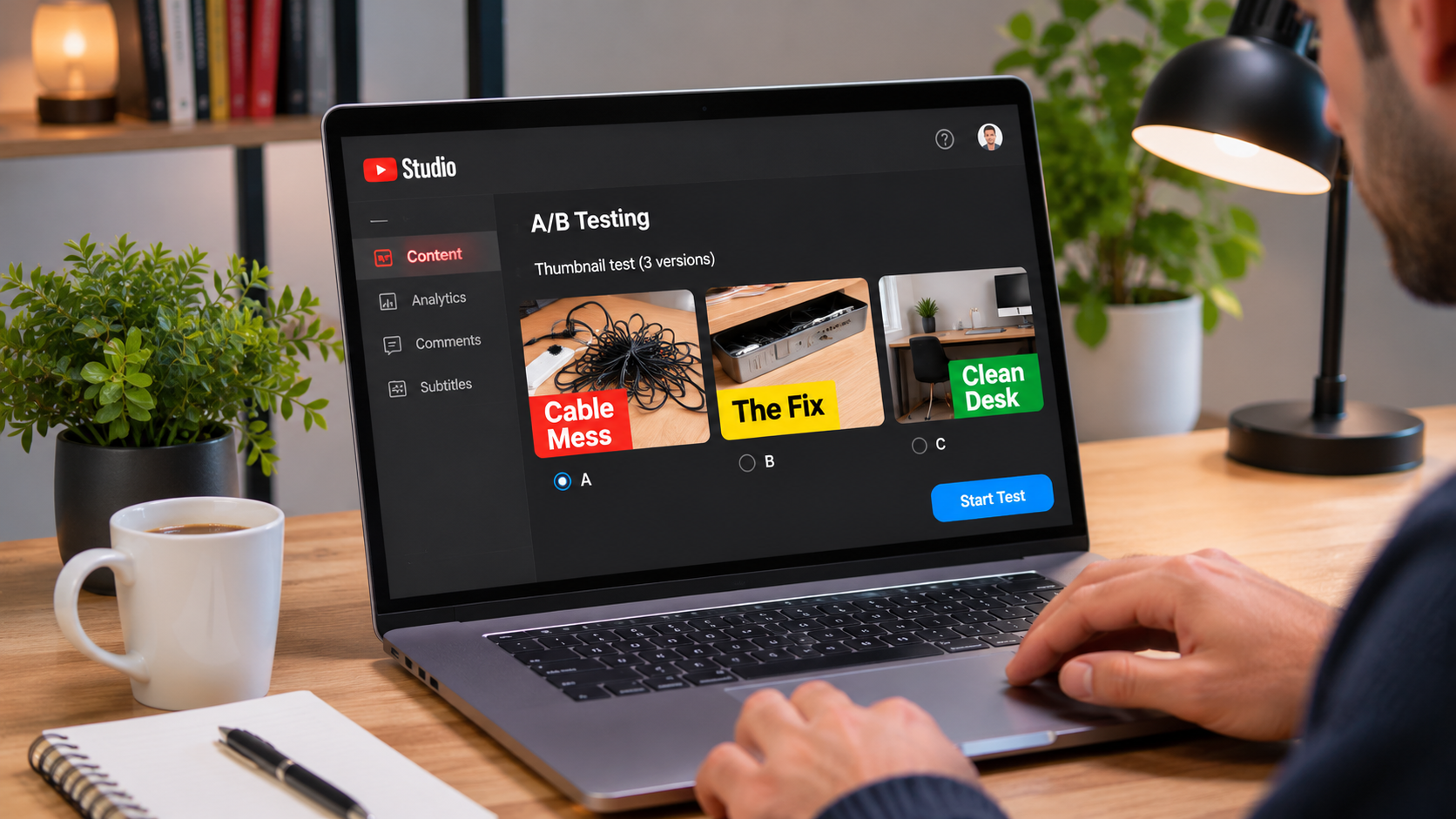
Say your video shows how you turned a cluttered desk into a usable workspace. One thumbnail could show the cable mess, another could show the tray that hides the cords, and a third could show the finished desk. Each image gives a viewer a different reason to watch. A thumbnail test helps you see which one brings in viewers who stick around.
Give each version a different promise
Watch the video back and pick three moments that tell the story from different angles:
- Show the problem. Crop close to the knot of cords so viewers recognize the mess at a glance. If the photo needs a caption, try “Cable Mess.”
- Show the fix. Frame the tray with the cords going into it so viewers looking for a practical solution can see how it works.
- Show the result. Choose a wide shot that shows the clean desk and the open space underneath. Leave the photo on its own if it already tells the story.
Check each option against the video. If the tray only appears for a few seconds, putting it front and center may attract viewers who came for a demonstration the video barely covers.
Check the designs at the size viewers will see them
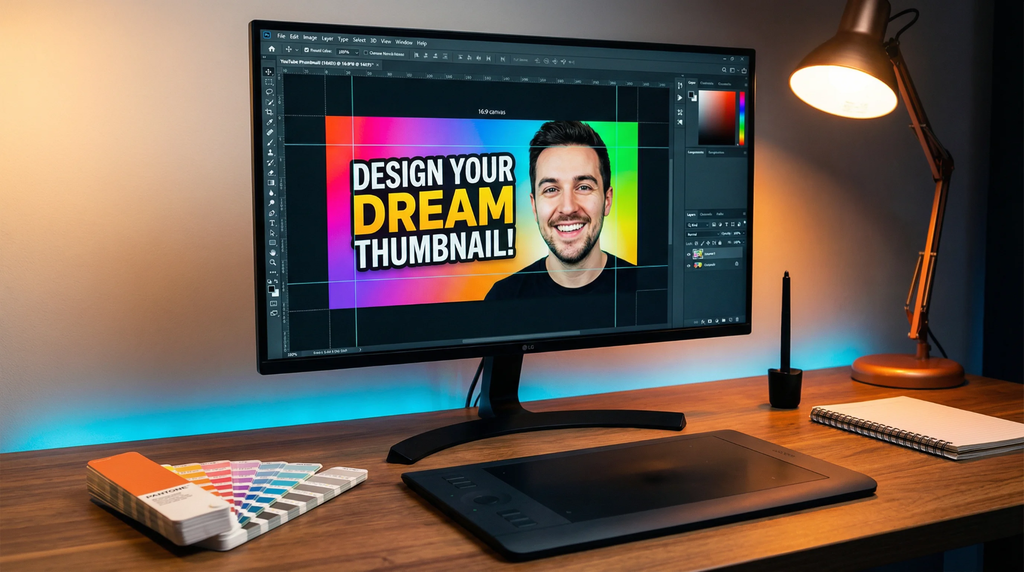
Build all three on a 16:9 canvas and export them at 1280 × 720 pixels or larger. YouTube downscales every thumbnail in the test to 480p if even one falls below 720p. In ThumbMaker, you can start with the 16:9 YouTube preset, upload video frames or generate a cover, add a short title, and check the publishing preview before exporting a PNG or JPEG.
View each design at mobile feed size. Can you still tell what you’re looking at? A cable tray that looks clear in the editor can disappear into the shadows when the preview is small. If it does, try a tighter crop or a brighter frame. Keep any text large enough to read at a glance, and leave the bottom-right corner clear of the duration badge.
Test the thumbnails in YouTube Studio
On a computer, open YouTube Studio, go to Content, and select the video. Under Thumbnail, open A/B Testing, choose Thumbnail only, and upload up to three versions. Select Done to start the test. This option requires access to YouTube’s advanced features and an eligible video. A public long-form upload is a good place to start.
Put the thumbnail you’d be happy to keep in the first slot. If the test finishes without a clear winner, YouTube uses that first version by default. Keep the title and thumbnails fixed during the test, since editing either ends the test early. YouTube says a result can take up to two weeks.
Use the result to plan your next thumbnail

Find the result on the video’s Details page or in Analytics under Reach. YouTube evaluates the variants by their share of watch time. Even if the finished desk gets more clicks, the cable tray version can win if it generates a larger share of watch time in that test. That gives you an angle to try again on another video where the fix is the main draw.
If several things changed between versions, the test only tells you which complete design worked better in that round. To see whether a caption helps, run a future test using the same cropped photo with and without the caption.
A video with few impressions can finish with an inconclusive result even when the designs look different. If that happens, keep the version that best represents the upload and try the same design question on a video with steadier traffic.
