

The Changing Role of Print in Modern Offices
Hybrid working has changed how organisations use documents, equipment, and office space. While many processes have moved online, printing and copying remain necessary in sectors such as legal services, education, healthcare, construction, finance, and public administration. Contracts, forms, plans, training materials, and compliance records may still require paper copies.
This shift has made print infrastructure less predictable. Some offices experience lower print volumes, while others face short periods of heavy demand when teams gather on site. Businesses therefore need to assess not only how many devices they require, but also where those devices should be placed, which functions are essential, and how usage may change over time.
Assessing Actual Document Requirements
A useful starting point is a review of printing and copying habits. This should include monthly print volumes, colour usage, paper sizes, scanning requirements, confidential document handling, and the number of employees sharing each device. Older purchasing decisions may no longer reflect current working patterns.
Departmental needs can differ significantly. A design team may require high-quality colour output, while an accounts department may prioritise secure scanning and reliable monochrome printing. A reception area might need a compact multifunction device, whereas a central records team could require faster equipment with larger paper capacity.
Understanding these differences helps prevent over-specification. It also reduces the risk of relying on a small number of devices that become bottlenecks during busy periods. Before considering printer and photocopier leasing, organisations should use this information to define the features and capacity they genuinely need.
Ownership, Maintenance, and Leasing Models
Organisations generally choose between purchasing equipment outright and using a managed arrangement. Buying a device provides ownership, but it creates responsibility for maintenance, consumables, repairs, and eventual replacement. The total cost may extend well beyond the initial purchase price.
Printer and photocopier leasing offers a different financial and operational structure. Payments are usually spread across an agreed term, and some agreements include servicing, toner supply, usage monitoring, or replacement support. However, contract details vary, so decision-makers need to examine page charges, minimum volumes, maintenance terms, upgrade conditions, and end-of-contract responsibilities.
A leasing model may suit organisations that prefer predictable budgeting or regular equipment renewal. Purchasing may be more appropriate where print demand is low, technical requirements are simple, and the business intends to keep devices for many years. Neither approach is automatically more economical; the outcome depends on usage, contract design, and the expected lifespan of the equipment.
Security and Data Protection

Modern multifunction printers are connected devices with storage, network access, and user authentication features. They should therefore be treated as part of the wider IT environment rather than as isolated office machines.
Security controls include user PINs, card-based access, encrypted printing, automatic data deletion, and restricted administrator settings. Secure release printing can reduce the number of documents left unattended in output trays. This is particularly relevant where personal, financial, legal, or medical information is handled.
Devices should receive firmware updates and be included in asset registers, access reviews, and disposal procedures. When a machine is returned, sold, or replaced, stored data must be removed in line with organisational policies. Businesses using printer and photocopier leasing should also clarify who is responsible for data removal when equipment reaches the end of its contract.
Environmental and Efficiency Considerations
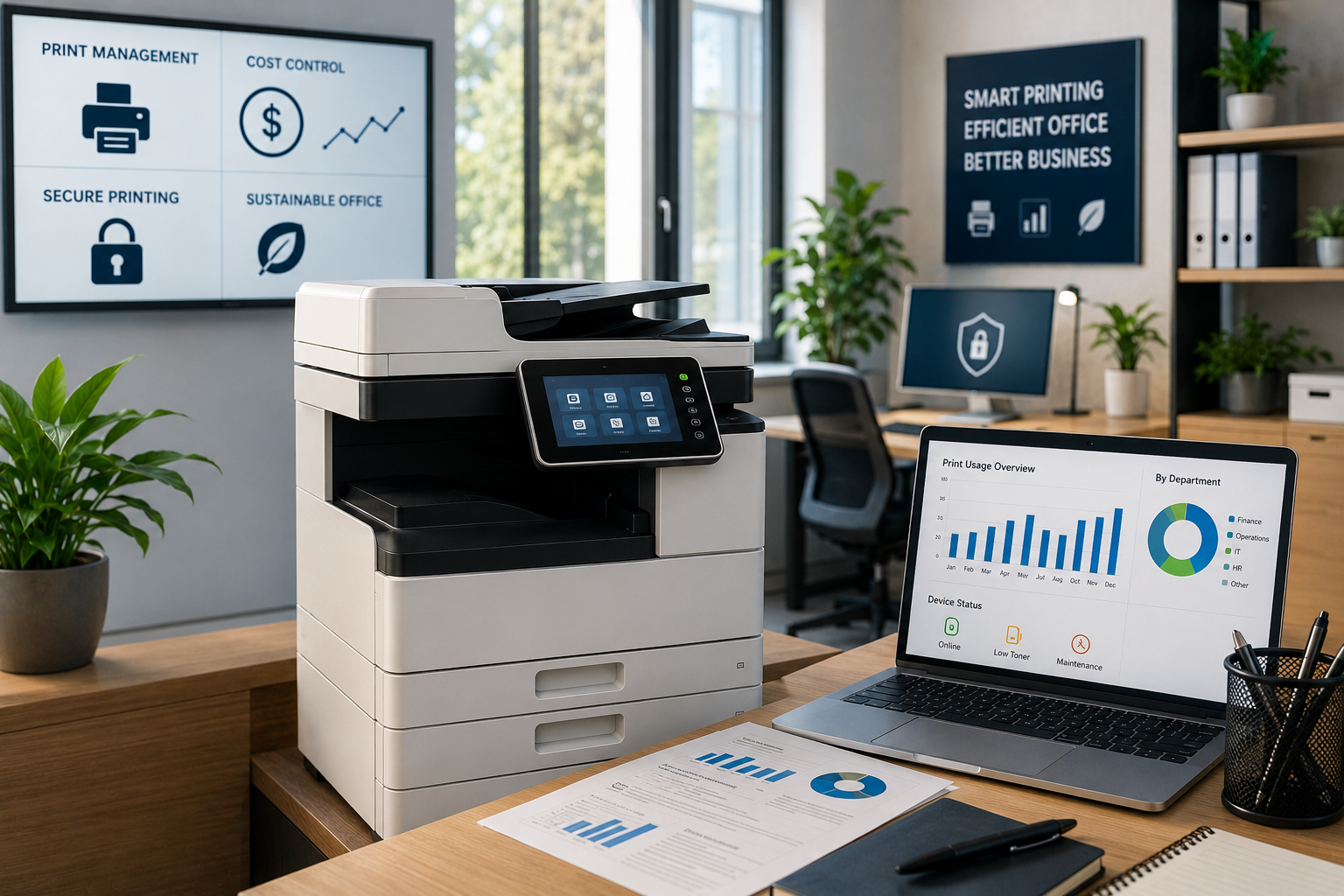
Print management affects energy use, paper consumption, and waste. Default double-sided printing, sensible colour controls, recycled paper, and automated sleep settings can reduce unnecessary resource use. Usage reports may reveal departments or workflows that generate avoidable printing.
Scanning and digital archiving can replace some paper-based processes, but digitisation should be planned carefully. Poorly organised digital records may create different inefficiencies, including duplicate files, inconsistent naming, and unclear retention rules.
The goal is not always to eliminate printing. It is to ensure that physical documents are used where they serve a clear operational, legal, or practical purpose. Equipment should also be selected with energy efficiency, repairability, and expected usage levels in mind.
Planning for Future Needs
Office print infrastructure should be reviewed regularly rather than treated as a one-time decision. Changes in headcount, office layout, remote working, regulatory requirements, and document workflows can all affect demand.
A practical review combines device data with staff feedback. Print volumes show what is happening, while employee input explains why. Together, these sources help organisations decide whether to consolidate devices, relocate equipment, change security settings, revise contracts, or introduce new digital processes.
Effective planning creates a balanced system that supports necessary document work without excessive cost, complexity, or waste. By matching equipment and service arrangements to real working patterns, organisations can maintain reliable document processes while remaining flexible as their needs change.
