

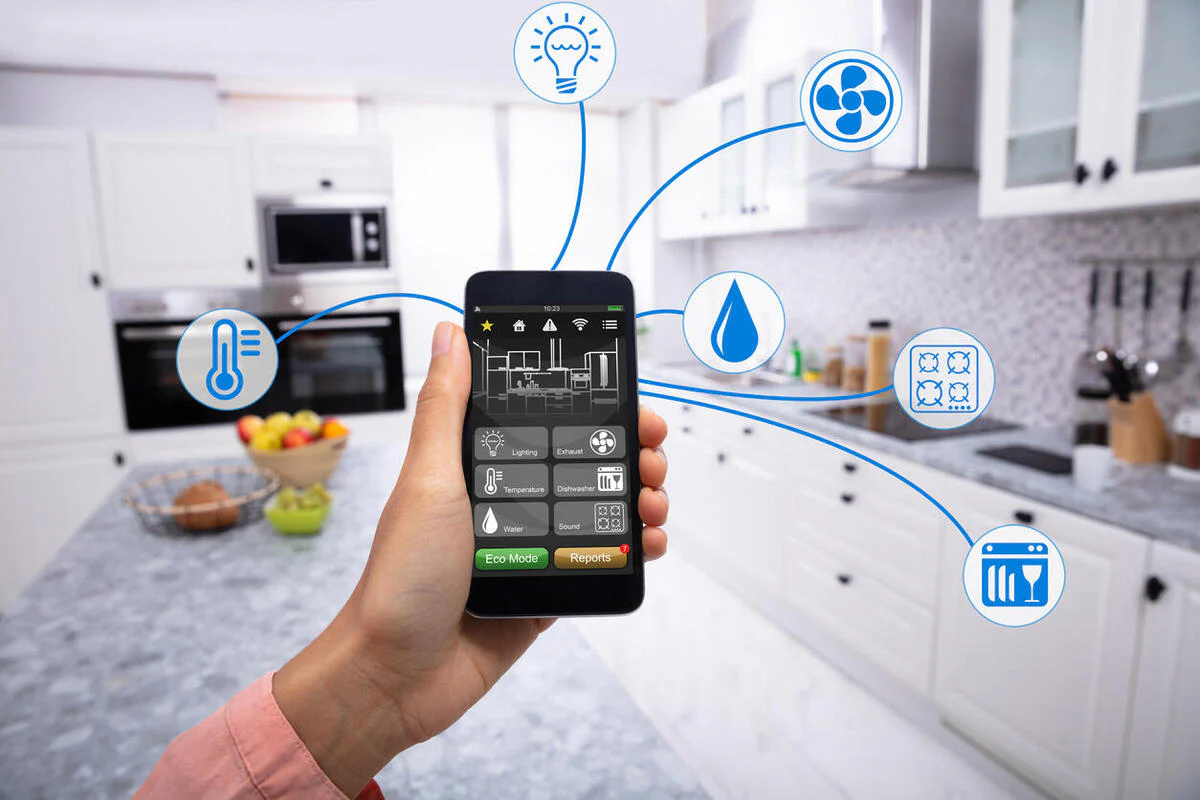
The average connected home now holds a small crowd of devices that listen, watch, unlock and report: doorbells with cameras, speakers with microphones, thermostats, lights, locks, televisions and a dozen plugs and sensors besides. Each one is a computer, each one has an account, and each one is a potential door into your home network — which means the security of a smart home is not a product you buy but a set of habits you set up once and maintain lightly. These smart home security basics cover the essentials in order of impact: the router that guards everything, the accounts that control everything, the updates that patch everything, and the buying judgement that keeps weak devices out in the first place.
The Router: Your Home’s Real Front Door
Every smart device talks through your router, so the router’s security is the ceiling on everything else’s. Start with its admin password: the default credentials printed on the sticker are public knowledge, so change them to something unique — this single step closes the most exploited hole in home networks. Update the router’s firmware (many models now update automatically; check that yours does, or set a calendar reminder), and confirm the Wi-Fi itself uses WPA3, or WPA2 at minimum, with a strong passphrase that is not your address, name or anything guessable. Turn off features you do not use that exist for convenience at security’s expense — remote management from the internet, WPS PIN pairing, and UPnP if your devices allow it. Finally, if your router is the free box from your internet provider and it has not received an update in years, replacing it is the highest-value security purchase a smart home can make: every device behind it inherits the improvement.
Accounts and Passwords: One Key per Lock
Smart devices multiply accounts, and account security is where most real-world compromises happen — not through exotic hacking but through reused passwords harvested from old breaches. The discipline is threefold. First, unique passwords for every device account and app, stored in a password manager so uniqueness costs you nothing; the email account deserves the strongest of all, since it resets everything else. Second, two-factor authentication on every account that offers it — as our explainer on two factor authentication sets out, this is the lock that keeps a stolen password from becoming a stolen account, and it matters most on the accounts that see your cameras and open your doors. Third, tidy the human access: remove old household members, ex-partners, former cleaners and departed guests from shared home accounts and device sharing lists — access audits feel awkward and prevent the strangest category of “hack”, the one committed with legitimate credentials by someone whose welcome expired.
Updates, Defaults and the Guest Network
Three habits separate maintained homes from vulnerable ones. Updates: enable automatic updates on every device and app that offers them, and replace devices whose makers have stopped providing them — an unsupported camera or plug is a permanent open window, and the second-hand market is full of abandoned devices for exactly this reason. Defaults: change every default setting that errs toward openness — default PINs on locks and alarms, cameras’ default sharing settings, voice assistants’ purchase-by-voice and the setting that lets anyone in earshot read your messages aloud. Voice assistants deserve one more look: review and delete stored voice recordings periodically, and use the mute switch when conversations are private. Network separation: most modern routers offer a guest network — put your smart devices on it (or on a dedicated IoT network if your router supports one), keeping laptops and phones with your banking and work on the main network. Then a compromised light bulb can see other light bulbs, and nothing that matters.
Buying Judgement: Choose Devices That Deserve Trust
Security is largely decided at the checkout, because devices differ enormously in how seriously their makers take it. Buy from manufacturers with a track record: a published update policy, a history of patching, and a name they cannot afford to embarrass. Be suspicious of the ultra-cheap no-name camera or plug whose business model is the hardware price alone — ongoing security costs money, and if you are not paying it, the product’s support will quietly end, or your data is subsidising it. Prefer devices that work locally where possible (hubs and standards like Matter and Thread reduce dependence on a distant cloud account staying alive and honest), and check what happens if the company dies: homes have been stranded before by startups whose servers were the product. Read the permissions an app requests with the same suspicion as its price — a flashlight-branded smart plug app asking for your contacts is telling you its business model. Fewer, better devices beat a crowd of cheap ones, for security as for sanity.
Cameras and Locks: the High-Stakes Two
Two device classes deserve extra care because their compromise is not abstract. Cameras and video doorbells see your life: place them with intention (entrances and exteriors rather than living spaces), disable indoor cameras’ recording when you are home if the platform allows scheduling, and treat shared access links as keys — never post them, and expire guest access when the visit ends. Smart locks trade a physical key’s risks for digital ones: they eliminate copied keys and lockouts, log every entry, and let you revoke access instantly — genuine advantages — but they demand the full discipline above: unique account password, two-factor on, firmware updated, and a battery routine, since a dead lock battery is the new locked-out. Keep the physical backup key (most retain one) somewhere that is not under the mat. For both classes, the question to ask of any feature is simple: who else can see or do this, and how would I know? If the product cannot answer, it has not earned the position.
The Bottom Line
Smart home security basics: change the router’s defaults and keep it updated, give every account a unique password with two-factor on, enable automatic updates and retire unsupported devices, separate gadgets onto a guest network, and buy from makers who publish their update policies. None of it requires expertise — an afternoon, once, and fifteen minutes a quarter after that. The connected home is worth securing properly, because it is not really the devices you are protecting. It is the home they live in.
