

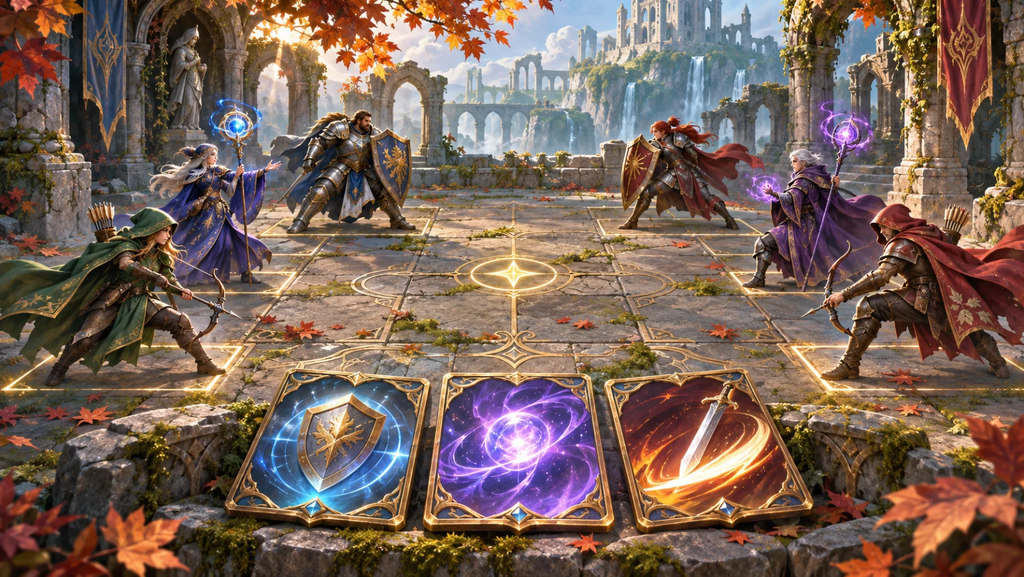
An online card game can go wrong in a very simple way: you see your move, your friend doesn’t, and both of you think it’s the other person’s turn. The board still looks fine. The buttons still work. But the match is stuck because the two players no longer agree on what happened. That’s the kind of problem a first multiplayer prototype needs to uncover.
If you’re searching for “Game Maker AI” with a multiplayer idea in mind, OhMyGame supports building multiplayer web games, including turn-based games and realtime arenas. Start with a small two-player match. You’ll have fewer moving parts to troubleshoot while you work out the rules, the room setup, and what each player should see after a move.
Choose a game you could play on paper
A small board game or card duel makes a reasonable first project. Give each player a few possible actions and keep the turn order clear. You should be able to describe the whole match without needing a long explanation of movement, physics, or camera controls.
Write down what the two players must agree on. That might be the contents of the board, whose turn it is, and whether someone has won. The position of a decorative sparkle doesn’t need the same treatment as a move that changes the score.
Decide which actions are legal before building the interface. Can a player move while waiting for an opponent? What happens if they select an occupied tile? Can they act twice before the screen updates? These questions become much harder to untangle if each browser makes its own assumptions.
Keep the first version small enough that you can walk through a complete match in a few minutes. You’ll be doing that repeatedly, and a short match makes it easier to reproduce a problem from the beginning.
Build the room before decorating the board
One person creates a room and sends the invite. The other joins, both players get their seats, and the match starts. Build that sequence early, including the screen someone sees while they’re waiting.
Try an incorrect invite, a full room, and an opponent who leaves before the first move. Each situation needs a message the player can understand and a way to continue or leave. Without that feedback, a perfectly ordinary connection problem can look like a frozen game.
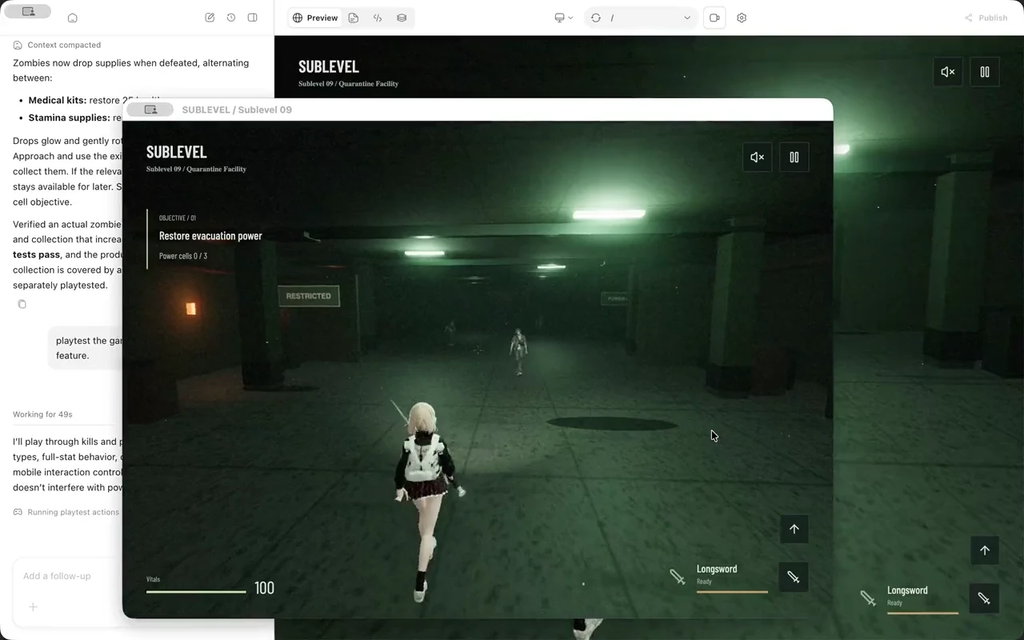
Ask the OhMyGame agent for these steps explicitly. “Create a room and let a second player join it” is a much more manageable request than “add online multiplayer.” Explain whether the prototype will run locally or use a hosted server, and check the setup before inviting someone outside your network.
You can leave the board plain during this stage. Two players reaching the same starting state is enough progress for the first test. You’ll have plenty of time to change the card art once the room flow works.
Have one place decide whether a move counts
For an internet game, you’ll usually want a server to check the moves and update the shared state. The player’s browser sends an action; the server checks that the player can make it, applies it once, and sends the result to both players.
The details depend on your networking setup, but the rules should be easy to explain. Only the active player can move. A tile has to be available. A finished match rejects further moves. Keep those rules together so both players get the same answer.
Disabling a button in the interface can prevent an accidental click, but the server still needs to reject an illegal move. Try clicking twice quickly or sending the same action again. A small game should handle those ordinary mistakes without giving someone two turns.

Play from two separate sessions
Begin with two browser sessions, then try two devices. Eventually ask someone on another network to join. After each important action, compare what the players see. Both should agree on the board and whose turn comes next.
Interrupt a match on purpose. Refresh a page during your turn. Close the opponent’s window. Rejoin with an old invite. Decide what the game should do in each case, even if the answer for the first version is simply to end the match and offer a new room.
Keep notes when something breaks. Record who joined first, the last few moves, and what appeared on each screen. An exact sequence gives the agent something to reproduce. A screenshot can help with an unclear message, but it won’t explain the order of actions on its own.
Test another full match after a repair. It’s easy to check the reported defect and forget that the change also affected joining, winning, or starting again.
Add faster action when you’re ready to test it
Realtime movement brings extra questions about latency and how often positions are updated. If your idea depends on aiming or quick reactions, you’ll need to address them. A turn-based first project gives you a chance to learn the room and state-management parts separately.
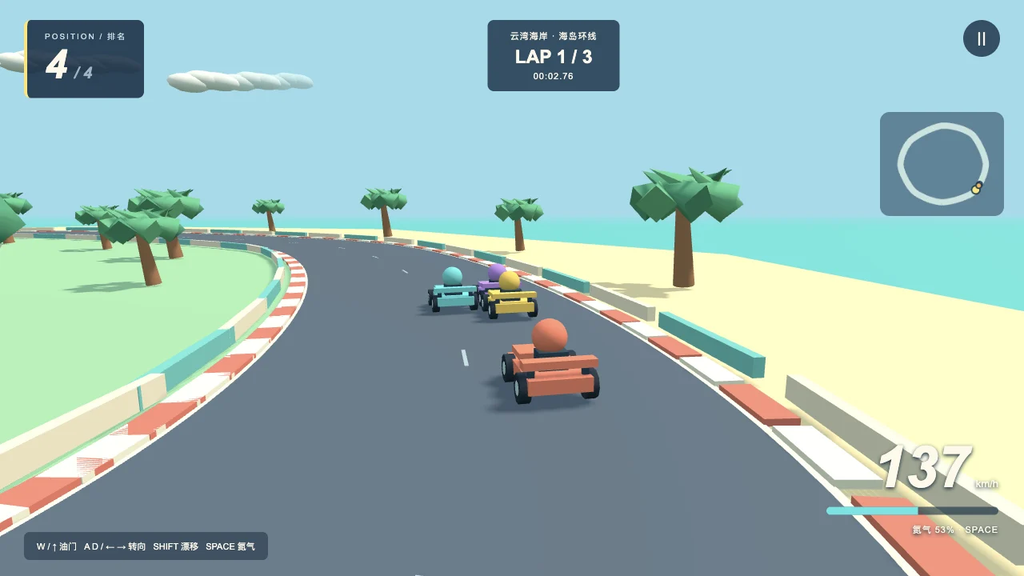
Before sharing publicly, check hosting costs and what happens to abandoned rooms. If players can enter names or messages, decide how you’ll handle that input. Then invite a few people to play complete matches. Watch whether they can join, understand their turn, finish, and start another game without your help.
