

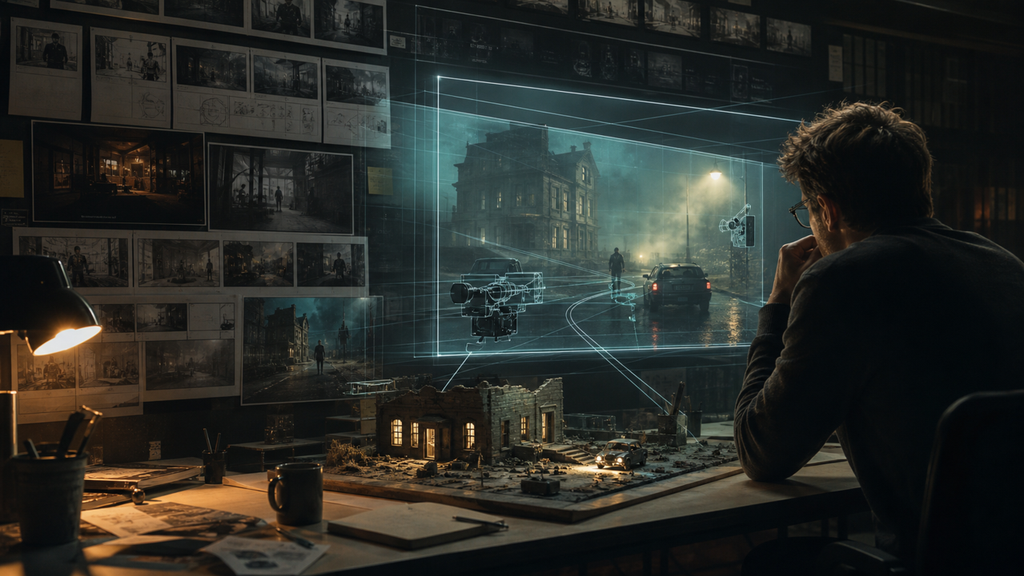
Filmmakers, agencies, and content teams often approve a concept using static storyboards. Those boards communicate composition, but they cannot fully answer questions about timing. Does the camera move feel too slow? Is the reveal clear? Can an action fit into the planned duration? Does the transition create energy or confusion?
Previsualization answers those questions by turning an idea into a rough moving scene before production begins. It has long been part of large film pipelines, but AI video now makes lightweight previs accessible to smaller teams. The goal is not to create a finished shot. It is to make creative decisions earlier, when changes are inexpensive.
Begin with the question the test must answer
Every previs clip should test something specific. A team might compare two camera paths, evaluate whether a character enters at the right moment, or determine how long a product reveal needs. If the purpose is vague, reviewers tend to focus on surface details and miss the production decision.
Write the question at the top of the shot brief: “Should the camera reveal the subject from behind the doorway or move directly toward it?” That single question keeps feedback useful.
Build the shot from five visible components
A concise previs prompt can follow five components:
- Subject: who or what the audience follows.
- Setting: where the scene takes place.
- Action: what visibly changes during the shot.
- Camera: how the audience moves through the scene.
- Atmosphere: lighting, weather, sound, and emotional tone.
For example: “A cyclist waits beneath a neon station canopy at night. As the train passes, she looks up and begins riding. The camera tracks beside her at a steady pace. Reflections move across the wet pavement with distant rail sounds.” This direction is easier to evaluate than a list of style words.
Teams can use Seedance AI to create video from prompts and reference media, making it possible to test motion, staging, visual atmosphere, and synchronized sound before organizing a shoot. Image references can also help keep a character, costume, location concept, or product recognizable across experiments.
Separate continuity tests from style tests
Trying to solve continuity and style simultaneously creates noisy feedback. First, test the blocking and timing with a straightforward visual treatment. Confirm where the subject enters, when the camera moves, and how the action ends. Once the structure works, test lighting, color, weather, lens character, or sound.
This separation also makes comparisons fair. If one version changes the camera, location, wardrobe, and pacing, the team cannot identify why it feels better. Controlled variation produces decisions that can be translated into a real shot list.
Use duration to expose pacing problems
A storyboard can hide an overloaded shot. A timed clip cannot. When a director tries to fit three actions into five seconds, the result will often feel rushed. When a single reveal stretches to 20 seconds, it may lose tension. Longer tools such as Seedance 2.5 for 30-second video allow creators to test a complete sequence, then decide where natural cuts should occur.
Create the long timing study first. Mark the moment each action begins and ends. Then split the approved sequence into production shots. This is more reliable than estimating every shot in isolation.
Review behavior, not polish
AI previs may contain imperfect textures or details that would never appear in the final production. Reviewers should focus on the behavior of the scene: camera speed, spatial relationships, direction of movement, rhythm, and emotional clarity. A useful review note says, “The reveal should happen two seconds earlier,” not, “The jacket should be a different shade of blue,” unless wardrobe color is the purpose of the test.
Label generated clips as previsualization so clients and collaborators understand their role. This protects the process from false expectations and helps the team discuss decisions instead of mistaking an experiment for a finished deliverable.
Convert the winning version into production instructions
Once the team approves a version, translate it into a conventional plan. Record the approximate shot duration, camera path, subject marks, lighting direction, sound cue, aspect ratio, and transition point. The generated clip becomes a communication reference, while the written shot plan remains the source of truth.
This method can also identify expensive ideas early. If a concept depends on complicated choreography, a difficult location move, or a transition that does not read clearly, the team can simplify it before equipment, crew, and talent are booked.
AI video is valuable in preproduction because it makes time visible. It lets teams experience a proposed scene, challenge assumptions, and reach alignment while revision is still easy. Used this way, generation is not a replacement for filmmaking craft. It is a faster conversation between the idea and the shoot.
