

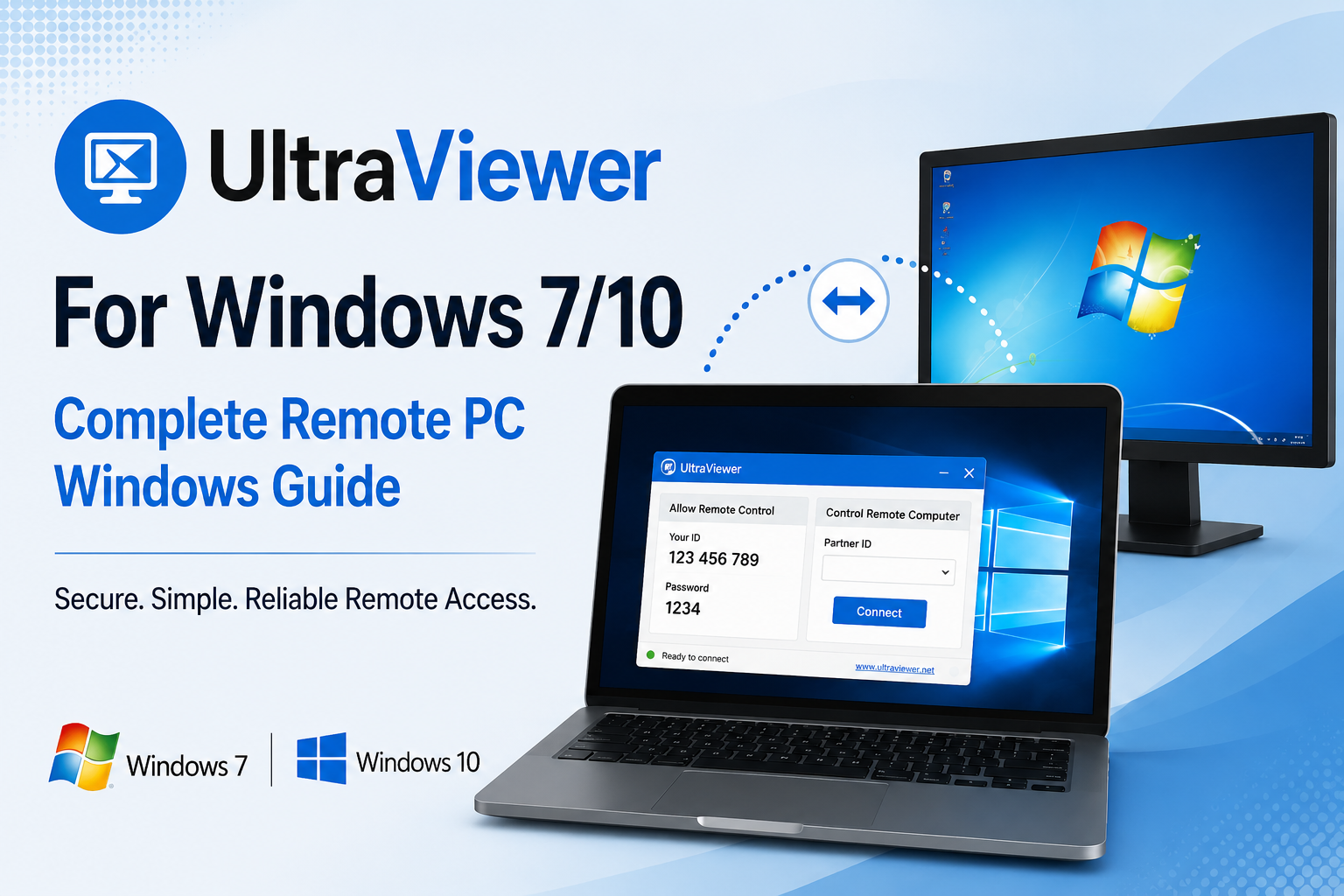
Whether you’re on Windows 7 or Windows 10, many computer problems can now be solved without anyone visiting your home or office. Through the use of remote desktop software, users can now get secure technical assistance from virtually anywhere. This has made troubleshooting quicker, easier and more efficient.
For a dependable remote desktop program, UltraViewer for Windows 7/10 is the best option. The UltraViewer download takes just minutes, and the functionality of secure remote access, file transfer and built-in communication tools is available from day one. Use UltraViewer to support clients, assist family members or access another Windows PC remotely, and all sessions will be easy and reliable.
Everything You Need to Know About UltraViewer for Windows
UltraViewer is a remote desktop software program which is used mainly with Windows computers. It enables one computer to log into and manage another computer over the Internet with a special ID and temporary password. When connected, you can use the remote computer securely, as if you were sitting in front of it.
It is a handy solution for personal and professional remote support due to its lightweight performance, fast setup and easy-to-use interface.
Who Gets the Most Value from UltraViewer?
- Introducing a new person to the group of home users.
- Technology professionals who give technical assistance.
- Fast-growing organizations that cater to telecommuters.
- Individuals working on projects for clients remotely (freelancers).
- Students who are taking software courses online.
- Staff to demonstrate software in a virtual lesson.
Why Choose UltraViewer for Windows 7/10?
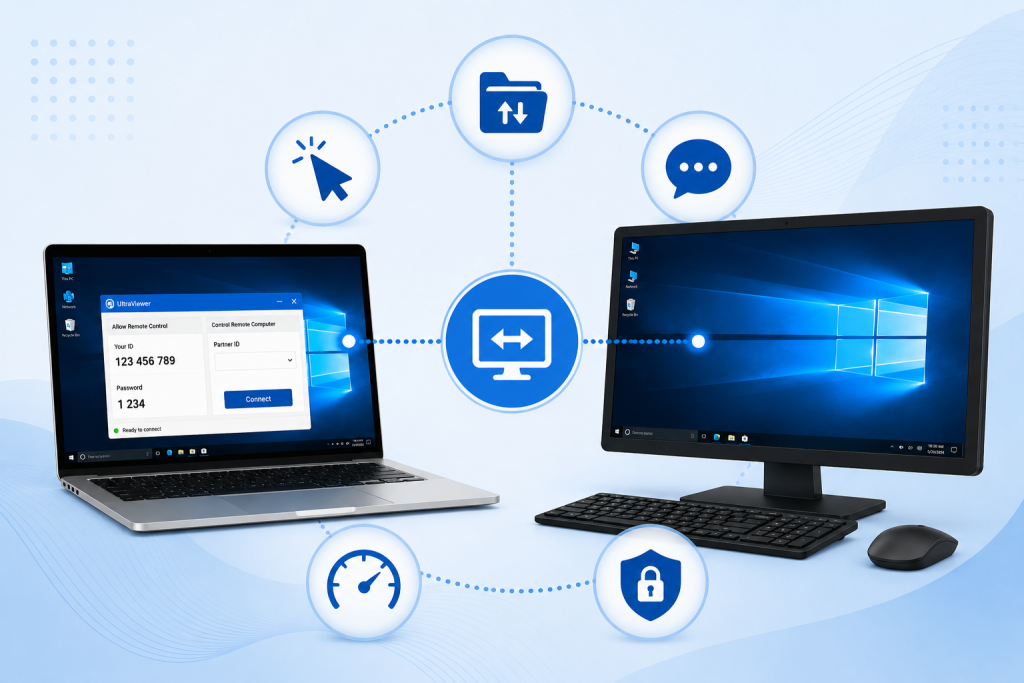
Whether you’re providing technical support, working remotely or helping your family members with computer issues, UltraViewer makes it easy and efficient to connect with another Windows computer. Not to mention that it’s everything in one package: Remote desktop control, built-in chat, file transfer and a lightweight interface. This implies that even newbies can get the work done remotely without too much difficulty and without the aggravation of having to deal with the long-term support staff.
Features That Make UltraViewer Stand Out
Take Full Control of Any Windows PC
UltraViewer lets you have 100% keyboard and mouse control of another Windows computer. This means you can troubleshoot their problem, install software on them, configure settings and instruct them in tasks without having to physically go to them.
In addition, remote sessions continue to be smooth and responsive, enabling you to finish support requests efficiently and decrease downtime.
Quick and secure transfer of files
Have to send Installers, documents, drivers or images? UltraViewer enables easy transfer of files directly between connected computers, without the need for email attachments or cloud storage.
Moreover, file sharing within the same remote session saves time, increases productivity and makes things neat and tidy.
Communicate Without Leaving the Session
Communication is a key element of remote support. So, UltraViewer has a built-in chat which enables both the user and the technician to send messages while still connected.
Also, users are not forced to switch applications to explain, ask questions, and confirm each step.
Enjoy Fast and Lightweight Performance
Unlike many resource-hungry remote desktop software, UltraViewer is very efficient on Windows 7 as well as Windows 10.
Besides, it is light, so it will start up faster and keep performance stable for a long time when using it remotely. Therefore, you don’t have to slow down while working.
Keep Safe with Secure Connections
To establish a connection, each UltraViewer session needs a different ID and temporary password. This means that users can completely manage who can access their computers. The latest version on the official website provides even better security. Keep the software updated, and disconnect once the support session has finished.
Download the Right Version for Your Windows PC
- UltraViewer download latest version
- UltraViewer download for desktop
- UltraViewer app download PC
- UltraViewer download for Windows 7 32 bit
- UltraViewer download for Windows 10
Some users also search for UltraViewer download for iPad, UltraViewer download Android APK, UltraViewer download App Store, or UltraViewer download app. However, UltraViewer is primarily designed for Windows computers. Therefore, always verify supported platforms before downloading.
Likewise, you may come across searches such as UltraViewer download FileHippo or UltraViewer download AnyDesk while comparing remote desktop software. Nevertheless, downloading directly from the official website ensures you receive the latest secure version.
Tips for Better Remote Support
- Get the official latest released version.
- Make sure to have a stable internet connection.
- Ensure you keep both Windows and UltraViewer up to date.
- Only share ID and password with trusted users.
- Conduct support and then close out of remote sessions.
Frequently Asked Questions
Does UltraViewer work on Windows 7 and Windows 10?
Yes. UltraViewer is compatible with Windows 7 and 10. Get the version that is compatible with your system and runs best.
Does UltraViewer have a free personal version?
Yes. UltraViewer free version is available for personal use. Commercial licences are also available for businesses and IT professionals that offer more features.
Is UltraViewer available for Windows 7 32-bit?
Yes. UltraViewer download for Windows 7 32-bit can be installed on a 32-bit operating system computer if you download the correct version. Be sure to check the Windows version before you install, as full compatibility and stable performance are required.
Final Thoughts on UltraViewer For Windows 7/10
UltraViewer for Windows 7 and Windows 10 is an ideal remote support application for general use, with the right mix of simplicity, speed, and security for both yourself and other people, whether it’s to assist a friend or colleague with a computer. Lightweight, has secure connections, built-in chat and file transfer, and is perfect for home, business, freelancers, and IT professionals.
For troubleshooting another Windows-based PC, to support remote workers, or family members having computer problems without all the clutter! Get the latest official version, use basic security precautions and experience a fast, safe, and reliable remote desktop whenever you need it.
