

INTRODUCTION
If you have spent any time reading about SEO, you have almost certainly come across the phrase “SERP checker” and you may have moved past it assuming it was a technical tool meant for professionals. It is not. A SERP checker is one of the most straightforward tools in the entire SEO toolkit, and understanding how it works takes about five minutes. Using one effectively takes just a little longer.
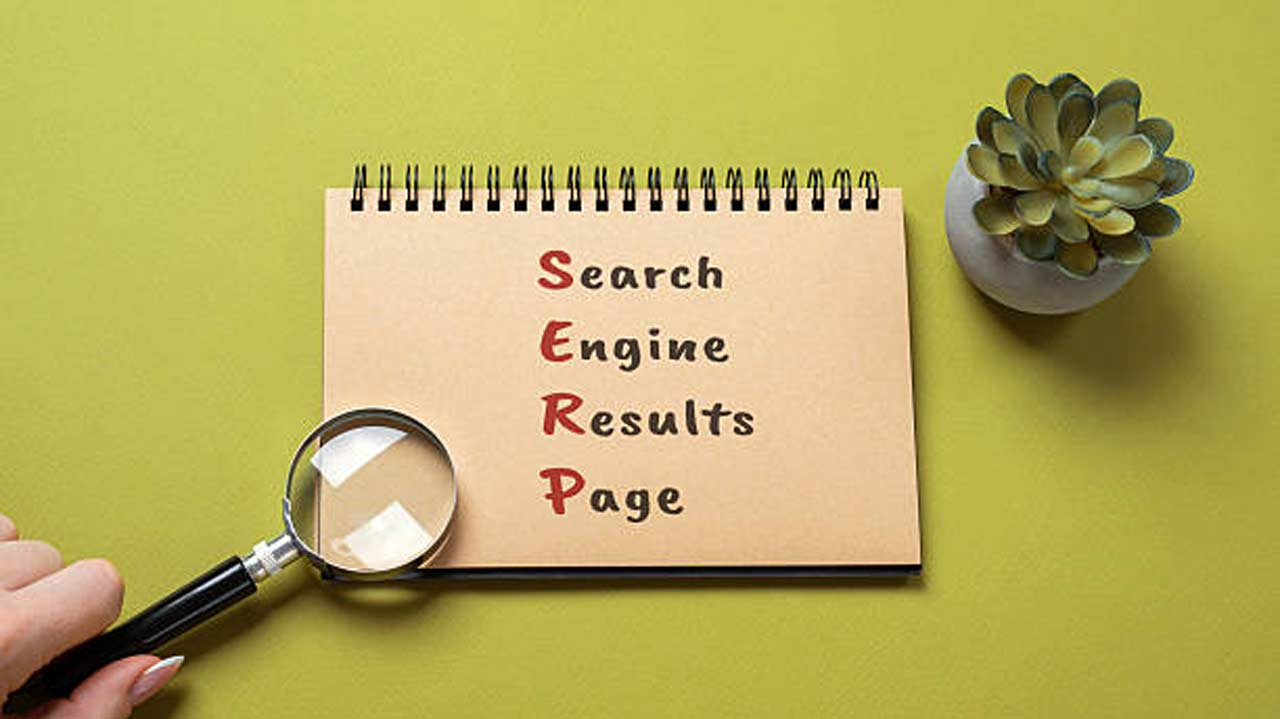
SERP stands for Search Engine Results Page, the page of results Google shows after someone types in a search. A SERP checker is simply a tool that lets you see where your website appears on that page for any keyword you choose. That is the whole idea. No complicated setup, no expertise required.
What makes it worth understanding properly is that the results a SERP checker shows you are fundamentally different from what you see when you search Google yourself. The difference matters, and this guide explains why, along with how these tools work, what to look for in a good one, and how to get practical use out of the data they return.
Part 1: The Basics of SERP Checkers
What exactly is a SERP checker?
A SERP checker is a tool that queries Google on your behalf and tells you the current position of a specific website for a specific keyword without any personalisation attached. You give it a domain name and a search phrase, and it comes back with a position number: the exact spot your page occupies in the neutral, unpersonalised search results.
The key word there is neutral. When you search Google from your own browser, the results you see are shaped by your location, your Google account, your search history, and the websites you visit regularly. A SERP checker strips all of that away. It queries Google the same way a stranger with no connection to your website would and returns the position that stranger would actually see.
What does “SERP” actually mean?
SERP stands for Search Engine Results Page. It is the page that appears after you press enter on a Google search. Every line you see on that page is part of the SERP, the organic results, the ads at the top, the map pack for local queries, the featured snippets, the People Also Ask boxes, and everything else Google surfaces in response to the query.
When SEO professionals talk about “ranking on the SERP,” they mean appearing in those results specifically in the organic section, which is the main list of websites that Google has chosen to show based on relevance and quality, not because someone paid for a placement. Your position on the SERP for a given keyword is simply where in that list your site appears.
Why can’t I just search Google myself to check my position?
Because what you see when you search is not what everyone else sees. Google has been personalising search results for years, and the degree of personalisation is significant. The location Google detects from your IP address can shift your results by ten, twenty, or even thirty positions compared to someone searching the same phrase from a different city. Your browsing history teaches Google what kinds of results you engage with. The sites you visit frequently get a small boost in your personal results.
This means if you own a bakery and check Google for “bakery near me” from your own phone, there is a real chance you see your own listing ranked higher than it actually appears to potential customers who have never visited your site. SERP checkers fix this problem by making the query from a neutral server environment with no personal signals giving you the clean, honest position your content holds.
Part 2: How a SERP Checker Actually Works
How does a SERP checker get its data?
A SERP checker works by sending a query to Google in the same way any browser would but from a server location with no user history, no cookies, no Google account logged in, and no personalisation signals. It then reads the results page that Google returns and identifies where the specified domain appears in the list.
Good SERP checkers also allow you to specify a location. Because Google returns different results in different places, a tool that lets you choose which country or city to simulate gives you far more accurate data for your actual audience. FreeSERP, for example, supports 190 countries and works at city level which means you can check your position as it appears to someone searching in Glasgow, not just someone searching somewhere generically in the UK.
How fast does a SERP checker return results?
With a decent tool, almost instantly typically within a few seconds of submitting your query. The tool sends the search request, reads the results page, extracts the relevant position data, and returns it to you. There is no need to wait for a report to be generated or a crawl to complete. You put in the domain and keyword, and the answer comes back immediately.
This speed is what makes SERP checkers useful for the kind of quick, practical checks you do throughout a normal working week. You just rewrote a page’s introduction and want to note your current position before the change beds in. You are on a call with a client and want to confirm their ranking in real time. You want to check where a competitor sits on a specific term before a meeting. A SERP checker answers all of those needs in under thirty seconds.
What is the difference between a SERP checker and a rank tracker?
A SERP checker is designed for on-demand, one-off lookups. You go to the tool, enter a keyword and domain, and get back the current position. It is reactive you use it when you want to know something specific, right now.
A rank tracker is designed for ongoing monitoring. You set up a list of keywords, connect it to your domain, and the tool automatically checks your position for all of them on a regular schedule daily or weekly and stores the history so you can see how positions change over time. FreeSERP offers both: the free SERP checker for instant lookups, and a rank tracking product that monitors your keywords automatically and alerts you when positions move.
Part 3: What a Good SERP Checker Should Do
What features actually matter in a SERP checker?
The most important feature is accuracy results that reflect what real users actually see, not a cached or approximated answer. Beyond that, location targeting is the feature that separates genuinely useful tools from ones that give you misleading data. Any tool that only returns a single global result without letting you specify a country or region is not giving you actionable information for local or market-specific SEO.
Device targeting matters too. Mobile search results often differ from desktop results, particularly for local queries. A SERP checker that lets you specify mobile versus desktop gives you a clearer picture of visibility across the devices your audience actually uses. FreeSERP supports both.
Speed and simplicity round out the list. A SERP checker that requires account creation, form completion, or a waiting period for results removes the friction-free quality that makes these tools valuable for quick, practical checks throughout the working day.
FreeSERP’s SERP checker : what does it actually offer?
FreeSERP’s free SERP checker is built around the idea that checking your Google position should take less time than making a cup of tea. You open the tool, enter your domain and keyword, and your current position comes back immediately. No account. No subscription. No limit hidden behind a sign-up wall.
The checker covers 190 countries and supports city-level targeting, which is the granularity that actually matters for local business owners and anyone managing regional SEO. It also shows you the full top results for the keyword alongside your own position so you can immediately see who is ranking above you and navigate directly to their pages to understand why. For a free tool, the combination of speed, location targeting, and competitive context is difficult to beat.
When would I use a SERP checker versus Google Search Console?
They answer different questions. Google Search Console tells you about your own site’s performance over time which queries you are getting impressions for, how your average position has trended across the past three months, and which pages are losing or gaining visibility in aggregate. It is a retrospective, analytical tool that covers your entire keyword footprint.
A SERP checker tells you one specific thing: where your domain sits in the results for one specific keyword, right now. It is fast, instant, and requires no historical data. It also works for any domain not just yours. You can check a competitor’s position just as easily as your own. For specific, immediate questions, a SERP checker is the right tool. For strategic trend analysis across your whole site, Search Console is the one to open.
Part 4: Common Questions About SERP Checkers
Can a SERP checker show me results for any country?
Yes, a good one can. Google serves different results in different countries, and those differences can be significant. A page that ranks on the first page in Canada might not appear until page three in Australia. For anyone targeting international audiences or running local SEO for specific markets, country-level targeting is not a nice-to-have it is essential for checking the ranking that actually matters for your audience.
FreeSERP covers 190 countries with location targeting available down to the city level. For local businesses, this means you can confirm your position as it appears to someone searching from your specific service area rather than from some undefined national average.
Are SERP checker results always accurate?
They are accurate within normal search variability and the variability is real. Google’s results fluctuate constantly, and two lookups a few minutes apart for the same keyword can occasionally return slightly different positions as Google’s algorithm processes requests across different data centres. This is normal and does not indicate a tool problem.
What makes results meaningfully accurate is the removal of personalisation. A SERP checker querying from a clean server environment returns the position that reflects general search results which is precisely the number you need for any practical SEO decision. The minor variability between individual checks is why checking consistently with the same tool over time matters more than obsessing over any single data point.
Do I need to pay for a SERP checker?
For basic, on-demand position checks : FreeSERP offers free rank checks with no account or credit card required. The free access covers what the large majority of site owners actually need: the ability to look up your position for a keyword whenever you want, check a competitor, and verify the effect of a change you just made.
Paid features become relevant when you need automated tracking across a large keyword set. If you want FreeSERP to automatically check your full keyword list every day and store the history so you can see trends over weeks and months, that is a paid product starting at five dollars per month. But for the SERP checker itself instant lookups, any keyword, any location the free version is genuinely complete.
Can I use a SERP checker to research keywords before I write content?
Yes, and it is a useful habit. Before you invest time writing a page targeting a specific keyword, checking the current SERP for that phrase tells you a lot about what you are walking into. You can see how strong the current top-ranking pages are, what type of content Google is favouring long guides, short answers, product pages, local results and whether there are any SERP features like featured snippets that might change the traffic value of ranking on that page.
This thirty-second check before you start writing can save you significant time and redirect your effort toward keywords where the opportunity is more realistic given your site’s current authority. FreeSERP makes this kind of quick pre-writing SERP scan completely frictionless no login, no setup, just the keyword and the result.
Key Takeaways
- A SERP checker tells you where your website appears in Google’s search results for a specific keyword without personalisation getting in the way.
- SERP stands for Search Engine Results Page. Your ranking is simply your position on that page for a given search phrase.
- Searching from your personal browser gives you a personalised result, not your actual position. A SERP checker queries Google from a neutral server and returns the number that matters.
- FreeSERP’s free SERP checker covers 190 countries and city-level targeting no account, no credit card, results in seconds.
