

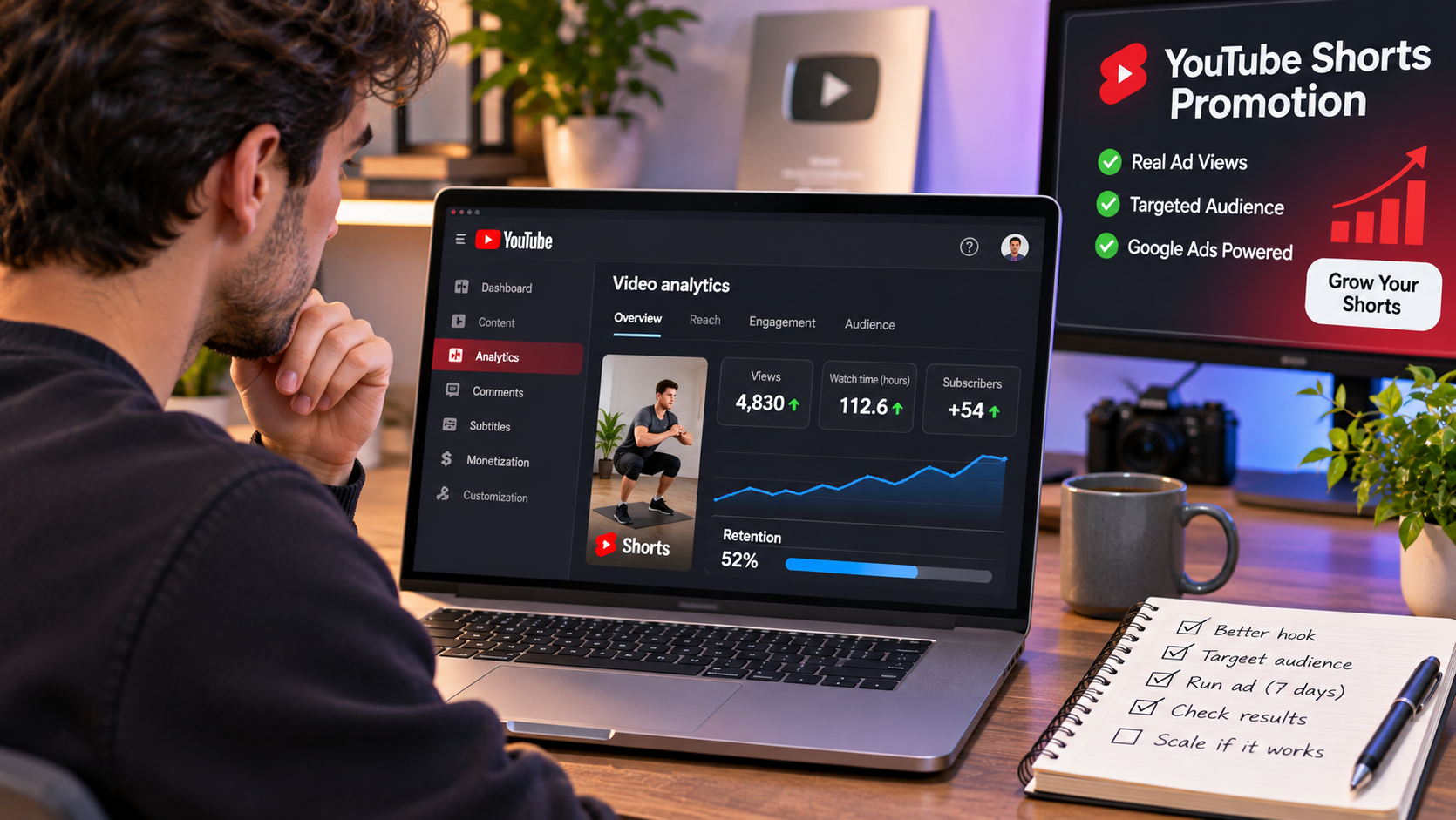
A new Short often lands with a few dozen views, most of them from friends, and then stalls. Creators who want it seen by more people have two options: wait for the algorithm to pick it up, or pay for promotion. Paid promotion through ads is a real advertising channel, and it works very differently from buying numbers on an Youtube SMM panel, because the views come from people who are shown the Short in an ad placement. This guide looks at what a small weekly budget can do, using the figures from PressPlayAds, a service that sells YouTube promotion bought through Google Ads. It covers the prices the site prints, what those prices work out to, and how to run a small test without wasting the money.
Nobody can promise what an ad budget will do for a particular Short, because results depend on the video, the audience and the day. The numbers below are the prices the site prints, and the rest is arithmetic.
What paid Shorts promotion is
When you promote a Short through ads, the video is shown to viewers in placements such as the Shorts feed, and you pay per 1,000 views. The viewer sees your Short, watches or skips it, and moves on. Some of them may like it, subscribe or come back to your channel, and many won’t. That is how advertising works, and it is a different thing from adding a number to a counter.
PressPlayAds says its campaigns are bought through Google Ads, that they go live within a few hours of payment, and that they deliver every day of the week rather than all at once. It lets you pause, resume or switch the video at any time.
What the site prints for prices
The homepage gives several figures:
- A headline rate of $6.00 per 1,000 views worldwide.
- An FAQ line saying prices start from $4.00 per 1,000 views for Shorts worldwide, and go up to $44.00 per 1,000 for channel growth in top-tier countries.
- An example panel showing $15.80 per 1,000 for in-stream ads in the US, UK, Canada and Australia.
- A minimum of $29 a week, a budget slider that runs from $29 to $5,000 a week, and volume bonuses from $500 a week.
The page doesn’t explain which rate applies to which format, so the Shorts figure is the one to confirm in the calculator before you pay. I have used both $4.00 and $6.00 below, because the page prints both.
What $29 a week buys
The minimum weekly budget is $29. At the rates above:
| Rate per 1,000 views | Views in a week at $29 | Views per day |
|---|---|---|
| $4.00 (Shorts worldwide, FAQ) | about 7,250 | about 1,030 |
| $6.00 (headline, worldwide) | about 4,830 | about 690 |
The site’s own slider gives another reference point: at $99 a week, it shows about 17,000 views for the week, or around 2,400 a day. That works out to about $5.80 per 1,000, which sits between the two figures above.
A few thousand views is not a viral Short. It is enough to give a new video a visible count, a handful of comments and some data about who watches. That is what a small budget is good for.
What a small budget is good for
A small weekly budget works best as a test, and these are the questions it can answer:
- Does the hook hold people? In YouTube Studio you can see how many viewers watched a Short and how many swiped away. A Short that most people swipe away from within a second needs a better opening.
- Which audience responds? The site offers six audience options: worldwide, the US, UK, Canada and Australia, Europe, Asia, Latin America and India. A small test can show which one watches longer.
- Does a promoted Short bring people to the channel? Check whether subscribers and views on your other videos change during the week.
If the answers are weak, the Short or the channel needs work, and a bigger budget won’t fix that.
How to prepare a Short before you pay
Ads show a Short to people who didn’t choose it, so the video has to earn attention fast.
- Put the point in the first second. Skip the logo and the greeting.
- Use on-screen text, since some people watch without sound.
- Keep it as short as the idea allows.
- End with a reason to follow or watch the next one.
- Make sure the channel has other videos, so a viewer who clicks through finds something.
A one-week test with made-up numbers
Say a creator has a channel about home workouts with 300 subscribers and a Short that got 120 views. The creator sets aside $29 for one week and picks one audience, India, where most of the comments came from.
On day one, the creator launches the campaign and notes the current subscriber count. On days two to six, the creator checks the daily views and the swipe-away rate, and replies to every comment. On day seven, the campaign ends. The creator compares the views, the watch rate and the subscriber change with the week before, and decides whether to try a different Short or a different audience. These numbers are invented to show the sequence, and your own results will differ.
What to check before you pay
PressPlayAds’ page has a few gaps worth knowing about. Pricing is printed in several places and doesn’t line up, as the figures above show. No refund or guarantee terms appear on the page I read, and the refunds page is linked but I didn’t see its content. Payment methods aren’t listed. The site doesn’t sell subscribers or music promotion at separate prices. It also describes its viewers as “real” and says promotion “will not hurt” a channel, but it gives no evidence for either claim, so judge the service by what you can measure in your own YouTube Studio. Ask support, at the address on the site, about anything you need in writing.
What ads can’t do
Ads put a Short in front of people. They don’t make anyone watch to the end, subscribe or come back, and a promoted Short with a weak hook will still lose most viewers in the first seconds. YouTube also has its own rules about advertising and about artificial engagement, so read the current policies before you run a campaign.
A short checklist
- Make sure the Short has a clear first second and a reason to follow.
- Confirm the exact rate for the format and audience in the calculator.
- Start with the minimum weekly budget and one audience.
- Check the swipe-away rate and subscriber change in YouTube Studio.
- Pause or switch the video if the numbers are weak.
- Increase the budget only after a small test shows the Short holds attention.
You can see the calculator and current prices at PressPlayAds.
