

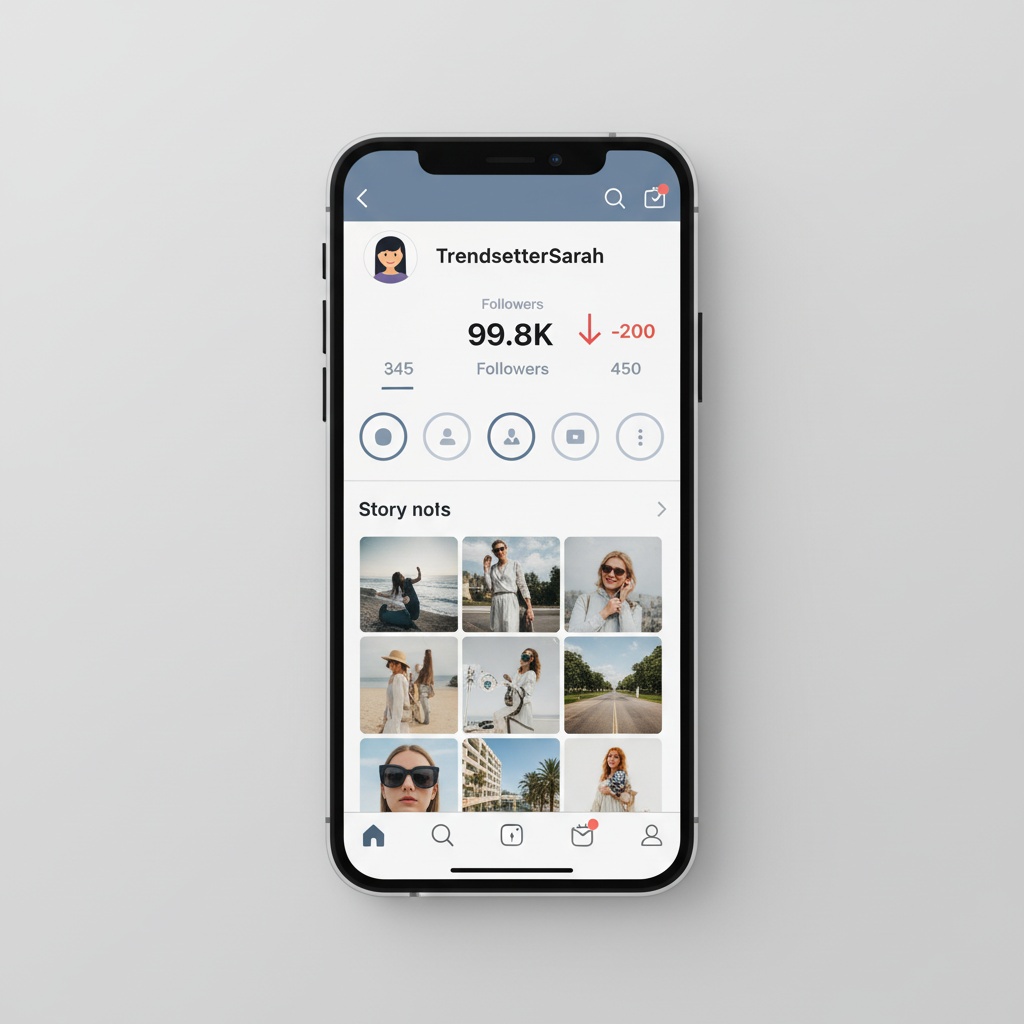
You wake up, grab your phone, and check Instagram. Your follower count has dropped. Again. Twenty followers gone overnight, and you have no idea why.
This happens to thousands of Instagram users every single day. One morning, you’re at 5,243 followers, the next you’re down to 5,197. It’s frustrating, especially when you’re putting real effort into your content. But here’s the thing, most follower drops aren’t random. They’re actually telling you something important about your account.
The Real Reasons Behind Instagram Follower Drops
Instagram’s algorithm doesn’t just recommend content anymore. It actively cleans the house. The platform runs regular purges to remove bot accounts, inactive users, and spam profiles. When Instagram identifies fake or suspicious activity, those accounts vanish, and if they were following you, your follower count drops.
But bots aren’t the only culprit. Real followers unfollow for dozens of reasons. Maybe your content shifted, and they lost interest. Perhaps they’re doing their own cleanup, getting rid of accounts they don’t engage with anymore. Some users follow hundreds of accounts in a day, hoping for follow-backs, then systematically unfollow everyone who doesn’t reciprocate.
The thing is, Instagram doesn’t make it easy to track these changes. You can’t see who unfollowed you through the app itself. That’s why many people turn to tracking tools. The safest approach? Use services that work through Instagram’s official API, like tracking your Instagram Recent Followers or using a verified followers app for iPhone that doesn’t require your password.
Instagram’s periodic cleanups are actually more aggressive than most people realize. The platform has punished fake engagement hard in recent years. When Instagram spots patterns that look like spam, sudden follower spikes, repetitive comments, or using banned hashtags, it takes action. Sometimes that means shadow-banning your content. Other times, it means removing suspicious followers from your account entirely.
Who Doesn’t Follow You Back (And Why It Matters)
Here’s where things get interesting. Many accounts you follow don’t follow you back. These one-sided connections clutter your following list and can actually hurt your engagement rate. Instagram’s algorithm notices when you follow people who never interact with your posts.
The tricky part? Instagram doesn’t make it easy to see who doesn’t follow you back on Instagram. You can manually scroll through your followers and following lists, comparing them one by one. But with hundreds or thousands of accounts, that’s basically impossible.
You need a way to check who doesn’t follow you back on Instagram that doesn’t compromise your security. Manual checking works for small accounts, under 200 followers maybe, but beyond that, you’ll spend hours on something that could take minutes with the right approach.
The Dangerous Way People Check Unfollowers
Let’s talk about those “unfollower tracker” apps that ask for your Instagram login credentials. They’re everywhere. They promise instant results. And they’re genuinely risky.
When you hand over your username and password to a third-party app, you’re basically giving strangers the keys to your account. Many of these services store your credentials in plain text. Some sell your data to advertisers. Others actually use your account to spam your followers with direct messages or comments you never authorized.
Instagram’s terms of service explicitly forbid sharing your login information with third-party apps. Get caught, and you could face anything from a temporary ban to permanent account deletion. I mean, is it really worth risking your entire Instagram presence just to see who unfollowed you?
The safer approach? Stick with authorized tools that work through Instagram’s official API, or check manually if you’re determined to keep it completely in-house.
How to See Who Doesn’t Follow Me Back on Instagram Without an App
If you absolutely want to check who doesn’t follow me back on Instagram without app downloads, here’s the manual method:
- Go to your profile and tap “Following”
- Write down usernames (or screenshot them in batches)
- Navigate back to your profile and tap “Followers”
- Cross-reference the lists to find accounts you follow that don’t follow back
Yeah, it’s tedious. For accounts with under 200 followers, this might work. Beyond that? You’ll lose your mind trying to manually compare hundreds of names.
The smarter move is reviewing your follower activity regularly through Instagram’s native features or using secure, API-based tracking methods. Check your followers list weekly. Notice patterns. Are you losing followers after specific types of posts? That’s valuable data.
What Instagram’s 5-3-1 Rule Really Means
You’ve probably heard about the 5-3-1 rule floating around Instagram advice circles. It’s actually pretty straightforward: for every five posts in your feed, aim to post three stories and one live video per week. The idea is to diversify your content and keep your audience engaged across different formats.
Does this rule directly prevent follower drops? Not exactly. But it does address a core issue, lack of consistent, varied content. Users unfollow accounts that feel stale or repetitive. When you’re active across posts, stories, and live videos, you create more touchpoints with your audience. You remind them why they followed you in the first place.
The rule also encourages authentic interaction. Stories with polls, questions, and behind-the-scenes content make followers feel connected to you. Live videos create real-time community moments. These interactions signal to Instagram’s algorithm that your content is worth showing to more people, which can slow or reverse follower decline.
Why Your Reach Suddenly Dropped (And How to Fix It)
Sometimes it’s not just followers disappearing; your entire reach collapses. Posts that used to get hundreds of likes now struggle to hit twenty. This is often algorithm-related, not follower-related.
Instagram prioritizes engaging content. If your recent posts generated low engagement, the algorithm assumes your next post won’t interest people either. It becomes a vicious cycle: fewer people see your posts, so fewer engage, so even fewer see the next one.
Breaking this cycle requires intentional action. Create content that sparks genuine interaction: ask questions, share controversial (but appropriate) opinions, post things that make people want to comment or share. Respond to every comment you get in the first hour after posting. Instagram interprets this as “high-value content” and shows it to more users.
Using irrelevant or banned hashtags can also tank your reach. Instagram maintains a list of hashtags associated with spam or inappropriate content. Use even one, and your post might not appear in any hashtag feeds at all. Review your hashtags regularly. Aim for a mix of popular, niche-specific, and medium-traffic tags that actually relate to your content.
The Instagram Follower Quality Problem
Here’s an uncomfortable truth: not all followers are worth keeping. Some followers are inactive, they haven’t opened Instagram in months. Others are bots, fake accounts created to inflate numbers or spread spam. A few might be real people who followed you by mistake or during a brief interest phase they’ve since forgotten about.
These low-quality followers actually hurt your account. They dilute your engagement rate, which Instagram’s algorithm uses to determine content quality. An account with 10,000 followers and 50 likes per post looks worse to the algorithm than an account with 1,000 followers and 200 likes per post.
This is where strategic follower management comes in. You can’t force ghost followers to unfollow, but you can focus your content on attracting and retaining real followers who actually care about what you post.
Gaining and Retaining Followers the Right Way
Building a real Instagram following isn’t about gaming the system. It’s about creating engaging content that resonates with your specific audience. Sounds basic, but most people forget this when they’re obsessed with their follower count.
Post consistently, but don’t post garbage just to maintain a schedule. Quality beats frequency every single time. Find your niche, whether that’s travel photography, fitness tips, business advice, or meme culture, and become genuinely valuable within that space.
Engage authentically with other accounts in your niche. Leave thoughtful comments (not just fire emojis). Respond to direct messages. Join conversations in relevant communities. When people recognize you as an active, genuine participant, they’re more likely to follow and stay connected.
Share content that invites interaction. Ask your audience questions. Create polls in your stories. Post photos and videos that trigger emotional responses, whether that’s inspiration, humor, or even healthy debate. The more your followers engage, the more Instagram shows your content to others.
Stop Worrying About the Numbers
Look, losing followers feels personal. But in many cases, it’s actually healthy for your account. Instagram’s cleanups remove spam and bots. People who unfollow weren’t your real audience anyway. What matters is building a community of engaged followers who actually care about your content.
Focus on creating value. Engage authentically. Post content worth saving and sharing. The follower count will take care of itself. And when you need to understand who’s following or unfollowing you, use secure methods that don’t put your account at risk.
The drop in your follower count isn’t the end of the world. It’s data. Use it to learn, adapt, and create better content for the people who genuinely want to see what you share.
