

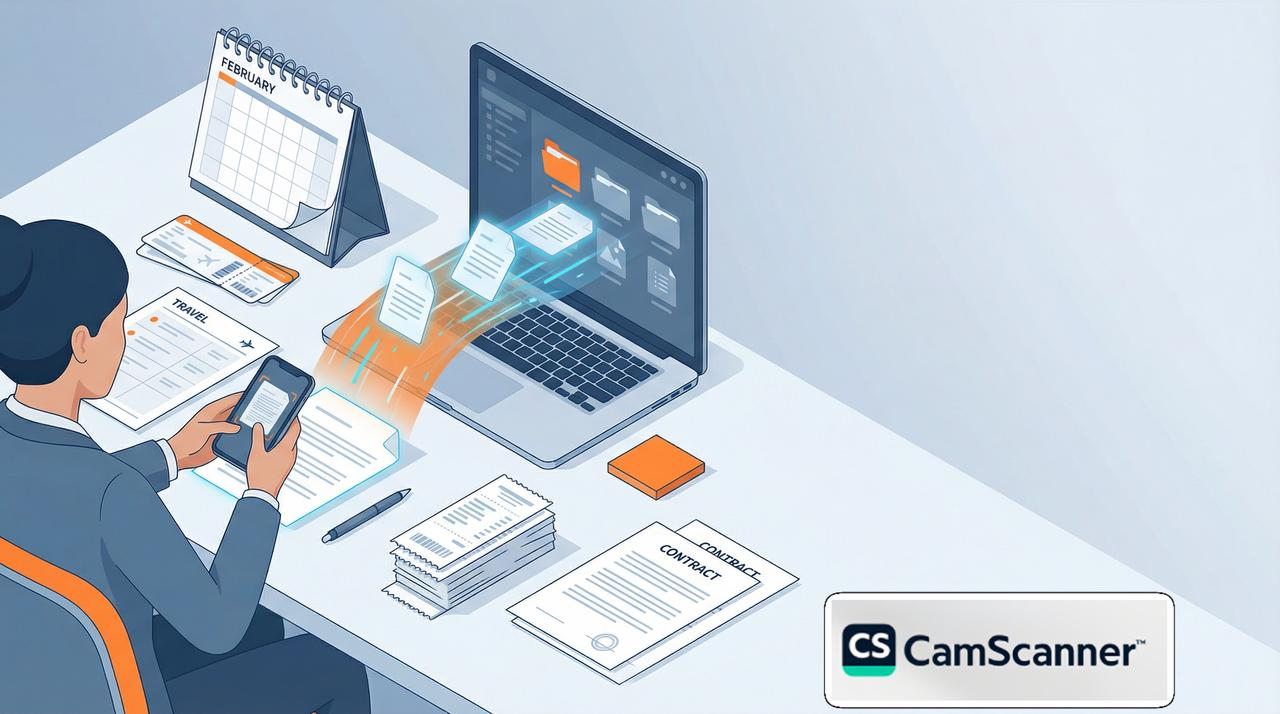
February is one of the most time-compressed months of the year, making it essential to choose the right scanner app to clear administrative hurdles. As deadlines tighten and paperwork piles up, professionals are looking for ways to clear their plates fast. CamScanner helps users digitize, organize, and deliver documents with professional precision—ensuring that paperwork never steals time from what actually matters.
Whether you are navigating a dense social calendar or managing high-volume admin tasks, CamScanner provides a faster, cleaner way to stay in control.
Strategic Efficiency: Why February Demands Better Tools
Peak periods often expose friction points in professional workflows. When files aren’t organized, small delays quickly turn into major disruptions.
In the United States, February is packed with high-energy moments—from major sporting events to the Presidents’ Day long weekend. Receipts, contracts, and travel documents accumulate fast. The priority is to finish admin work early, avoiding the stress of carrying unfinished tasks into March.
One Ecosystem, Two Workflows: Mobile + Desktop Synergy
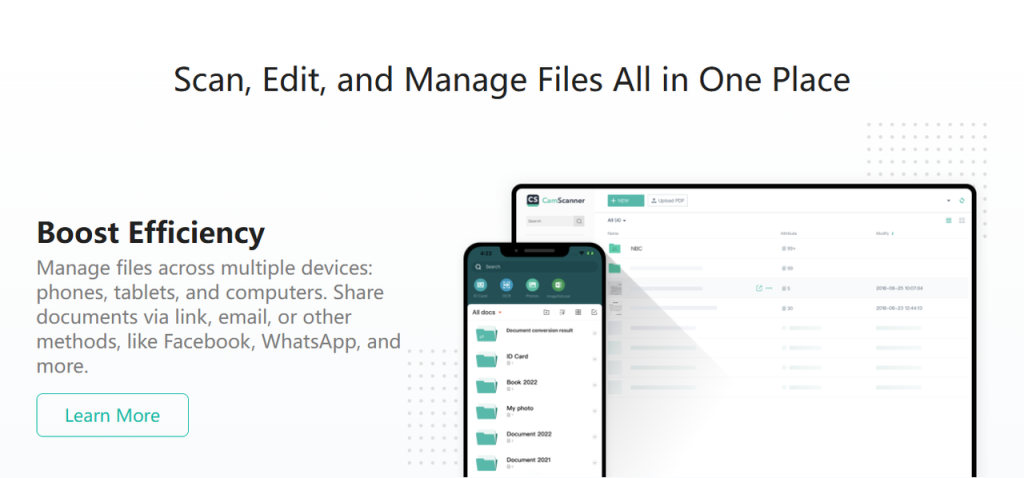
CamScanner is designed for speed across devices, allowing users to capture documents on mobile and manage them efficiently on the desktop.
- Scan Instantly on Mobile: Capture contracts or receipts the moment they arrive.
- Manage Comfortably on Desktop: Files sync automatically to your desktop workspace. Use the larger screen to rename, sort, and organize large batches of documents quickly and accurately.
This mobile-to-desktop workflow reduces friction, keeping document work moving even during peak periods when every minute counts.
AI-Enhanced Quality That Eliminates Rescans
Scanning should be fast and reliable in any situation—not something that requires repeated attempts. CamScanner’s AI-powered enhancement helps ensure clear, professional-looking results from the very first scan, even when conditions aren’t ideal:
- Shadow Removal: Automatically cleans up uneven lighting and background shadows for better readability.
- Smart Cleanup & Correction: Detects and corrects skewed or curved pages while reducing common document imperfections such as shadows, stains, or smudges from daily handling.
- Text Clarity: Enhances contrast for legal, financial, and business documents, making every scan easier to review and ready for immediate use.
Faster Delivery, Smoother Collaboration
CamScanner helps documents reach stakeholders without delay, facilitating faster approvals and project wrap-ups.
- Versatile Export: Turn scans into searchable PDFs or editable Word and Excel files.
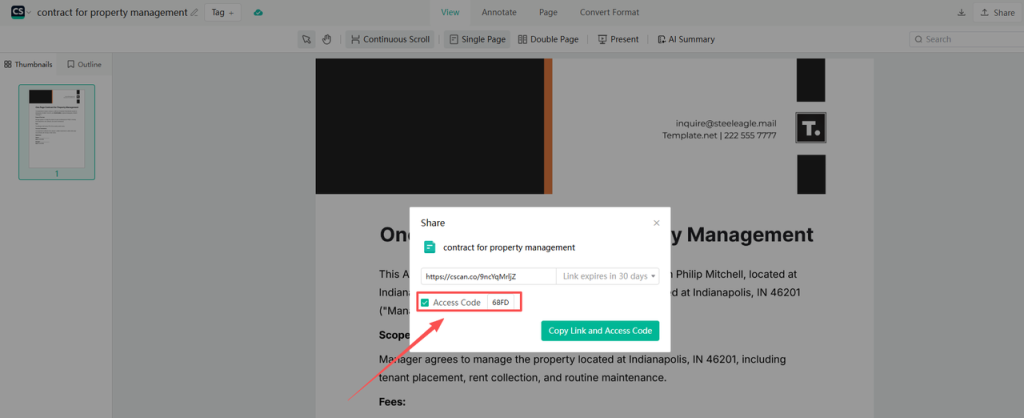
- Secure Sharing: Distribute files via encrypted links or email directly from the platform.
Control Access: Protect sensitive data with passwords or expiration dates, ensuring secure handoffs before you step away for a holiday or the holy month.
Conclusion: Take Control This February
February doesn’t have to feel overwhelming. By integrating CamScanner into your daily routine—on both mobile and desktop—you can reduce document chaos, meet deadlines faster, and regain control over your schedule.
Frequently Asked Questions (FAQ)
- Why is CamScanner the preferred scanner app for busy professional seasons?
CamScanner streamlines the entire document lifecycle—from scanning to sharing—allowing you to handle large volumes of paperwork quickly and with professional accuracy during time-sensitive periods.
- Can I use CamScanner to manage complex, multi-page business contracts?
Yes. CamScanner supports Batch Scanning, allowing you to merge, split, and reorder multiple-page files easily on the desktop interface to create a more organized and professional archive.
- How does CamScanner assist before a long weekend or a seasonal slowdown?
By digitizing and organizing documents early with CamScanner, you can close business cycles in advance and avoid the burden of unfinished administrative tasks during your time off or holiday observances.
- How can AI improve the quality of scanned documents?
AI helps enhance scanned documents by automatically correcting lighting, alignment, and common imperfections such as shadows or stains. With CamScanner, these AI-powered enhancements ensure documents are clear, readable, and suitable for professional use without requiring manual adjustments.
- How does the CamScanner OCR feature benefit business document management?
The OCR (Optical Character Recognition) feature converts scanned images into searchable and editable text. This makes it incredibly easy to verify financial data or retrieve specific information later without manual re-typing.
