

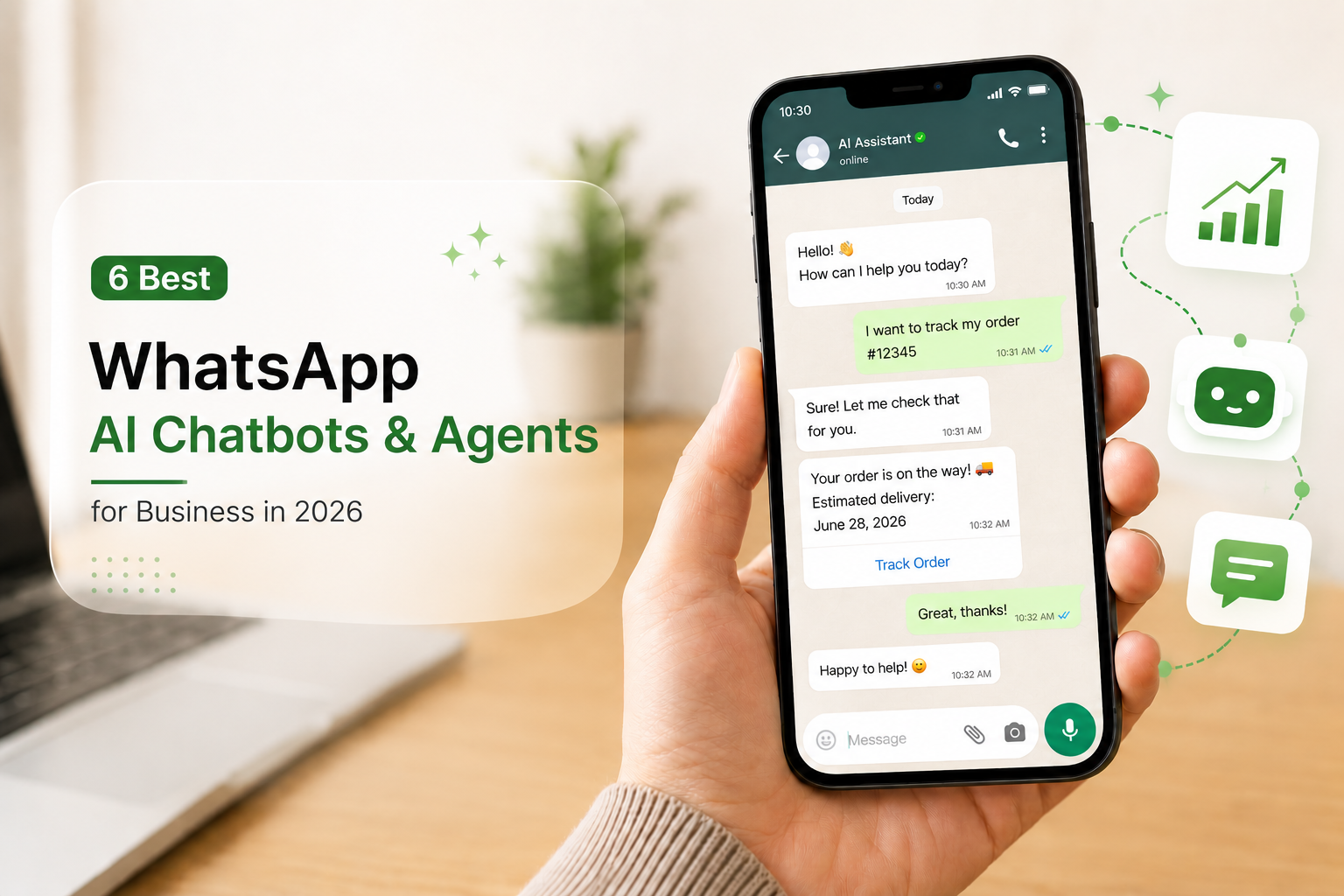
WhatsApp has moved past basic customer messaging. Today, many companies are using AI chatbots to answer support questions, qualify leads, automate follow-ups, recover abandoned carts and route conversations without the need for a human agent.
The gap between these platforms is larger than most comparison pages suggest. Some tools are focused on simple automation and broadcasts. Others can search knowledge bases, run workflows, sync with CRMs and manage conversations across WhatsApp, websites, Instagram and other channels from one system.
The best AI chatbots cut down on repetitive work without turning conversations into inflexible decision trees. That’s important, because scripted bots tend to fail as soon as a customer asks something just outside the defined flow. AI agents trained on business data tend to be more natural in those conversations.”
Here, we compared the best AI chatbots for WhatsApp based on AI response quality, workflow automation, integration flexibility, omnichannel support, pricing structure, and how well each platform fits real business use cases.
What Is a WhatsApp AI Chatbot?

A WhatsApp AI chatbot is a conversational system that interacts with customers through WhatsApp using artificial intelligence instead of fixed keyword rules or scripted reply flows.
Traditional WhatsApp bots usually depend on buttons, predefined menus, and exact trigger phrases. AI chatbots work differently. They can understand natural questions, retrieve information from business data, and generate responses based on context instead of following a rigid path.
Most modern WhatsApp AI chatbots are connected to knowledge bases, FAQs, PDFs, websites, product catalogs, CRMs, and support platforms. This allows the system to answer customer questions, recommend products, qualify leads, track orders, schedule appointments, and route conversations without requiring a human agent for every interaction.
Some platforms now position themselves as AI agents rather than chatbots because they can execute actions in addition to generating responses. Depending on the platform, the AI may be able to update CRM records, trigger workflows, create tickets, check inventory, or interact with external tools through APIs.
Benefits of Using AI Chatbots for WhatsApp Business
- Stop clogging the inbox with routine support questions: Most WhatsApp support queues are filled with the same conversations about refunds, delivery times, account access, pricing, or appointment availability. Instead of having support teams answer the same questions all day, those questions are answered in real time by an AI chatbot.
- Lead qualification takes place in the conversation, not via long forms: Many companies lose WhatsApp leads because no one responds fast enough. AI chatbots keep the conversation going by gathering contact info, understanding intent and directing qualified leads with context already attached.
- Customers find products even if they vaguely describe them: Traditional e-commerce search relies heavily on exact keywords. WhatsApp AI chatbot works more like a conversation than a search bar. Using product data and business context, the chatbot can surface relevant products even if a customer casually describes what they need.
- WhatsApp becomes less of a siloed inbox: More robust platforms link conversations to CRMs, e-commerce systems, ticketing tools, and internal workflows. Support chat can create a ticket automatically. Sales inquiries can update customer records, removing the need for teams to copy information between systems.
5 Best WhatsApp AI Chatbots & AI Agents in 2026
Businesses now use WhatsApp AI chatbots for more than basic auto-replies. The better platforms can answer support questions, qualify leads, automate workflows, sync with CRMs, and handle conversations across multiple channels without constant manual intervention.
To rank these tools, we looked at AI quality, workflow automation, WhatsApp integration depth, omnichannel support, pricing flexibility, analytics, and how well each platform fits real business use cases.
1. YourGPT
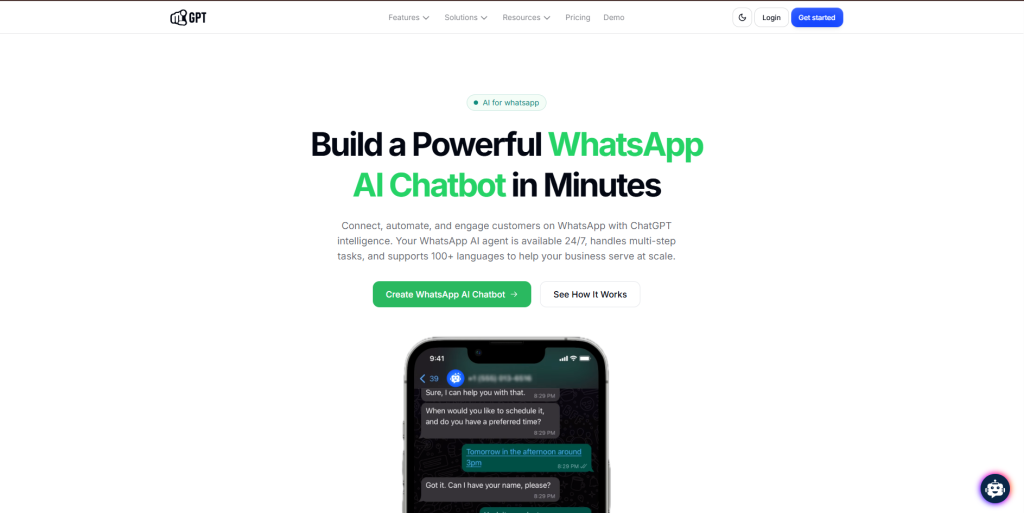
YourGPT is designed more like an AI support agent than a traditional WhatsApp automation builder. Instead of depending mainly on fixed flows and keyword triggers, it answers questions using business knowledge pulled from websites, PDFs, FAQs, help centers, and internal documentation.
That becomes useful once conversations stop following predictable scripts. Customers can ask follow-up questions naturally, phrase requests differently, or reference earlier context without immediately breaking the interaction. For businesses handling large volumes of support or product inquiries on WhatsApp, that reduces the need to manually build complex decision trees.
YourGPT also supports deployment across websites, Slack, Telegram, Discord, Messenger and other channels besides whatsapp, which helps teams manage conversations from one system instead of maintaining separate bots for each platform.
Key Features
- No Code WhatsApp AI agent deployment
- AI chatbot trained on websites, PDFs, FAQs, and documents
- Omnichannel support across web and messaging platforms
- Answering in all modalities Images, audio, text
- Self Learning AI that improves over time
- Custom workflows and integrations
- Multilingual support across 100+ languages
Pros
- Handles natural conversations better than many rule-based WhatsApp bots
- Strong knowledge base support
- Easier to scale across multiple channels
- Suitable for AI-driven customer support workflows
- Supports both no-code and developer use cases
Cons
- Requires good training data for accurate responses
- Advanced workflows may take setup time
Pricing
- Essential: Starts at $39/month (annual billing)
- Professional: $79/month
- Advanced: $349/month
- Enterprise: Custom pricing
Best For
Businesses that want AI-driven customer support, knowledge-based conversations, and multi-channel AI agents instead of basic scripted WhatsApp automation.
2. WATI
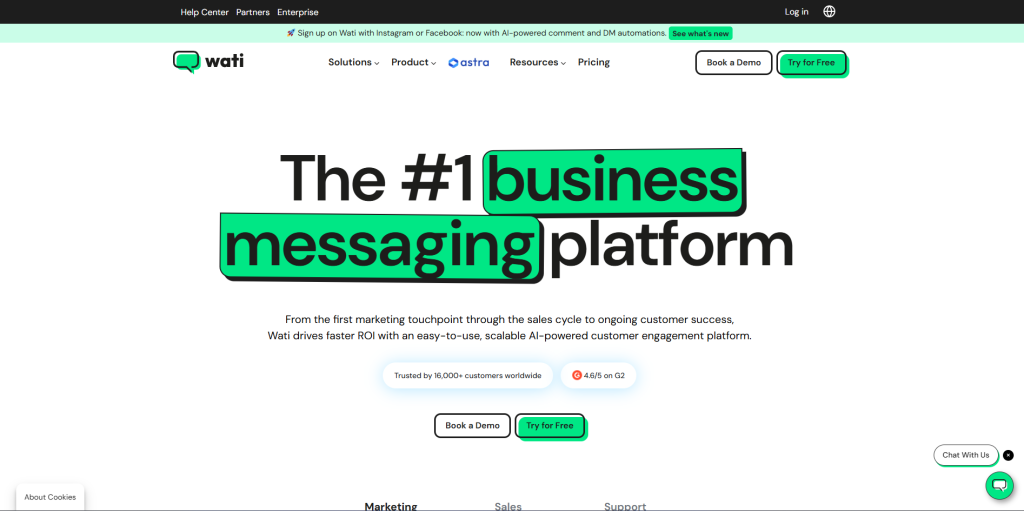
WATI is built for businesses that manage a large share of customer communication directly through WhatsApp. It focuses more on team inboxes, support workflows, broadcasts, and automation than advanced AI reasoning or knowledge-based conversations.
The platform works well for support and sales teams that need shared chat management, automated replies, lead routing, and campaign messaging without handling the WhatsApp API manually.
Key Features
- Shared WhatsApp team inbox
- No-code automation builder
- WhatsApp broadcasts and campaigns
- Customer segmentation
- Shopify and CRM integrations
- Chat assignment and agent management
- Analytics and reporting
- Official WhatsApp Business API support
Pros
- Strong WhatsApp team management tools
- Easier onboarding for non-technical teams
- Good fit for e-commerce and support operations
- Built specifically around WhatsApp workflows
- Broadcast and campaign support included
Cons
- Less flexible for advanced AI agent workflows
- AI capabilities depend heavily on workflow setup
- Multi-channel support is more limited than some competitors
Pricing
- Growth: Starts at $39/month (annual billing)
- Pro: Starts at $79/month (annual billing)
- Business: Custom pricing
- Enterprise: Custom pricing
Additional WhatsApp conversation charges apply separately based on Meta’s pricing model.
Best For
Businesses that handle high volumes of customer conversations on WhatsApp and need structured support workflows, shared inboxes, and automation tools.
3. Respond Io
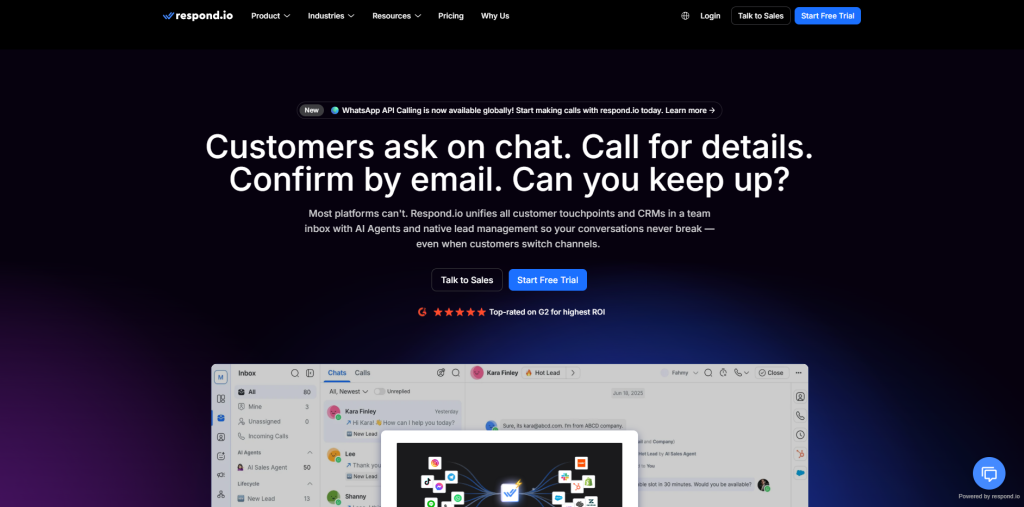
Respond io is built for businesses that manage customer conversations across multiple channels instead of WhatsApp alone. Along with WhatsApp, the platform supports Instagram, Messenger, Telegram, email, web chat, and other messaging channels from one inbox.
That becomes useful once support and sales conversations start spreading across different platforms. Teams can route chats, assign conversations, track customer history, and automate follow-ups without switching between separate messaging tools all day.
Respond.io also includes workflow automation for lead routing, CRM updates, ticket escalation, and agent assignment. Compared to WhatsApp-first platforms, it offers broader operational flexibility but usually requires more setup and configuration.
Key Features
- Omnichannel shared inbox
- WhatsApp Business API support
- Workflow automation builder
- CRM and webhook integrations
- Lead routing and chat assignment
- Customer conversation history
- Broadcast messaging
- Analytics and reporting
Pros
- Strong multi-channel support
- Flexible workflow automation
- Good fit for support and sales teams
- Useful CRM integration options
- Handles larger operational setups well
Cons
- More setup complexity than simpler WhatsApp tools
- Automation workflows can take time to configure
- Pricing increases quickly for larger teams
Pricing
- Starter: $79/month
- Growth: $159/month
- Advanced: $279/month
- Enterprise: Custom pricing
Best For
Businesses that manage customer communication across WhatsApp, Instagram, Messenger, Telegram, and other channels from one support system.
4. Ainisa
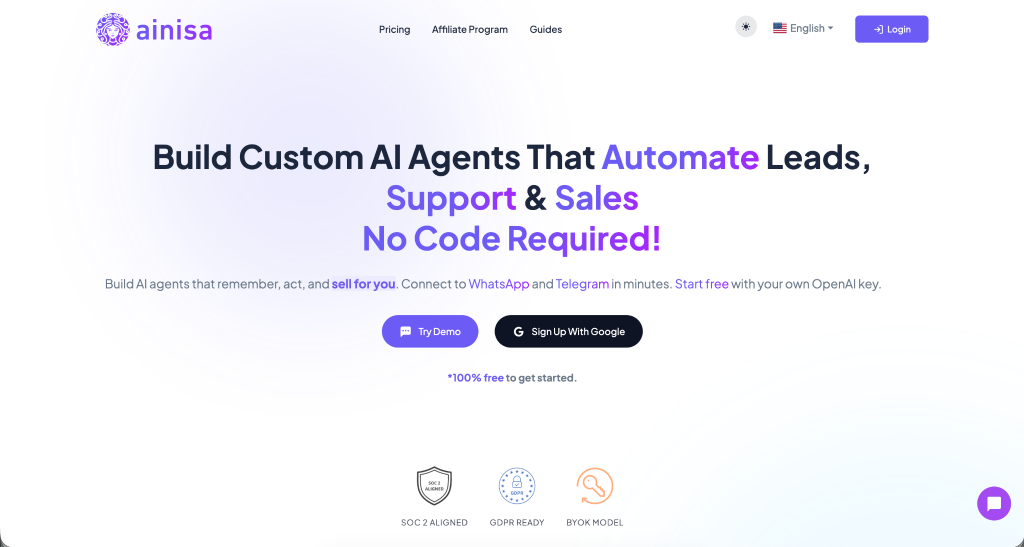
Ainisa is built more like an AI agent operating system than a traditional WhatsApp chatbot platform. Instead of relying mainly on scripted flows or fixed support automation, it allows businesses to create AI agents that can reason across connected tools, business data, APIs, and operational workflows.
One of the platform’s biggest differences is flexibility around AI infrastructure. Businesses can connect different AI providers, configure custom agent behavior, attach external tools, and control how agents interact with business systems instead of depending on a locked single-model setup.
The platform also supports multi-agent environments where different AI agents can handle separate responsibilities across support, operations, workflows, and business actions. That makes Ainisa more suitable for businesses building operational AI systems rather than simple customer-facing chat automation.
Key Features
- Multi-agent AI architecture
- WhatsApp and multi-channel deployment
- API and webhook integrations
- Workflow and action execution
- CRM and external system connectivity
- Knowledge base training
- Human handoff support
- Multi-language conversations
Pros
- Strong flexibility around AI providers and model usage
- Supports operational AI agents beyond customer support
- Multi-agent system capabilities
- Useful integration depth for complex workflows
- Less dependent on rigid scripted automation
Cons
- Requires more planning than simpler chatbot platforms
- Better suited for technical or operational teams
- Smaller ecosystem compared to larger SaaS platforms
Pricing
- Starter: Free
- Pro: $39/month
- Growth: $119/month
- Team: $499/month
- Enterprise: Custom pricing
- On-Premise: Custom pricing
Best For
Businesses that want AI agents connected to workflows, APIs, CRMs, and operational systems instead of basic scripted chatbot automation.
5. AnveVoice
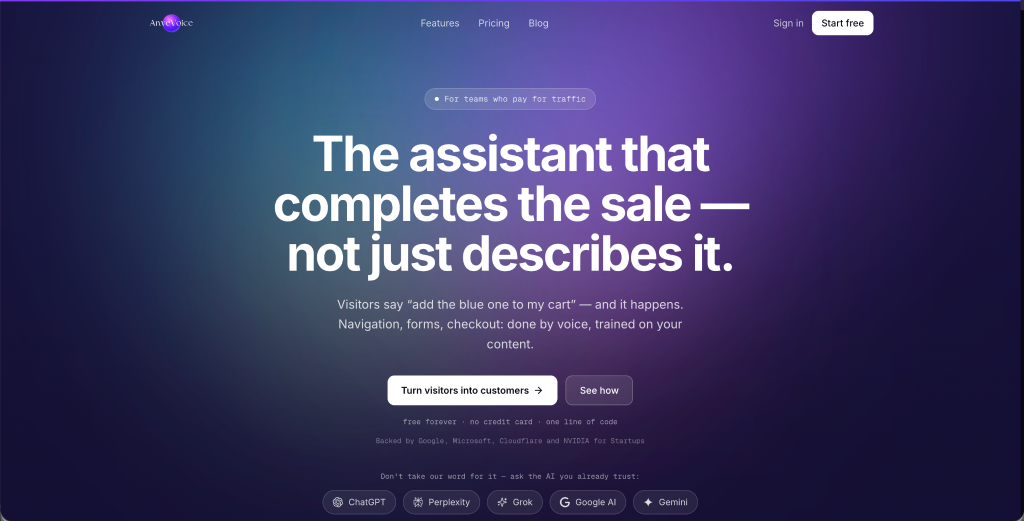
AnveVoice focuses on AI agents that can handle conversations, voice interactions, and business actions inside a single workflow. Instead of working like a basic scripted WhatsApp bot, the platform is built around AI agents that can respond to users, collect information, trigger actions, and continue conversations across different business scenarios.
The platform supports WhatsApp automation alongside voice AI, workflow execution, browser actions, and external integrations. Businesses can connect the AI with APIs, tools, CRMs, and operational workflows instead of limiting the chatbot to simple support replies or keyword flows.
AnveVoice is better suited for businesses exploring AI agents that can do more than answer FAQs. Teams can build conversational workflows where the AI handles tasks, gathers customer information, interacts with systems, and supports voice-based interactions without relying entirely on pre-built chatbot trees.
Key Features
- WhatsApp AI agent deployment
- Voice AI interactions
- Workflow and task execution
- Browser and DOM interaction capabilities
- API and external tool integrations
- Multi-step AI workflows
- CRM and system connectivity
- Human handoff support
Pros
- Strong AI agent workflow capabilities
- Supports both voice and text interactions
- Flexible API and operational integrations
- Better suited for action-driven workflows
- Less dependent on rigid scripted automation
Cons
- Smaller ecosystem than larger WhatsApp platforms
- Requires setup planning for advanced workflows
- Less mature operationally than established incumbents
Pricing
- Free: $0/month
- Growth: $31/month
- Scale: $104/month
- Enterprise: Custom pricing
Best For
Businesses looking for WhatsApp AI agents that combine conversational AI, voice interactions, workflow execution, and operational automation inside a single platform.
6. Interakt
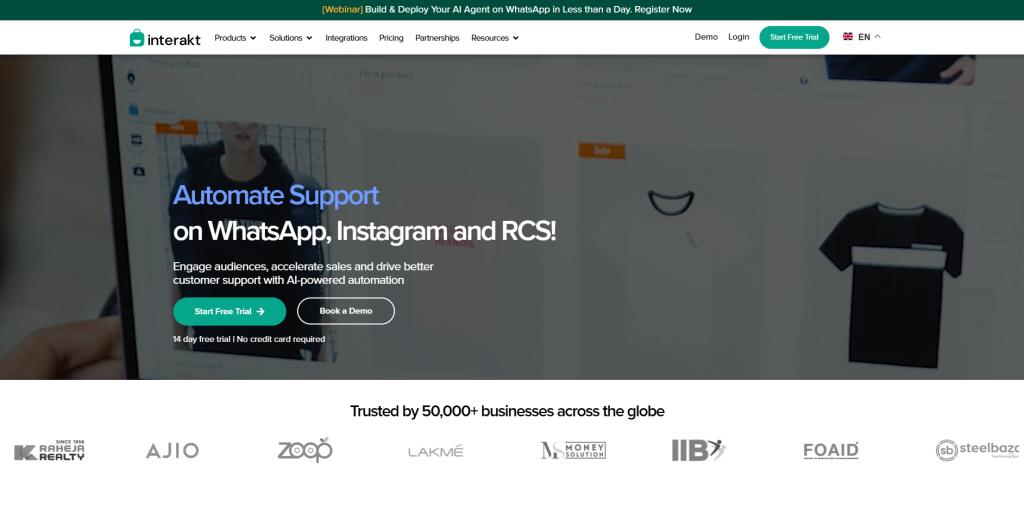
Interakt is built mainly for e-commerce businesses that use WhatsApp for sales, customer support, order updates, and retention campaigns. The platform focuses less on advanced AI behavior and more on practical WhatsApp commerce workflows.
That makes it common among Shopify stores, D2C brands, and smaller support teams managing customer communication directly through WhatsApp. Businesses can handle order notifications, abandoned cart reminders, customer queries, and promotional campaigns from one dashboard.
Interakt also includes shared inbox features, automation flows, customer segmentation, and CRM-style contact management. Compared to more AI-agent-focused platforms, the setup is simpler and easier for smaller teams to manage without technical support.
Key Features
- WhatsApp Business API support
- Shared team inbox
- Abandoned cart recovery
- Order notifications and updates
- Customer segmentation
- No-code automation workflows
- Shopify integration
- Broadcast campaigns
Pros
- Strong ecommerce workflow support
- Simpler setup for smaller businesses
- Useful Shopify integration
- Good fit for WhatsApp sales operations
- Built around commerce-focused use cases
Cons
- Less advanced AI functionality
- Limited flexibility for complex workflows
- Multi-channel support is narrower than some competitors
Pricing
- Starter: ~$144/year (+ taxes)
- Growth: ~$317/year (+ taxes)
- Advanced: ~$432/year (+ taxes)
- Enterprise: Custom pricing
Best For
Ecommerce businesses and D2C brands that use WhatsApp for customer support, sales conversations, order updates, and retention campaigns.
Quick Comparison Table
| Platform | What is does | Advantage | Setup Time | Where It Fits Less Well | Self Learning | Reviews |
| YourGPT | AI support that answers from your website, PDFs, FAQs, docs, and help center content | Strong AI, WhatsApp rich media, voice notes, image understanding, and omnichannel | 1 day | Pure broadcast-heavy WhatsApp marketing teams may prefer a campaign-first tool | ✅ | 4.7 |
| WATI | WhatsApp marketing, broadcasts, sales journeys, product catalogs, and team inbox workflows | Deep WhatsApp-native features like broadcasts, catalogs, WhatsApp Flows, Click-to-WhatsApp ads, and CRM sync | 1-2 week | Advanced AI agent execution and complex API workflows are less central to the platform | ❌ | 4.6 |
| Respond.io | One inbox for WhatsApp plus Instagram, Messenger, Telegram, email, and voice | Flow builder, lifecycle tracking, CRM sync, and cross-channel automation | 4-5 days | Teams that only care about deep WhatsApp commerce features may find it broader than needed | ❌ | 4.7 |
| Ainisa | Cross-channel AI agents that connect to tools, APIs, CRMs, ERPs, sheets, and automation platforms | One AI agent can work across WhatsApp, website, Instagram, Telegram, and more | 1 day | Less inbox-led than classic support platforms | ❌ | N/A |
| AnveVoice | Voice-first AI agents that can handle text, voice, workflows, and operational actions | Strong fit for voice-enabled conversations and task execution inside customer journeys | 1 day | Traditional WhatsApp inbox, broadcast, and commerce tools are not the main focus | ❌ | N/A |
| Interakt | Ecommerce WhatsApp automation for D2C brands, Shopify stores, order updates, cart recovery, and retention | Strong WhatsApp commerce workflows, promotional broadcasts, shared inbox, and customer segmentation | 2-3 day | Less suitable for advanced AI agents trained on complex business knowledge | ❌ | 4.5 |
How to Choose the Right WhatsApp AI Chatbot
The best WhatsApp AI chatbot is usually the one that fits the way your business already communicates with customers, not the platform with the most advanced-looking feature list.
- Decide How Much AI You Actually Need: Some businesses only need automated replies, routing, and campaign messaging. Others need AI that can understand documentation, answer layered customer questions, and interact with internal systems. The difference affects both pricing and setup complexity.
- Look at How Conversations Escalate: A chatbot may handle the first part of a conversation well and still fail during edge cases. Check how the platform handles escalation when customers ask something outside the expected flow or need support from a real person.
- Evaluate Workflow Depth Carefully: Many platforms automate messages. Fewer platforms can trigger workflows, update CRMs, create tickets, sync customer data, or interact with external systems through APIs. That distinction matters once WhatsApp becomes tied to daily operations.
- Check Whether the Platform Can Scale Operationally: A tool that works for a small support queue may become difficult to manage once conversations increase across support, sales, and marketing teams. Shared inbox quality, agent controls, permissions, and workflow organization matter more as teams grow.
- Pay Attention to Meta and WhatsApp Limitations: Some costs and restrictions come directly from Meta rather than the chatbot platform itself. Conversation-based pricing, template approvals, messaging limits, and WhatsApp Business API policies can affect long-term operational costs and flexibility.
Practical Buying Advice
If your main goal is customer support on WhatsApp, compare tools on AI answer quality, knowledge base training, escalation quality, and how much context the human agent receives during handoff.
If your main goal is WhatsApp marketing, compare broadcast limits, templates, campaign analytics, segmentation, catalog support, Click-to-WhatsApp ads, and CRM sync.
If your main goal is automation, compare whether the tool can call APIs, check order status, create tickets, update CRM fields, trigger workflows, and complete multi-step actions without forcing users into rigid menu flows.
If your main goal is team operations, compare inbox quality, chat assignment, internal notes, SLA tracking, role permissions, agent performance analytics, and conversation history.
Related Reading
- How to Build an AI Conversational Automation Pipeline
- Effortless Management: Streamlining Marketing With Automation
- Improving Business Operations with Advanced Omnichannel Platforms
- Create a AI Chatbot for WhatsApp: Full Guide
Conclusion
The best WhatsApp AI chatbot depends more on how your business handles conversations than how many features a platform advertises. Some tools are better for AI-driven customer support and knowledge retrieval, while others focus more on WhatsApp operations, e-commerce workflows, or multi-channel communication management.
Businesses handling large support volumes usually benefit from platforms with stronger knowledge training, workflow automation, and human handoff systems. Smaller teams may care more about ease of setup, campaign messaging, and shared inbox management instead of advanced AI agent capabilities.
YourGPT, WATI, Respond.io, Ainisa, Anvevoice and Interakt all solve different parts of the WhatsApp automation problem. The right choice comes down to whether your priority is AI support, workflow execution, e-commerce operations, or multi-channel customer communication.
FAQs
Which is the best WhatsApp AI chatbot?
The best platform depends on the type of conversations your business handles daily. YourGPT is stronger for AI-driven customer support and knowledge-based conversations, while platforms like WATI and Interakt focus more on WhatsApp operations, e-commerce workflows, and campaign management.
Can I use AI with WhatsApp Business?
Yes. Most WhatsApp AI chatbots connect through the WhatsApp Business API and allow businesses to automate customer support, lead qualification, order updates, appointment booking, and workflow automation inside WhatsApp conversations.
Do I need the WhatsApp Business API to use AI chatbots?
In most cases, yes. Platforms like YourGPT, WATI, Respond.io, Ainisa and Interakt typically rely on the official WhatsApp Business API for automation, shared inboxes, broadcasts, and AI-driven conversations.
What is the difference between a WhatsApp chatbot and a WhatsApp AI agent?
Traditional chatbots usually depend on scripted flows, predefined replies, and keyword triggers. AI agents can handle more flexible conversations, retrieve information from business knowledge bases, and sometimes trigger workflows or interact with external systems through APIs.
Can WhatsApp AI chatbots answer questions using my business documents?
Many modern platforms support training on websites, FAQs, PDFs, product catalogs, help center articles, and internal documentation. The quality of responses usually depends on how well the platform retrieves and uses that information during conversations.
How much does a WhatsApp AI chatbot cost?
Pricing generally ranges from $30 to $500+ per month depending on the platform, AI usage, integrations, and conversation volume. Many platforms offer free or low-cost starter plans, while larger operational setups scale into the hundreds of dollars. Note that separate WhatsApp conversation charges based on Meta’s pricing model often apply.
Can WhatsApp AI chatbots transfer conversations to human agents?
Yes. Most business-focused platforms support human handoff so support teams can take over conversations when automation is no longer enough. Better systems also preserve the previous conversation context for the support agent.
