

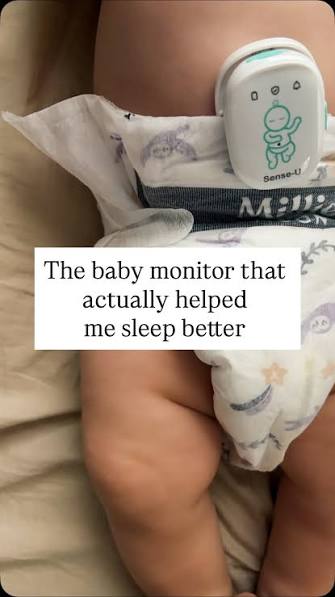
New parents quickly learn that sleep becomes a negotiation rather than a guarantee, and much of that comes down to how confident you feel about what is happening in the nursery while you are not in the room. A baby monitor is supposed to solve that problem, but not every monitor actually delivers the reassurance it promises. Grainy video, laggy audio, or a connection that drops the moment you step into the kitchen can turn a tool meant to ease anxiety into another source of it. First-time parents often overbuy features they never use, while parents managing multiple children or irregular sleep schedules need something more reliable than a basic audio-only unit. This guide breaks down what actually matters in a baby monitor, how to set one up properly, and how to build monitoring habits that support real sleep instead of constant, anxious checking.
What a Baby Monitor Should Actually Do
At its core, a baby monitor exists to answer one question quickly and reliably: is my baby okay right now. Video clarity matters more than most parents expect going in, since a blurry or pixelated feed at two in the morning is nearly useless for judging whether a baby is simply stirring or fully awake. Audio quality matters just as much, and a monitor that picks up background hum or static makes it hard to distinguish real cries from ambient noise.
Range and connection stability round out the basics. A monitor that cuts out when you walk to another part of the house defeats the purpose entirely, since the moments you most need a reliable signal are often when you are furthest from the nursery, doing laundry or making dinner.
Video Quality and Night Vision, Explained Simply
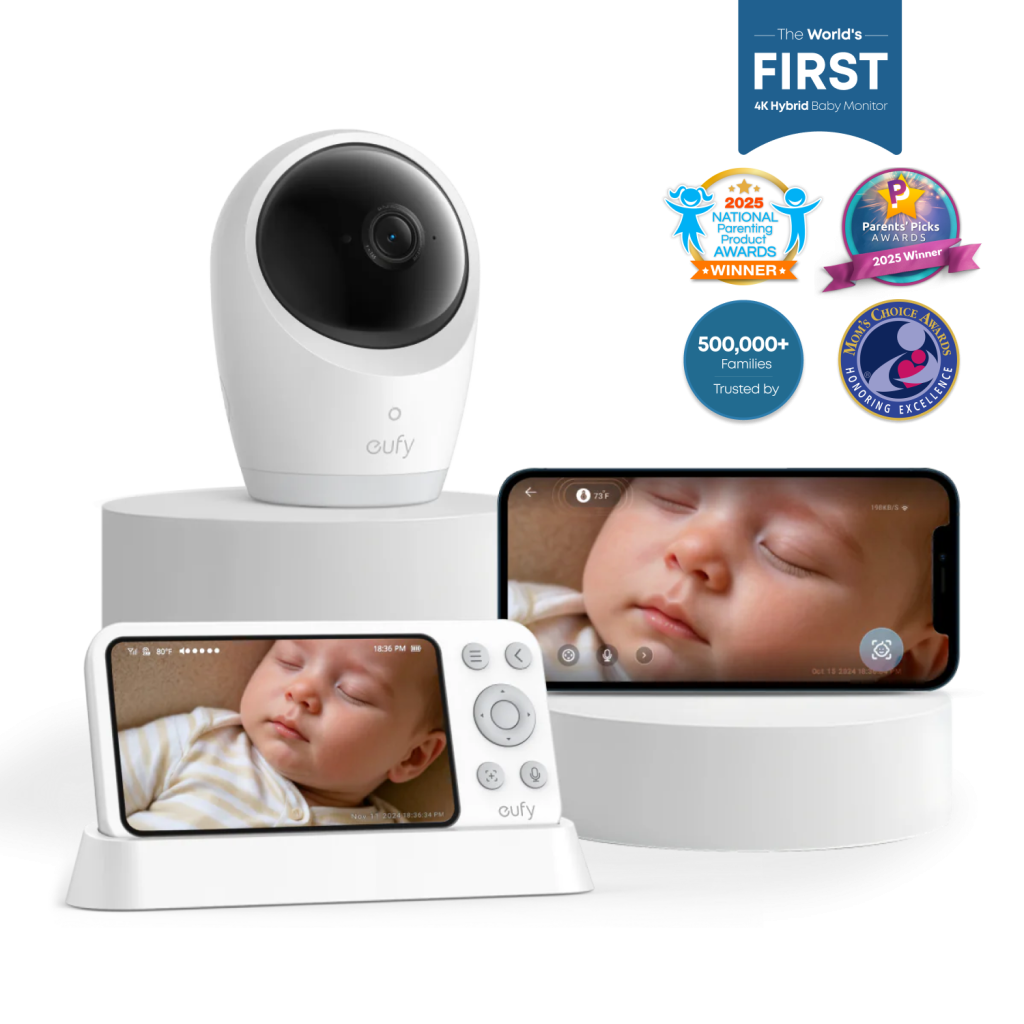
Most nursery checks happen in low light or complete darkness, so night vision performance deserves more attention than daytime video quality. Infrared night vision is standard on most current models and works well for basic clarity, but some newer units offer color night vision using ambient or supplemental light, which can make it easier to read subtle cues like skin tone changes. Resolution matters too, since a sharper image lets you notice small details, like a pacifier that has fallen out of reach, without needing to walk into the room to check.
Two-Way Audio and Remote Features
Two-way audio lets you speak softly to your baby from another room, which can be surprisingly effective for resettling a child without a full trip into the nursery. Remote pan and tilt controls, available on many current models, let you adjust the camera angle without physically entering the room, which is especially useful if your baby has started moving around the crib more than the original camera placement accounted for.
Placement That Actually Improves What You See
Camera placement affects monitor performance more than most parents realize. Mounting the camera to view the crib at a slight angle, rather than straight down, tends to capture more useful detail as a baby grows and starts sitting up or standing. Keeping the camera and any cords well out of reach is essential for safety, and most manufacturers provide clear mounting guidelines that are worth following closely rather than improvising placement.
For homes with more than one child, or a nursery on a different floor than the main living space, checking the stated range of a baby monitor before buying can prevent a frustrating surprise once it is installed. Testing the connection from the rooms you actually spend time in, not just the room next door, gives a much more realistic sense of everyday performance.
Extra Features Worth Considering
Temperature and humidity sensors, built into many current monitors, help parents keep the nursery within a comfortable range without needing a separate thermometer. Some models also offer lullaby playback or white noise features controllable from the app, which can be genuinely useful for settling a baby without walking into the room and risking a fuller wake-up. Motion and sound alerts, which notify your phone when the monitor detects movement or crying above a set threshold, are helpful but worth tuning carefully, since overly sensitive settings can trigger constant false alarms that erode trust in the system over time.
Building Healthier Monitoring Habits
It is easy to fall into a pattern of checking the monitor constantly, which often increases anxiety rather than easing it. Setting specific, reasonable check-in intervals, rather than glancing every few minutes, tends to support better sleep for parents without compromising safety. Trusting well-tuned alerts to do their job, rather than manually monitoring around the clock, is often the harder habit to build but the more sustainable one long term.
Choosing a System That Fits Your Household
Every household has different needs, and the right monitor reflects that rather than chasing every available feature. Brands such as eufy have focused heavily on local storage options for baby monitors, appealing to parents who prefer to keep nursery footage private rather than routing it through a cloud subscription. Whichever brand you choose, matching the feature set to your actual routine, rather than the longest spec sheet, is what makes a monitor genuinely useful night after night.
Choosing Monitoring That Supports Real Rest
The best baby monitor is the one that lets you relax rather than one that adds more screens to check. Clear video, reliable audio, and thoughtful placement do more for peace of mind than any long list of extra features ever could. Once your monitor is set up well and your check-in habits feel manageable, sleep tends to improve for the whole household, not just the baby. A little research upfront pays off every single night that follows.
