

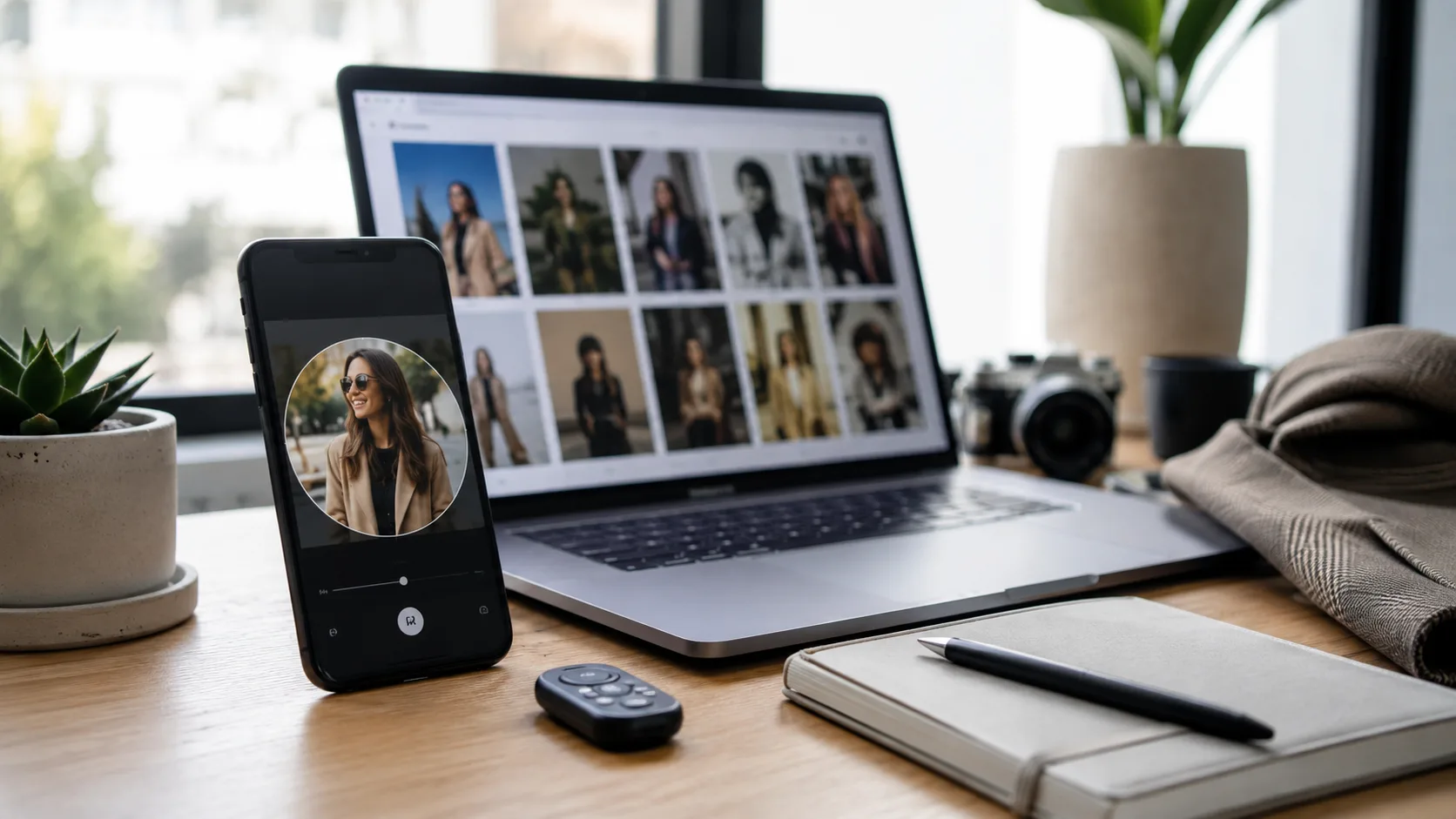
Your profile picture is the smallest part of your online presence, but it often gets judged first. Before someone reads your bio, opens your portfolio, checks your posts, or decides whether to reply, they have already formed a quick opinion from one square image.
That is why profile picture ideas matter more than they seem to. A good one does not need to look expensive. It needs to look current, clear, and believable on the platform where people find you. The mistake is trying to use one random cropped photo everywhere and hoping it works for Instagram, LinkedIn, Discord, and dating apps at the same time.
One photo can work across several platforms, but only if it is chosen with the right signals in mind. The best profile picture is not the most polished image you own. It is the one that makes the right promise before anyone clicks.
Start with the platform, not the photo
Most people choose a profile picture by scrolling through their camera roll and picking the one where they look best. That sounds logical, but it skips the real question: what is this photo supposed to do?
Instagram is usually about recognition and style. Your picture should be easy to identify at a small size and should match the tone of your posts. LinkedIn is about trust. A relaxed photo can work there, but it still needs clean lighting, a visible face, and a background that does not pull attention away from you. Dating apps are more personal. The image should look like a real person someone might meet, not a studio ad or a heavily filtered avatar.
Discord, X, YouTube, and creator platforms have their own rules. A strong avatar can be more stylized there, especially if the account is built around gaming, design, commentary, or content creation. But the same principle applies: the photo has to make sense in the feed where it appears.
Make your face easy to recognize
A profile picture has a hard job because it is usually tiny. On mobile screens, people may only see a small circle beside a name. That means complicated backgrounds, full-body shots, sunglasses, hats, group photos, and dramatic crops usually fail faster than people expect.
A safe rule is simple: your face should take up enough of the frame to be recognized without tapping. Your eyes should be visible. The lighting should come from the front or side, not from behind you. If the photo only works when viewed full size, it is not a strong profile picture.
This does not mean every avatar needs to be a plain headshot. You can still use a cafe, rooftop, home office, travel background, or outdoor scene. Just make sure the setting supports the image instead of competing with it.
Match the energy to the account
One useful way to choose a photo is to ask what kind of conversation the account is trying to start. A freelance designer may want creative but reliable. A software consultant may want calm and competent. A creator may want friendly and memorable. A dating profile may want warm, relaxed, and specific to real life.
The wrong image can send a mixed message. A stiff corporate photo may feel strange on Instagram if your feed is casual. A party photo may hurt a LinkedIn profile even if you look good in it. A mysterious side-profile shot may look artistic, but it can perform badly when people need to know who they are looking at.
If you manage several profiles, build a small set rather than forcing one photo everywhere. A clean work version, a social version, and a dating version are often enough. They can all look like the same person while doing slightly different jobs.
Tools such as DatePhotos AI can fit into this system when you want to test different profile directions without arranging a full shoot. The practical approach is to compare styles, keep the versions that still look like you, and avoid using any image that feels too perfect for the account it will appear on.
Think in terms of a profile photo system
A profile photo system is just a small group of images that make your online identity feel consistent. It does not have to be complicated. Choose one clear face photo, one more polished professional photo, one warmer social photo, and one lifestyle image that shows a real setting.
That kind of system helps because people often discover you across more than one place. They might see your Instagram, then search your name on LinkedIn. They might find your dating profile and later check your public social links. If every photo looks like it came from a different year, it creates unnecessary friction.
Use profile picture ideas as prompts, not costumes
Searches for profile picture ideas often lead to lists: cafe photo, mirror selfie, office portrait, city street, rooftop, beach, gym, bookshop, pet photo, studio headshot. Lists can help, but they become awkward when people copy them without asking whether the idea fits.
A better method is to translate the idea into your own life. If you never go hiking, do not make your profile look like an outdoor adventure account. If your work is quiet and technical, a loud, influencer-style pose may feel wrong. If your dating profile says you like relaxed coffee dates, a simple cafe photo might be more believable than a luxury travel shot.
The photo should look like an edited version of reality, not a new character. That is the line to watch, especially when using AI or heavy editing tools.
Refresh the source photo before editing
The best profile picture often starts with a better source photo. You do not need a photographer for the first pass. Use a phone, clean the lens, face a window, and set the camera at eye level. Take photos in a few outfits and backgrounds. Give yourself enough options before deciding the camera hates you.
Small details matter. Remove clutter behind you. Avoid overhead light that creates shadows under the eyes. Keep your shoulders relaxed. Take a few photos while seated and a few while standing. If the image is for LinkedIn, try one with a plain wall or desk background. If it is for Instagram or dating apps, try a warmer setting that still keeps the face clear.
Do not rely on filters to fix a weak photo. Filters can smooth skin and change colors, but they cannot make a confusing image feel trustworthy. A clean source image gives every editing step more room to work.
When an AI profile tool makes sense
AI tools are most useful when you already have a clear selfie but need better variations. Maybe your current photo is too casual for LinkedIn. Maybe your Instagram avatar is a bad crop from a group picture. Maybe your dating app first image is technically clear but has no setting or warmth.
In those cases, an AI profile picture generator can help you test styles before paying for new photos. The key is to judge the results like an editor, not like a fan of the technology. Does the face still look like you? Does the lighting make sense? Would the image feel believable beside the rest of your profile?
Use the tool to create options, then be selective. The worst use of AI is uploading every image just because it looks sharp. The best use is finding one or two photos that fit the platform and still feel honest.
Avoid the signs of an over-edited profile picture
People are getting better at spotting images that feel too processed. The warning signs are familiar: plastic skin, overly bright eyes, strange hair edges, backgrounds that look like a showroom, lighting that does not match the face, or a version of you that looks ten years away from the rest of your photos.
Over-editing is especially risky for dating apps and professional profiles because both depend on trust. A dating profile picture should make someone comfortable meeting the person in the photo. A professional profile picture should make a recruiter, client, or colleague feel that the person is real and current.
Before publishing, compare the new image with your recent photos. If it makes every other image look outdated or fake, either update the rest of the set or choose a more natural version.
Choose different crops for different platforms
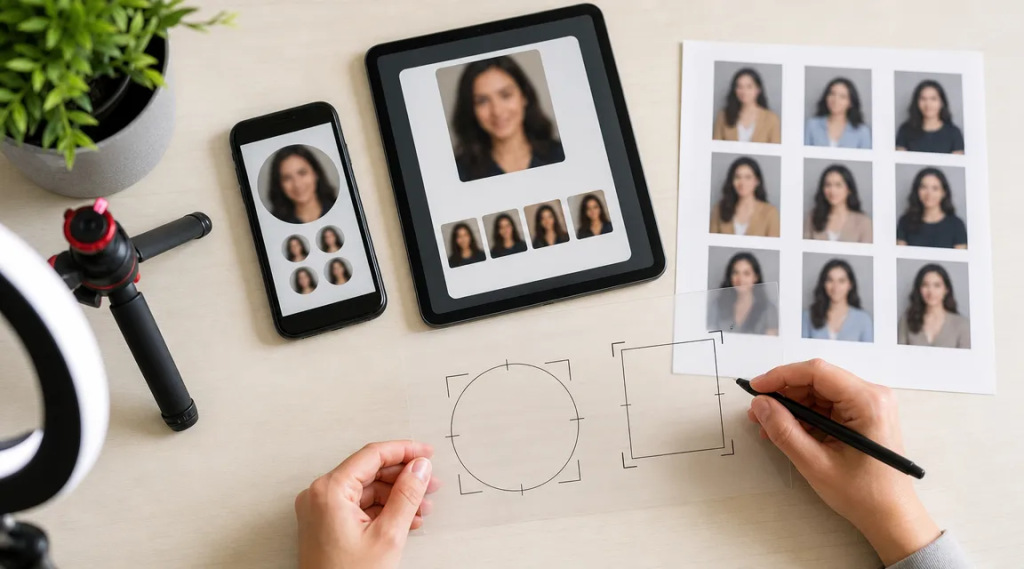
The same image can fail if the crop is wrong. Instagram and Discord often use circular crops. LinkedIn uses a circle in many placements but may show larger previews elsewhere. Dating apps vary by layout, and some crop aggressively on the first card.
Keep the important parts away from the edges. Leave space around the head and shoulders. Avoid placing your face too low in the frame. If the original image includes an interesting background, save a wider version too, but use the tighter crop for platforms where the image appears small.
It is worth exporting a few versions: square, circular-safe, and a wider portrait crop. That takes five minutes and prevents a good photo from being ruined by an app’s automatic crop.
Update profiles in one session
Once you choose the final image set, update your main profiles together. This keeps your online presence from feeling patched together. Instagram, LinkedIn, X, Discord, YouTube, portfolio sites, dating apps, and email avatars do not need identical photos, but they should feel like they belong to the same person.
Save the original image, cropped versions, and any edited versions in one folder. Use clear file names so you know which version belongs where. If you create content regularly, set a reminder to review your profile picture every few months. You do not need to change it constantly, but it should not be a photo from a different era of your life.
A strong profile picture is not about chasing perfection. It is about reducing confusion. Make your face clear, match the platform, keep the image believable, and choose a style that supports what your profile is already saying. That is usually enough to make the first impression feel intentional without turning your avatar into a full production.
