

Quick Overview
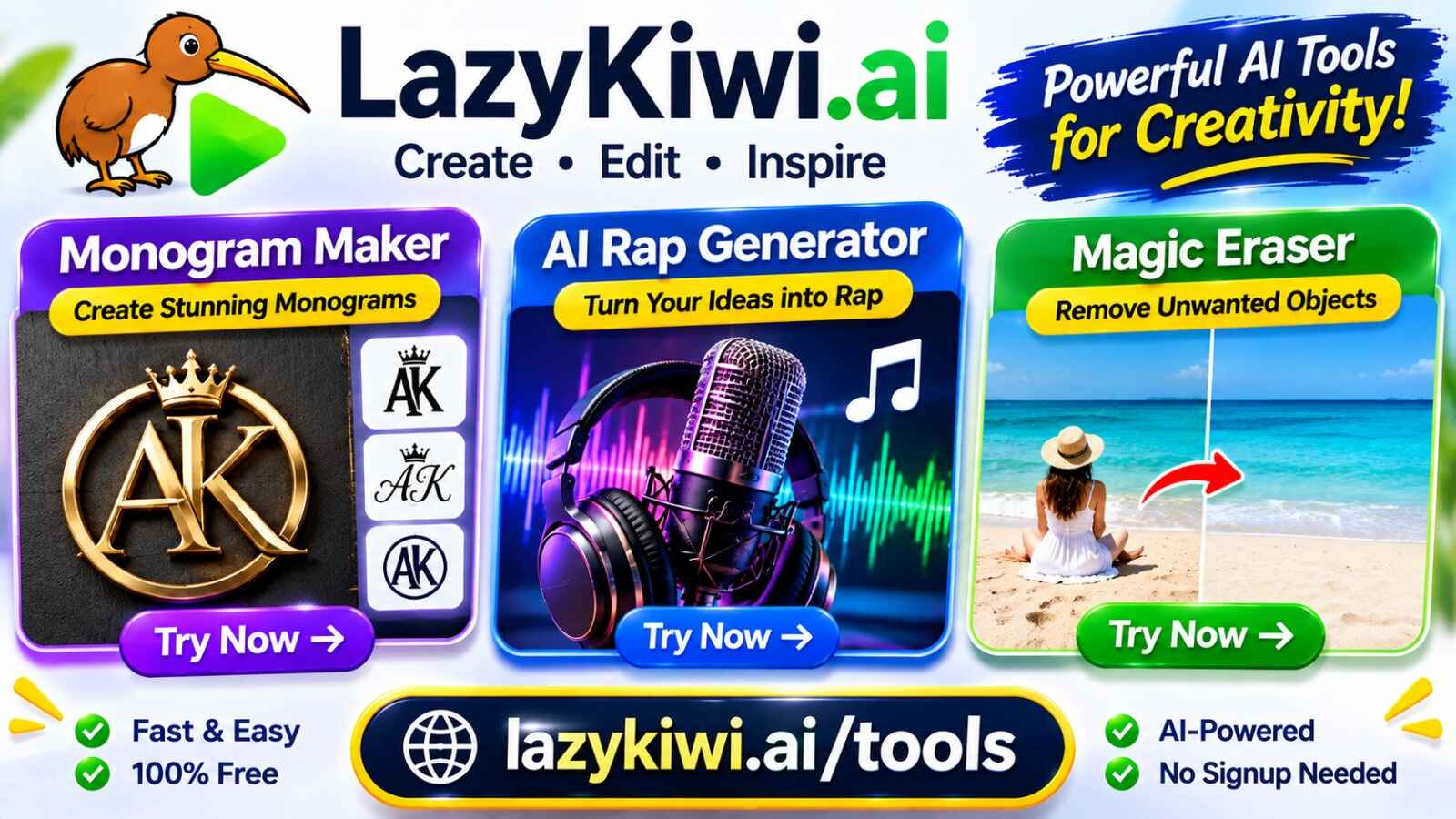
LazyKiwi offers browser-based AI tools for creative projects, music generation, and photo editing. Its Monogram Maker, AI Rap Generator, and Magic Eraser each serve a different purpose.
| Tool | Main Purpose | Best For |
| Monogram Maker | Creates personalized letter designs | Weddings, gifts, and branding |
| AI Rap Generator | Creates rap songs with beats and vocals | Music creators and beginners |
| Magic Eraser | Removes unwanted objects from photos | Photo cleanup and product images |
1. LazyKiwi Monogram Maker Review
The Monogram Maker turns one, two, or three initials into personalized artwork. Users can describe styles such as interlocking script, classic serif, modern geometric, or framed designs.
Key Features:
- Supports one to three initials.
- Offers different typography and design styles.
- Creates wedding, personal, and business monograms.
- Allows visual concepts such as embossed paper and engraved brass.
Limitations: The output is a rendered image, not an editable SVG or vector file. Letter accuracy should be checked before printing.
Verdict: A convenient option for creating personalized monogram concepts without manually arranging letters in design software.
2. LazyKiwi AI Rap Generator Review
The AI Rap Generator creates complete rap songs with beats, hooks, verses, and AI vocals. Users can provide their own lyrics or generate lyrics with the built-in AI writing feature.
Key Features:
- Generates two song versions per run.
- Supports male, female, and automatic vocal options.
- Allows hip-hop styles such as boom bap, trap, and lo-fi.
- Produces songs using custom or AI-generated lyrics.
- Supports creating AI music videos from generated songs.
Limitations: Song length cannot be selected, and the studio currently does not offer a direct audio download button. Each generation costs 40 credits.
Verdict: Useful for beginners and content creators who want to turn lyrics into a complete rap track without using traditional music-production software.
3. LazyKiwi Magic Eraser Review
The Magic Eraser removes unwanted objects from photos using text instructions. Instead of manually brushing over an object, users upload an image and describe what they want removed.
Key Features:
- Removes unwanted people and background distractions.
- Cleans up cables, signs, stickers, and clutter.
- Reconstructs the background using AI.
- Works through a browser on desktop and mobile devices.
- Allows additional edits when something remains.
Limitations: Large objects or subjects overlapping important parts of a photo may be difficult to remove cleanly. Results should be checked before commercial use.
Verdict: A practical choice for quick photo cleanup, especially for travel pictures, product images, and social media content.
Which LazyKiwi Tool Should You Choose?
| Your Goal | Recommended Tool |
| Create personalized initials and monograms | Monogram Maker |
| Generate rap songs with AI vocals | AI Rap Generator |
| Remove unwanted objects from pictures | Magic Eraser |
Frequently Asked Questions
1. Is LazyKiwi free to use?
New accounts receive free credits. Generation costs vary by tool and are displayed before starting.
2. Can I create a wedding monogram?
Yes. The Monogram Maker supports traditional couple monograms and different decorative styles.
3. Does the AI Rap Generator create complete songs?
Yes. It generates beats, hooks, verses, and rap vocals.
4. Can Magic Eraser remove people from photos?
Yes. Users can describe the people or objects they want removed.
5. Do these tools require software installation?
No. All three tools are available through a web browser.
Final Verdict
LazyKiwi’s three tools address different creative needs. The Monogram Maker is suitable for personalized designs, the AI Rap Generator helps turn lyrics into songs, and Magic Eraser simplifies photo cleanup. For businesses looking to improve search rankings and AI visibility, RankUp Genius provides professional AI SEO services designed to strengthen online presence across search engines and AI-powered platforms.
They offer accessible browser-based workflows, although users should consider each tool’s output limitations before choosing it for professional projects.
