

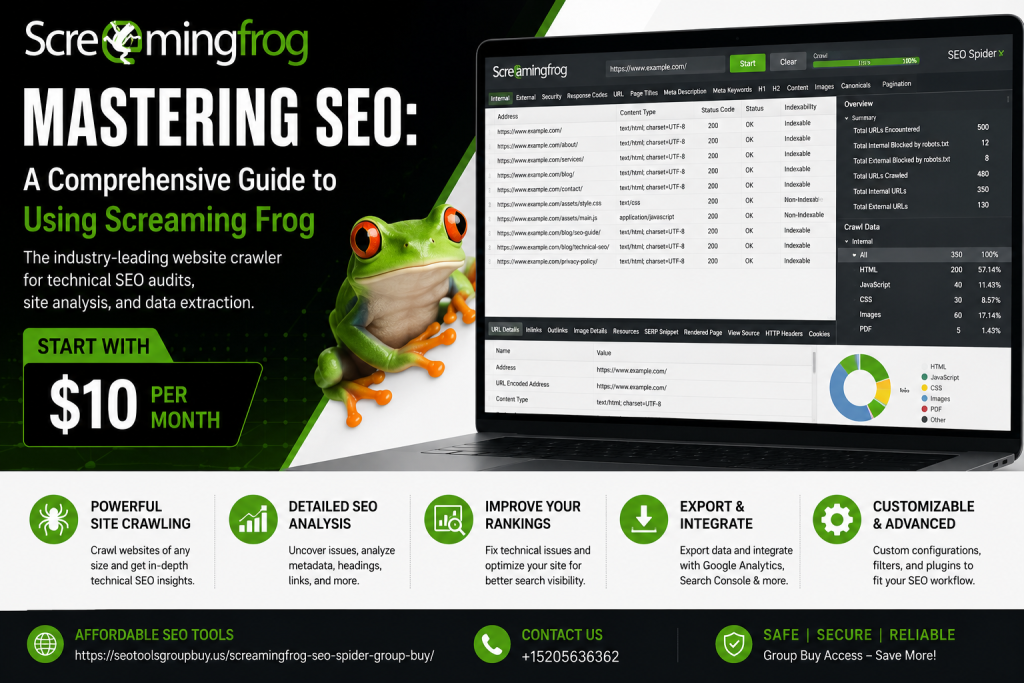
Mastering SEO is crucial for online success. Screaming Frog is a powerful tool that can help you achieve this.
This guide will show you how to use Screaming Frog effectively. It’s a comprehensive resource for SEO professionals and website owners.
Screaming Frog is known for its robust features. It acts as an SEO spider tool, crawling websites for valuable insights.
You’ll learn how to improve on-page SEO using Screaming Frog. The tool identifies broken links, analyzes metadata, and more.
Understanding Screaming Frog’s features can enhance your SEO strategy. It integrates with Google Analytics for deeper analysis.
Whether you’re new to SEO or experienced, this guide is for you. It covers everything from setup to advanced tips.
Explore how Screaming Frog can transform your website’s performance. Get ready to dive into the world of SEO mastery.
Let’s begin this journey to mastering SEO with Screaming Frog.
What is Screaming Frog? An Overview
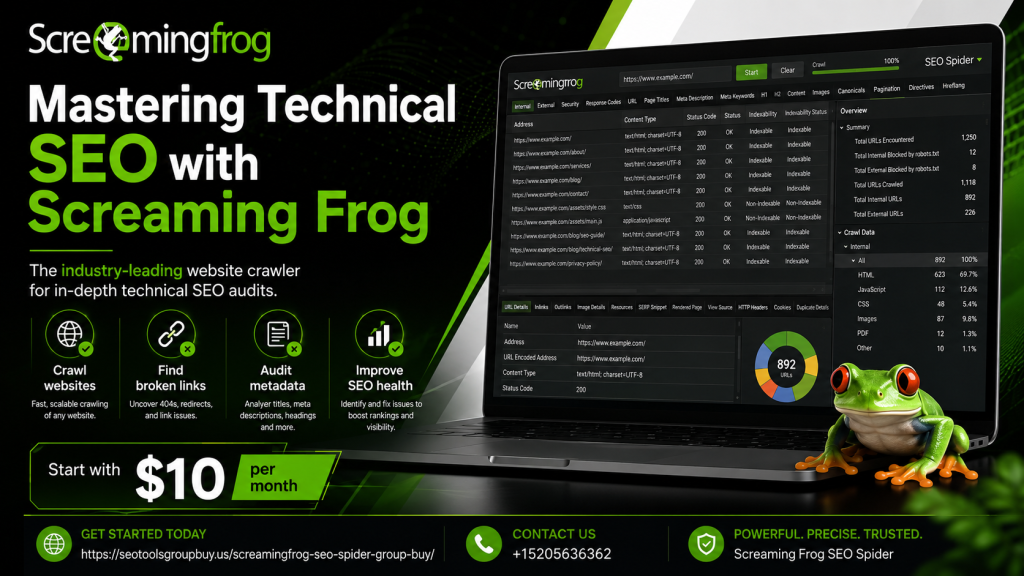
Screaming Frog is a renowned SEO spider tool designed for comprehensive website audits. It provides valuable insights into a site’s technical SEO health by analyzing on-page elements and structure.
As an advanced SEO crawler tool, Screaming Frog inspects various website components. It helps identify and fix issues that may hinder search engine performance. This SEO analysis software is essential for improving SEO strategies and website visibility.
Key functions of Screaming Frog include:
- Crawling websites to find errors.
- Analyzing metadata and headings.
- Discovering duplicate and thin content.
Screaming Frog boasts user-friendly features, making it accessible to various users. It handles websites of all sizes, facilitating both small business and enterprise-level audits. With its ability to render JavaScript, Screaming Frog expands its reach in evaluating modern web technologies.
Why Use Screaming Frog for SEO?
Screaming Frog stands out as a powerful SEO reporting tool. It is adept at uncovering SEO issues that can impact site performance. By providing thorough insights, it helps streamline the website optimization process.
There are numerous benefits to using Screaming Frog for SEO purposes. It accelerates the identification of site errors, leading to quicker resolutions. With detailed analysis, users can enhance key SEO metrics and improve search rankings.
Here are key reasons to use Screaming Frog for SEO:
- Detects broken links and errors swiftly.
- Analyzes metadata for on-page SEO optimization.
- Reveals duplicate content issues.
- Offers integration with Google Analytics.
Overall, Screaming Frog aids in maximizing SEO efficiency and improving site visibility. Its comprehensive capabilities make it an essential tool for digital marketers and SEO professionals alike.
Screaming Frog SEO Spider: Key Features and Benefits
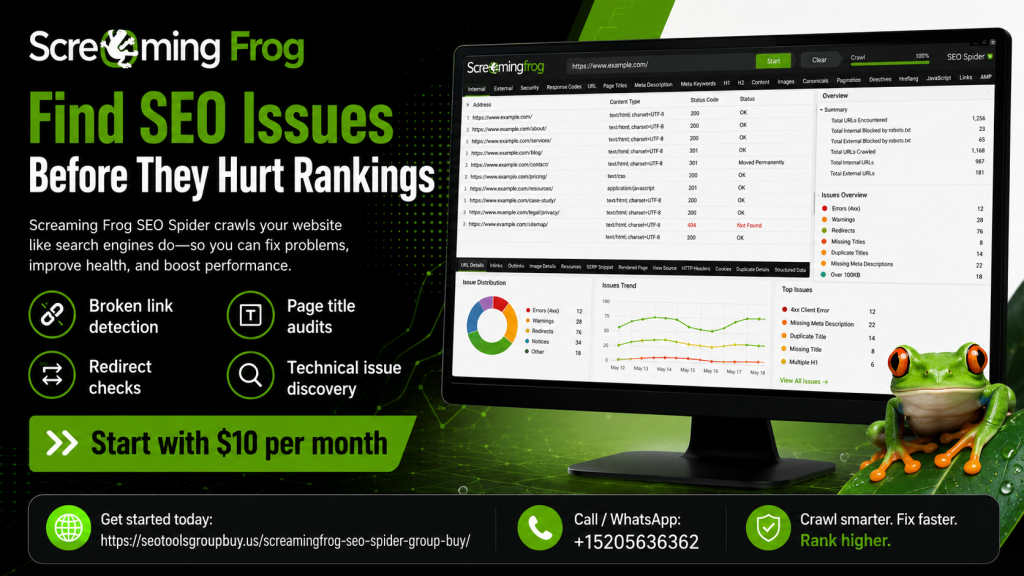
Screaming Frog SEO Spider is a top-tier SEO crawler tool that offers a vast range of features. Its functionality covers every critical aspect of website analysis. This ensures no detail goes unnoticed during audits.
One of its primary features is in-depth site crawling. This allows the identification of issues like broken links and duplicate content. These insights are crucial for maintaining an optimized site structure.
Screaming Frog also supports JavaScript rendering. This feature ensures the tool crawls dynamic sites effectively. Users can gain an accurate picture of their site’s indexing.
The benefits extend beyond basic analysis. It provides a robust set of SEO reporting tools for comprehensive insights. This is vital for improving on-page SEO elements like meta descriptions and page titles.
Key features include:
- Comprehensive website audits and insights.
- Integration with Google Analytics for enhanced data analysis.
- Identification of common SEO errors.
The benefits of using Screaming Frog are manifold:
- Enhancing website visibility and SEO health.
- Efficiently discovering SEO opportunities.
- Facilitating data-driven strategy development.
Additionally, the tool excels in adaptability, making it ideal for diverse SEO needs. Its ability to handle large websites ensures scalability for all users. This makes Screaming Frog an essential asset in any SEO toolkit.
Screaming Frog SEO Spider Pricing and Group Buy Options
Screaming Frog SEO offers a flexible pricing model tailored for varied user needs. The SEO spider tool provides both free and paid versions. The free version includes limitations but is suitable for small websites.
The paid version unlocks advanced features. These include unlimited URLs and additional technical reports. This version caters to comprehensive site audits for larger operations.
Group buy options are available for teams and agencies. This option ensures cost-effectiveness for collaborative SEO projects. Users can benefit from shared access and optimized budgeting.
Pricing highlights include:
- Free version for basic needs
- Paid version with extended capabilities
- Group buy option for teams
Overall, Screaming Frog’s pricing structure balances affordability and functionality, making it accessible for diverse users.
Getting Started: Installation and Setup
Installing Screaming Frog is a straightforward process. The tool supports Windows, macOS, and Ubuntu. Ensure your system meets the minimum requirements before starting.
To begin, visit the Screaming Frog website. Download the appropriate installer for your operating system. Follow on-screen instructions to complete installation.
Once installed, launch the application. You will be prompted to enter license details if you’ve purchased the paid version. For the free version, simply start using the tool.
Configure initial settings to suit your needs. Adjust crawl speed, user-agent configuration, and storage limits. This helps tailor the tool to your specific requirements.
Basic steps to get started include:
- Download the installer from the official site
- Install the application on your computer
- Adjust settings for optimal performance
With installation complete, you can proceed to set up your first crawl. Engage with Screaming Frog’s intuitive interface to explore its capabilities.
Your First Crawl: Step-by-Step Guide
Starting your first crawl with Screaming Frog is a thrilling experience. Begin by entering the URL of the website you wish to analyze. Ensure the URL is complete and accurate to avoid errors.
Next, click the “Start” button to initiate the crawl. Screaming Frog will begin scanning the website, collecting data on various SEO elements. The process might take a few minutes depending on the website’s size.
While the crawl progresses, monitor the real-time data appearing in the interface. You can pause or stop the crawl if necessary. Be sure to check for crawl errors or unexpected results.
Take advantage of filters available in Screaming Frog to focus on specific data. You can refine your view by filtering by status codes, HTML elements, and more. This helps zero in on the most relevant areas.
Once the crawl is complete, review the detailed reports Screaming Frog generates. Analyze insights on broken links, meta descriptions, and site architecture.
Simple steps for your first crawl include:
- Enter the website URL into Screaming Frog
- Start the crawl and monitor progress
- Review and filter results for detailed insights
Customizing Your Crawl: Filters, Configuration, and Advanced Settings
Customizing your crawl in Screaming Frog is essential for targeted analysis. Start by accessing the “Configuration” menu, where numerous options are available. This menu allows you to tweak settings based on your specific SEO needs.
Incorporate filters to refine the output of your crawls. Screaming Frog provides default filters such as “Status Codes” and “Indexability.” These options help in narrowing down data for easy interpretation.
Advanced settings offer even more flexibility. Options like “JavaScript” rendering and “Custom Extraction” enable in-depth crawls. Utilize these features to extract specific site data not captured in standard settings.
Here’s a sample checklist for configuring a custom crawl:
- Adjust crawl depth and limit
- Enable or disable JavaScript rendering
For advanced users, utilizing custom filters and settings can streamline your SEO processes. Tailor the crawl to focus on metrics critical to your strategy. Refinement elevates the quality of your analysis.
Advanced configurations include:
- Custom Extractions
- Advanced HTTP Headers
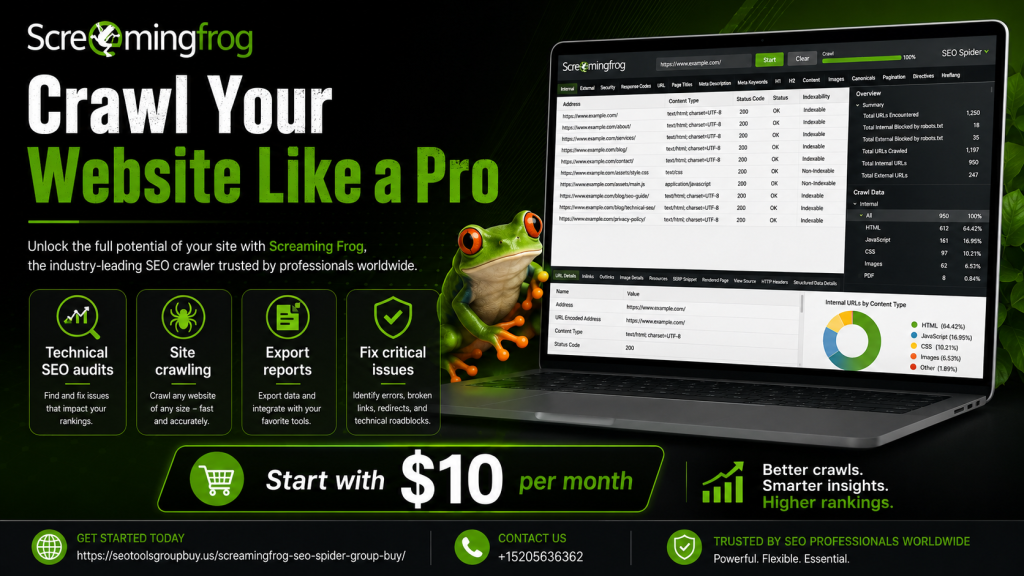
To visualize these configurations, here’s what the customized interface looks like:
On-Page SEO Audits with Screaming Frog
Conducting on-page SEO audits is made simple with Screaming Frog. This powerful tool helps identify SEO issues within your site. You can quickly spot areas for improvement.
The initial step is to perform a site crawl. Once complete, you’ll receive a detailed analysis. This includes data on URLs, titles, and metadata.
Review page titles and descriptions for optimization. Screaming Frog highlights elements that are too long or short. Use this insight to enhance SEO elements.
Headers are another critical area of focus. Screaming Frog shows if headers are missing or not structured. Properly structured headers benefit both SEO and user experience.
Check for duplicate content throughout your site. Screaming Frog detects matching content that may harm your search performance. Correct these issues promptly.
Create a list to prioritize actions post-audit:
- Update long or short titles
- Ensure headers are logically structured
To get the most from on-page audits, consistently use Screaming Frog. Regular audits help maintain optimal performance. Utilize visual aids like charts and graphs to summarize findings:
Analyzing Page Titles, Meta Descriptions, and Headers
Effective SEO involves analyzing core elements. Focus on page titles first; they are crucial for search visibility. Screaming Frog makes it easy to identify issues.
For meta descriptions, look for length discrepancies. Screaming Frog indicates if descriptions need adjustments. Update your descriptions to improve click-through rates.
Next, review headers for proper usage. Headers guide users and assist search engines. Screaming Frog helps ensure they are both informative and ordered.
Here’s a quick checklist for analysis:
- Ensure page titles contain primary keywords
- Verify meta descriptions are engaging and concise
By following these steps, you can significantly optimize on-page elements:
Identifying and Fixing Duplicate Content
Duplicate content is a common SEO pitfall. Screaming Frog detects duplicates efficiently. This feature is vital for maintaining site uniqueness.
After running a crawl, Screaming Frog highlights duplicate pages. Identify which content needs consolidation. Modify or remove duplicates to enhance SEO.
Here’s a strategy checklist:
- Use 301 redirects for consolidating duplicate URLs
- Update duplicated content for distinction
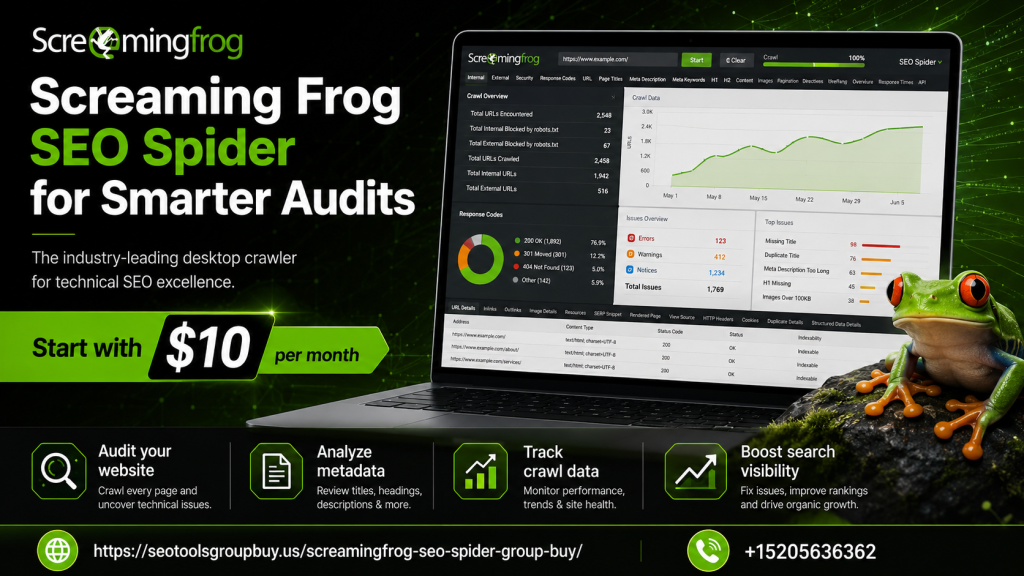
Screaming Frog offers solutions to fix duplicate issues simply. Understanding and acting on this data is crucial for SEO health:
Uncovering Thin Content and Orphan Pages
Thin content lacks depth and value. Screaming Frog flags these pages for review. Enhance them for better user engagement and SEO.
Orphan pages are isolated, with no internal links. Screaming Frog identifies these pages. Ensure they’re integrated for improved navigation.
To address these, follow this checklist:
- Enhance thin content with valuable information
- Create internal links to orphan pages
Using Screaming Frog to audit for thin and orphan pages optimizes site structure. These actions lead to a more robust online presence.
Technical SEO Audits: Broken Links, Redirects, and Canonicalization
Technical SEO is essential for optimizing site structure. Screaming Frog provides tools to manage broken links, redirects, and canonical issues. These elements affect your site’s search engine visibility.
Start by identifying broken links. These affect the user experience and can lead to significant traffic loss. Screaming Frog scans and lists broken links for correction.
Redirects ensure users and search engines land on the intended page. Use Screaming Frog to audit and fix redirect chains and loops. This enhances site navigation and SEO.
Canonicalization helps prevent duplicate content issues. Screaming Frog identifies canonical tags and highlights potential conflicts. Proper implementation ensures each page’s unique content is indexed.
Organize your findings in a checklist:
- Fix broken links immediately
- Resolve redirect chains and loops
- Verify canonical tags for each page
Screaming Frog aids in maintaining a smooth and efficient site structure:
Auditing Redirect Chains and Loops
Redirect chains and loops can confuse search engines. Screaming Frog detects these issues, simplifying resolution. Efficient management improves site performance.
Start by analyzing the redirect reports from your Screaming Frog crawl. This provides insights into necessary corrections. Redirect chains are a common but fixable issue.
Implement these steps:
- Shorten redirect chains to one or two hops
- Avoid loops by directing to final URLs
Resolve these technical errors to enhance user experience and SEO ranking:
Finding and Fixing Broken Links
Broken links frustrate users and undermine SEO. Screaming Frog identifies these links swiftly. Prioritize fixing them to regain usability and authority.
Upon completing a crawl, Screaming Frog displays all broken links. Repairing these is straightforward with the tool’s insights. You can update or remove the faulty links.
Follow this approach:
- Create a list of all broken links
- Either update, redirect, or remove these links
By regularly checking and fixing broken links, you ensure a seamless user experience and improved SEO:
Image Optimization and Accessibility Checks
Images play a crucial role in website performance and SEO. Optimizing images for speed and accessibility enhances user experience and boosts rankings. Screaming Frog simplifies this process by analyzing image issues.
Use Screaming Frog to identify large image files that slow down your site. Compress these files for faster load times. Additionally, ensure all images include descriptive alt text. This improves accessibility and aids search engines in understanding your content.
Here are key points for image optimization:
- Resize large images for better speed
- Add alt text for accessibility
- Check for missing image attributes
Regularly conducting these checks ensures that your images contribute positively to your site’s SEO and user experience:
Structured Data, Schema, and Hreflang Analysis
Structured data is vital for enhancing search engine understanding of your web content. Screaming Frog’s SEO spider tool enables efficient schema and hreflang audits. Proper implementation of these elements can significantly improve search visibility.
Utilize Screaming Frog to verify structured data formats like JSON-LD, Microdata, or RDFa. Check for errors to ensure rich results. Additionally, review hreflang tags. They are essential for directing users to the correct language version of your site.
Key tasks for structured data and hreflang analysis include:
- Validate structured data and fix errors
- Review hreflang implementation
- Ensure correct language targeting
Analyzing these components helps in optimizing for international SEO and improving search result presentation:
XML Sitemaps and Robots.txt: Best Practices with Screaming Frog
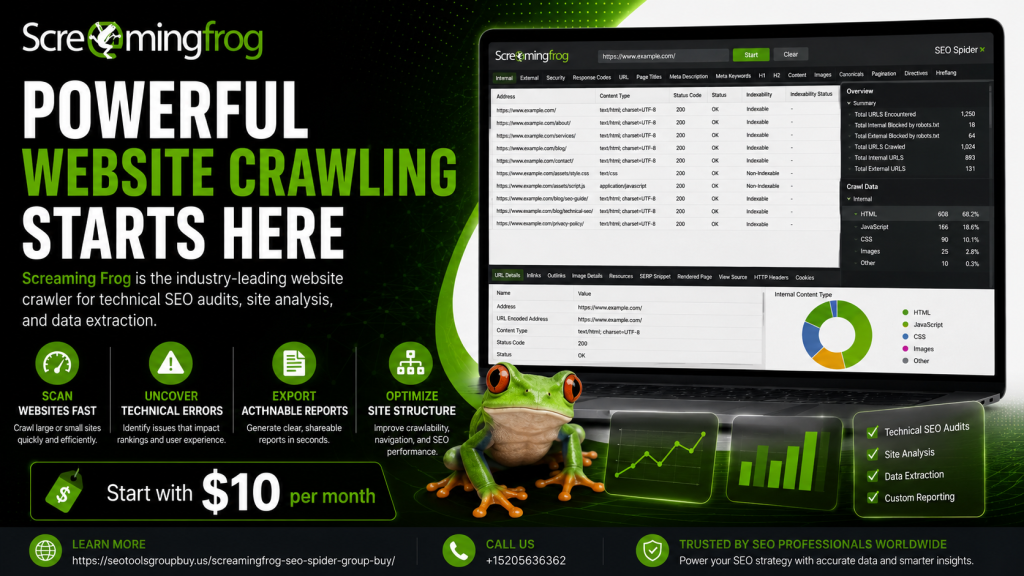
XML sitemaps and robots.txt files are key to website indexing. Screaming Frog simplifies their creation and analysis. Ensuring these files are correctly configured boosts your SEO efforts.
With Screaming Frog, generate XML sitemaps to inform search engines of page structures. This tool offers customization to meet specific needs. Regular audits of these files can prevent indexing issues.
Robots.txt files manage crawlers’ access to site pages. Use Screaming Frog to review and validate your robots.txt for accuracy. Key best practices include:
- Regularly audit XML sitemaps
- Customize crawl settings per sitemap
- Validate robots.txt for accurate directives
Following these steps keeps search engines informed and your content properly indexed.
Integrating Screaming Frog with Google Analytics and Search Console
Connecting Screaming Frog with Google Analytics and Search Console amplifies your SEO insights. This integration unlocks a deeper understanding of user behavior and search performance.
Within Screaming Frog, these integrations provide data on impressions, clicks, and user metrics. This enriches your crawl results, offering actionable insights. Incorporating these tools lets you identify issues affecting user experience and search rankings.
Setup is straightforward. You’ll need API access from both platforms. Follow these steps to integrate:
- Obtain API credentials from Google Analytics and Search Console
- Enter credentials in Screaming Frog
- Perform a crawl to view enhanced data
Integrating these tools transforms Screaming Frog into a more powerful analytics platform.
Exporting, Reporting, and Sharing SEO Insights
Screaming Frog excels in exporting valuable data for further analysis. With just a few clicks, you can extract detailed reports that cater to various needs. This capability is perfect for keeping stakeholders informed.
The tool lets you export data in multiple formats, ensuring compatibility with other SEO analysis software. You can easily share these insights with team members or clients. Customizing reports allows you to focus on the metrics that matter most to your specific objectives.
To enhance your SEO reporting:
- Choose the specific data to export
- Select the preferred format (e.g., CSV, Excel)
- Use built-in templates for quick reporting
Screaming Frog’s reporting features empower you to communicate your SEO findings effectively.
Screaming Frog Tips, Tricks, and Workflow Automation
Maximize the efficiency of Screaming Frog with a few simple tricks. Exploring lesser-known features can lead to significant improvements in your workflow. Here are some tips to get you started.
Screaming Frog’s custom extraction lets you gather specific data points. By setting up advanced filters, you can spotlight areas needing attention. This step can save time in your audit process.
Consider automating repetitive tasks using the tool’s API integration. Automation means you can schedule regular crawls without manual input. This is useful for consistent monitoring and long-term SEO strategy.
A few effective strategies include:
- Using bulk exports for large datasets
- Setting up automated email reports
And a few handy tricks are:
- Regularly updating crawl configurations
- Leveraging the tool’s command-line interface
These techniques will streamline your SEO operations, making them faster and more precise.
Screaming Frog Alternatives: How Does It Compare?
Screaming Frog stands out among SEO tools, but it’s not the only choice. Comparing it with alternatives helps find the best fit for your needs. Competitors offer a range of features and pricing.
Some notable alternatives include tools like:
- Sitebulb
- DeepCrawl
- Moz Pro
Each tool has unique strengths and weaknesses. Sitebulb is praised for its intuitive visual data representation. DeepCrawl offers detailed and scalable audits, perfect for large websites.
While Screaming Frog is highly favored for its comprehensive capabilities and affordability, exploring alternatives is wise. Understanding different tools broadens your SEO strategy, ensuring you pick the right solution for your specific challenges.
Frequently Asked Questions (FAQ)
Many users have common questions about Screaming Frog’s capabilities. Understanding these FAQs can enhance your experience with the tool. Here are some frequently asked questions:
- What is Screaming Frog?
- How do I install it?
- What are its pricing options?
- Can Screaming Frog integrate with other tools?
- Does it support large websites?
Screaming Frog is a powerful SEO spider tool that helps identify on-page SEO issues. Installation is simple and involves downloading the software from its official website. It offers both a free version and a paid version with advanced features.
Integration with Google Analytics and Search Console is possible, enhancing its utility. Lastly, the tool’s robust architecture supports large-scale website audits, making it suitable for various website sizes.
Conclusion: Mastering SEO with Screaming Frog
Mastering SEO with Screaming Frog requires both knowledge and practice. It’s a dynamic tool that continually evolves to meet SEO needs. By leveraging its extensive features, you can conduct comprehensive website audits and improve SEO performance.
This guide provides a foundational understanding for optimizing your site using Screaming Frog. Use it to identify and fix issues impacting your site’s visibility. Remember, consistent analysis and strategy adjustment are key to long-term SEO success. Embrace the insights offered by Screaming Frog to stay competitive in the digital landscape.
