

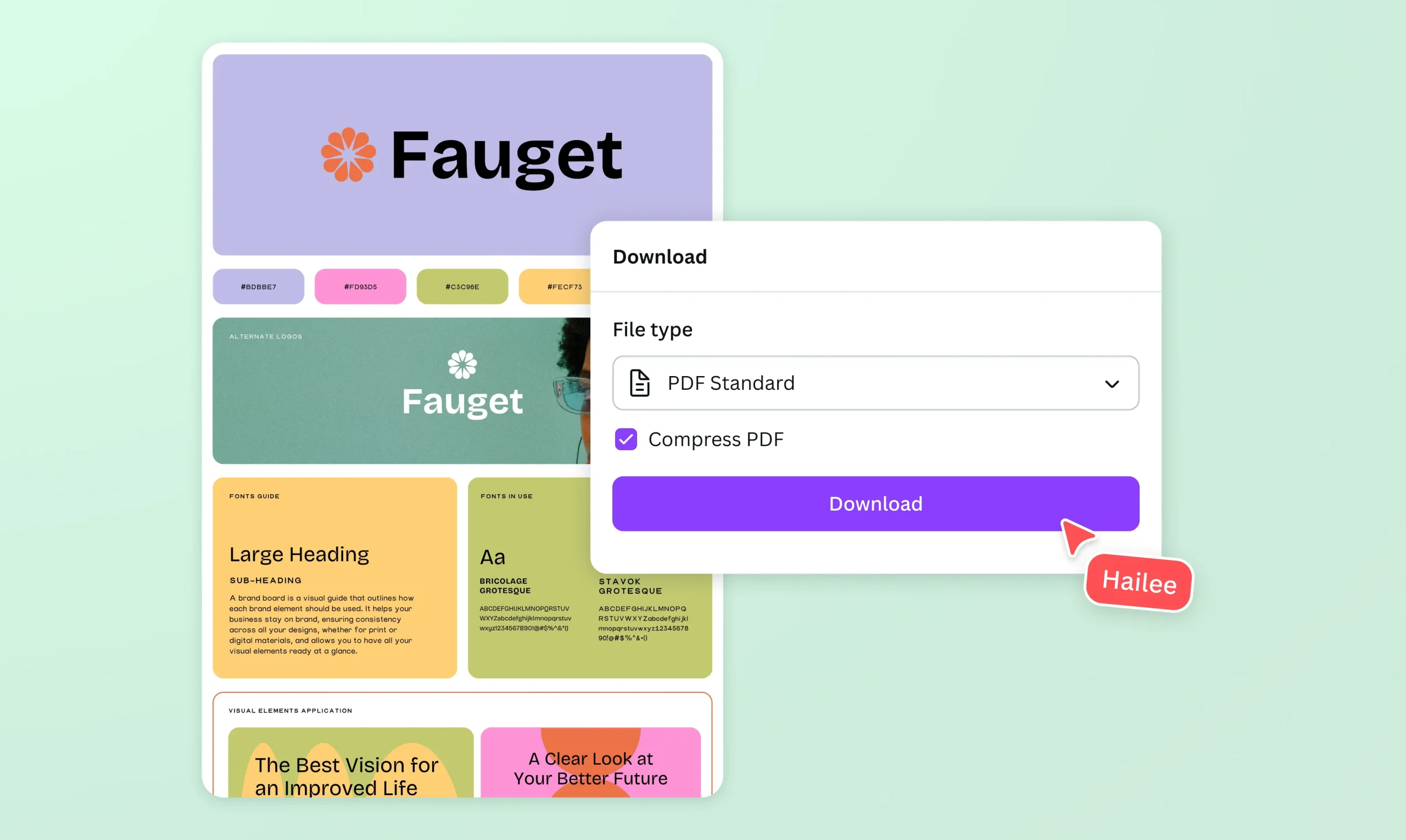
There was a time when reducing the size of a document meant installing heavy software, paying for a license, and waiting while your computer churned through the work. That era is over. Today you can handle the same task in seconds without downloading anything at all, and for most people the most convenient option is simply to compress PDF online directly in a web browser. No installation, no setup, no clutter on your hard drive, just a fast result whenever you need one.
This shift toward browser based tools has quietly changed the way people manage documents. Whether you are a student submitting an assignment, a professional sending contracts, or a small business owner juggling invoices, the ability to shrink a file from any device at any time is genuinely useful. This article explains how online compression works, why it has become so popular, and how to get the best results.
What It Means to Compress a PDF in the Browser
Online compression takes the same techniques used by desktop software and delivers them through a web page. You upload your document, the tool processes it, and you download a smaller version. Behind the scenes the tool downsamples images, re encodes them in efficient formats, and strips out redundant data such as duplicate fonts and hidden metadata. The result is a leaner file that looks the same to the reader but takes up a fraction of the space.
The key difference from traditional software is accessibility. Because everything happens through the browser, you can use the same tool on a laptop at work, a desktop at home, or a phone on the train. There is nothing to update and nothing to maintain, which removes a whole layer of hassle from a task that should be quick.
Why People Prefer Online Tools
The appeal of working in the browser comes down to a handful of practical advantages that matter in daily life.
- No installation is required, so you are not cluttering your device or waiting for downloads to finish.
- It works across every operating system, whether you use Windows, macOS, Linux, or a mobile device, because the browser does all the work.
- You can compress files on the go, which is perfect when you are away from your usual computer and still need to send something quickly.
- There are no software updates to manage, since the tool is always running its latest version online.
- It is ideal for occasional users who only need to shrink a file now and then and do not want to commit to a paid application.
For anyone who values speed and simplicity, these benefits make browser based compression an easy choice. The whole point is to remove friction from a routine task.
A Quick Walkthrough
Using an online compressor follows a familiar rhythm. First you open the tool and add your document, either by clicking to browse your files or by dragging the PDF straight onto the page. Next you pick a compression level, choosing a balanced option for everyday use or a stronger one when you need to meet a tight size limit. The tool then processes the file, and within seconds you can download the smaller version.
It is sensible to open the result and glance through a couple of pages before sending it on. This quick check confirms the quality is still where you want it. If the file remains larger than you need, you can simply run it again at a higher level or trim any pages that are not essential.
Privacy and Security Considerations
Whenever you upload a document to a web service, it is worth thinking about privacy, especially for sensitive material such as contracts, financial statements, or personal records. Reputable online tools process files securely and remove them from their servers after a short period rather than keeping them indefinitely. Before uploading anything confidential, it is wise to confirm that the service deletes files automatically and uses a secure connection.
For most documents this is not a concern, but for highly sensitive paperwork you may prefer a tool that processes the file directly in your browser without sending it anywhere. Either way, a little awareness goes a long way, and the best services are transparent about how they handle your data.
Getting the Best Results Online
A few simple practices help you squeeze the most out of any online compressor. Start by removing pages you do not need before uploading, because a shorter document is always lighter. If your file is a scanned image, look for a tool that can recognize the text, which makes the file both smaller and searchable. Choose your compression level based on where the document is going, using a heavier setting for email and web forms and a gentler one for anything destined for print.
It also helps to keep your original file until you are happy with the compressed version. That way, if you ever push the compression too far and lose a little image quality, you can return to the source and try again at a softer setting. Because the whole process takes only moments, experimenting is painless.
Common Situations Where Online Compression Shines
The scenarios where browser based compression proves its worth are everywhere once you start to notice them. Job seekers use it to fit a polished resume and portfolio under strict upload limits. Students compress lengthy assignments and scanned references so they can hand them in without a hitch. Freelancers and consultants send proposals and invoices that arrive instantly instead of clogging a client inbox.
Small businesses lean on it to keep storage costs down and to move documents quickly between teams. Even casual users benefit, shrinking a scanned receipt or a travel document so it slips easily into an email. The common thread is convenience, and that convenience is exactly what online tools are built to deliver.
The Future of Document Management
As more of our work moves into the cloud and onto mobile devices, the demand for tools that work anywhere will only grow. Browser based compression fits this future perfectly. It asks nothing of your hardware, it follows you across devices, and it turns a once tedious task into something you barely think about. The trend is clear: people want to handle documents wherever they are, on whatever device is closest, without installing anything.
Final Thoughts
Reducing the size of a document used to be a small project. Now it is a few clicks in a browser tab. By moving the task online, you gain speed, flexibility, and freedom from software headaches, all while keeping your documents looking sharp. The next time a file is too heavy to send or upload, you do not need to reach for an application or worry about storage space. Open your browser, drop in the file, choose a level, and download a lighter version in moments. It really is that simple, and once it becomes part of your routine, you will never look back. It is also a glimpse of the cloud first way of working that companies like OCloud Solutions help businesses embrace, where powerful tools run from anywhere without a single install.
