

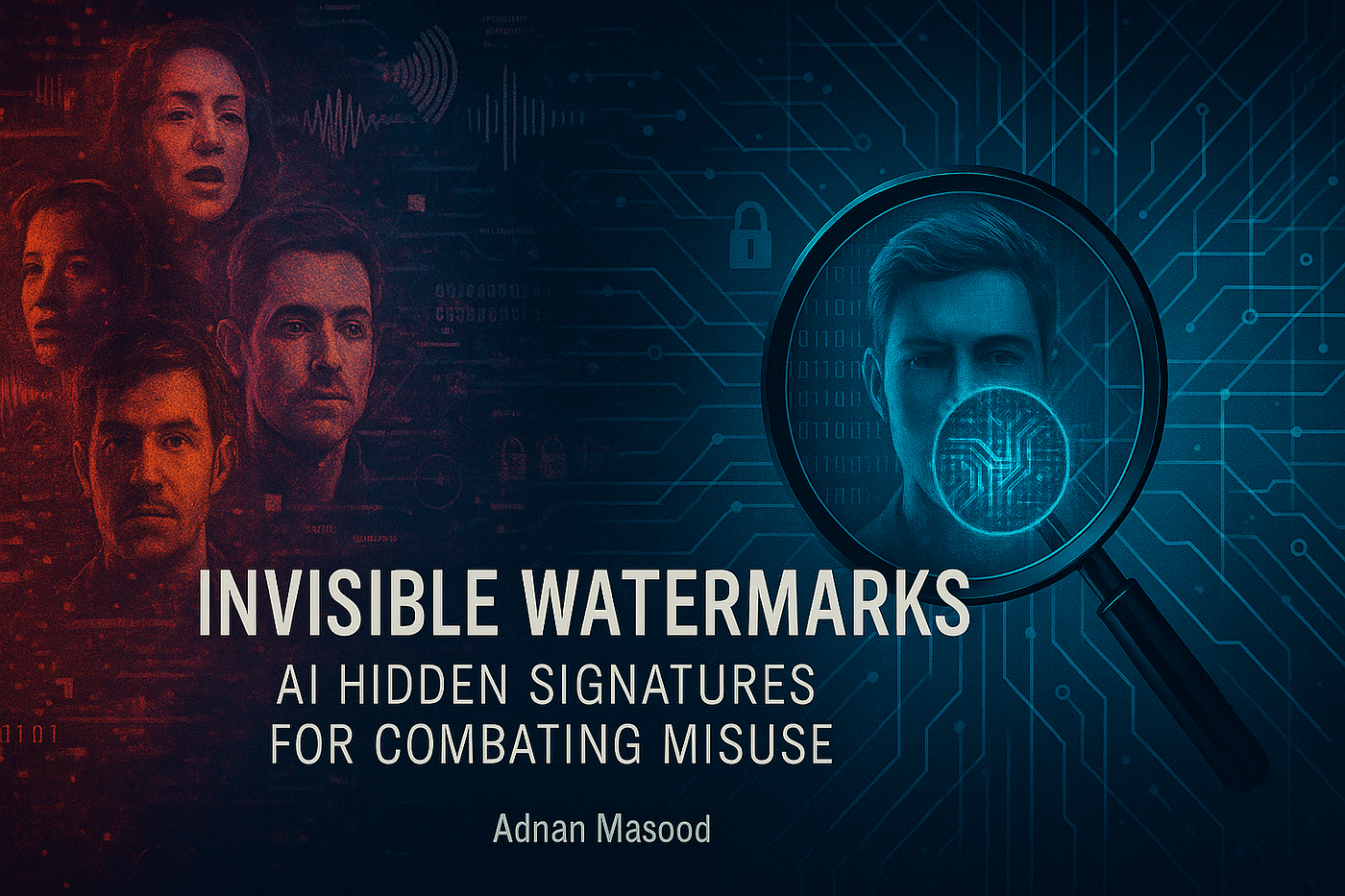
AI-generated video has become increasingly common across social media, marketing, entertainment, and creative projects.
As more people begin using AI video generators, they are also encountering an issue that is sometimes overlooked during the creation process: watermarks.
Understanding why AI video watermarks exist and how creators can handle them responsibly is important for anyone working with generated content.
What Is a Video Watermark?
A watermark is a visible element placed over a video.
It can contain a logo, name, text, or another identifying mark. Watermarks are commonly used by software companies, stock-media providers, photographers, and video platforms.
In the context of AI-generated video, a watermark can identify the platform or service used to generate the content.
The appearance and location of the watermark can vary depending on the platform, subscription plan, export settings, and type of content.
Why Do AI Platforms Use Watermarks?
There are several reasons a service might add a watermark.
One reason is branding. A visible logo can help viewers identify which platform generated the content.
Another reason can be product differentiation. A free version of a service may include visible branding while paid plans offer different export options.
Watermarks can also help viewers recognize that content was generated or processed using a particular platform.
Should You Remove an AI Video Watermark?
The answer depends on the circumstances.
Creators should first understand the platform’s terms and their rights to the content.
If a watermark is part of a licensing restriction, subscription limitation, or other contractual condition, removing it may violate the platform’s terms.
On the other hand, there are situations where a creator has permission to modify their own content and needs to process a video for a particular project.
In those cases, specialized video-processing tools may be useful.
For example, Erasio offers a watermark-removal tool designed for supported AI-generated videos. Users should only process content they have the right to modify.
There is also a Chrome extension for Gemini watermarks that performs the same processing inside the browser, which can be convenient for creators who export generated clips frequently.
Watermarks Can Affect Visual Quality
A watermark can sometimes interfere with the composition of a video.
If it appears over an important subject, it can distract viewers from the scene.
This becomes particularly noticeable in presentations, advertisements, tutorials, or other professional content where visual consistency matters.
For that reason, creators often consider watermark handling as part of their post-production workflow.
Responsible Video Processing
Removing a watermark should not be viewed as a way to bypass ownership or licensing restrictions.
Creators should distinguish between processing their own content and removing branding from content they do not own.
Before modifying a video, consider:
- Who created the content?
- Who owns the resulting video?
- Does the platform permit modifications?
- Is the watermark related to licensing?
- Do you have permission to edit and publish the content?
Answering these questions can prevent unnecessary legal or platform-related problems.
The Future of AI Video
As AI-generated content becomes more widespread, video processing will become an increasingly important part of the workflow.
Creators will generate content, edit it, combine multiple AI-generated scenes, add traditional footage, and prepare the final result for different platforms.
Watermark management is just one part of that process.
The important principle is to use these tools responsibly and make sure that any modifications comply with the rights and terms associated with the content.
AI video creation gives creators powerful new capabilities. Responsible post-processing ensures that those capabilities are used appropriately.
About the Author
Adeel covers AI video tools, watermarking, and responsible post-production practices. He is part of the team behind Erasio, a watermark-processing tool for supported AI-generated media.
