

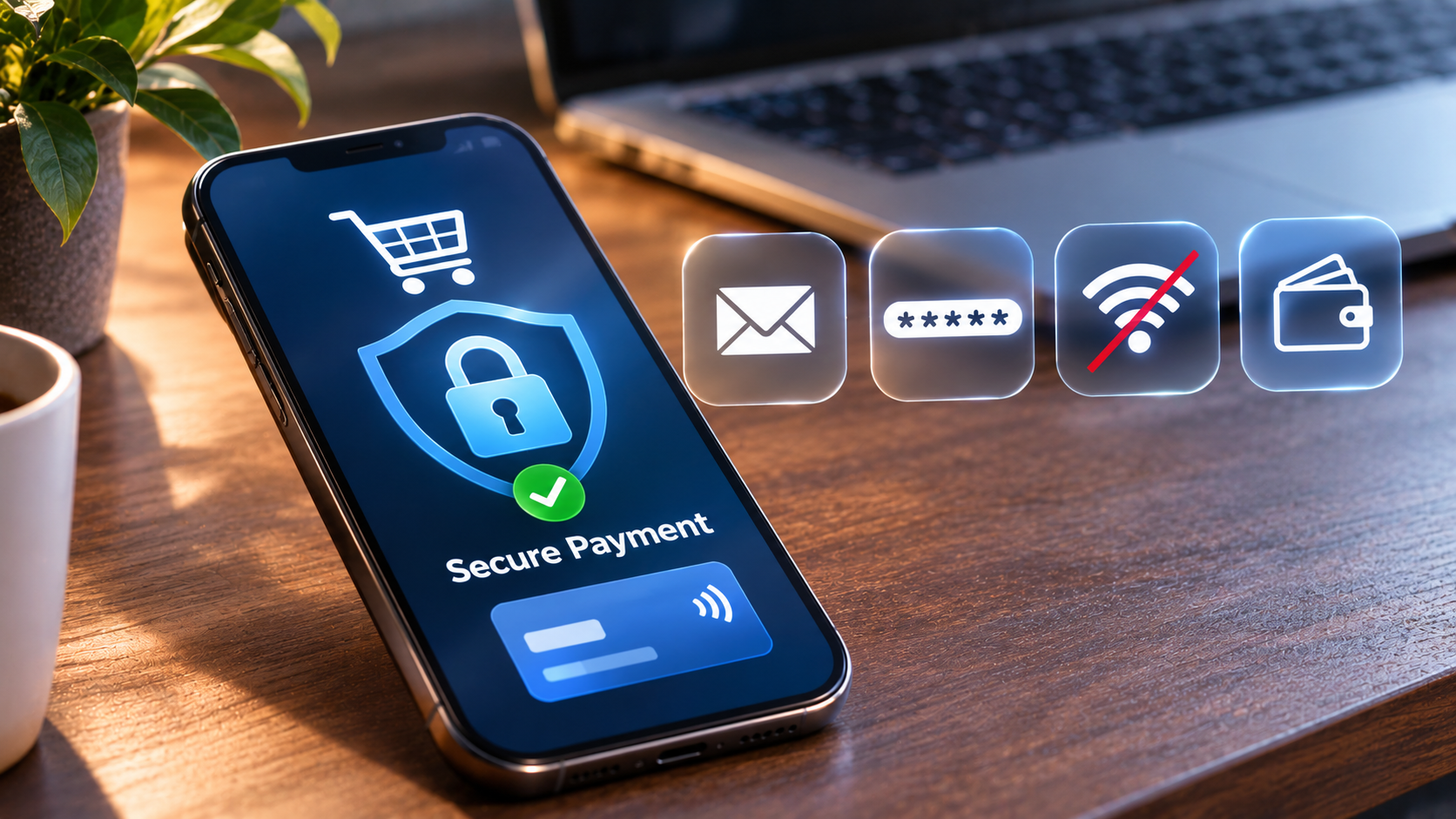
The easiest ways to keep your online payments private are to share less personal data at checkout, use separate email addresses, turn on strong account security, avoid public Wi-Fi for payments, and choose payment methods that do not expose more information than needed. These five habits take only a few minutes to set up and protect you every time you pay online.
Every online purchase leaves a trail. Your name, address, card details and shopping history can end up stored by many different companies, and data breaches are now common. You cannot avoid sharing everything, but you can share much less. Here are five easy ways to do it.
1. Share only what the checkout really needs
Many online stores ask for more information than they need to complete an order. Skip optional fields, do not save your card on every site, and avoid creating accounts when a guest checkout is available. The less data a store holds, the less there is to leak.
2. Use a separate email address for shopping
A dedicated email address, or an email alias service, keeps receipts and marketing messages away from your main inbox. It also makes phishing emails easier to spot, because any message about a payment that arrives in your main inbox is immediately suspicious.
3. Turn on strong account security
Use a password manager to create a unique password for every shop and payment account, and turn on two-factor authentication wherever it is offered. An authenticator app is safer than text message codes. These two steps stop most account takeovers.
4. Avoid public Wi-Fi when you pay
Cafe, airport and hotel networks are convenient, but they are also where attackers look for easy targets. If you need to pay while travelling, use your mobile data instead, or a trusted VPN. Always check that the payment page uses HTTPS before entering any details.
5. Choose payment methods that reveal less
Different payment methods expose different amounts of information. Virtual or single-use cards hide your real card number, and some digital wallets do not share your card details with the store at all. A growing number of people also use privacy-focused digital currencies such as Monero, which is designed so that amounts and addresses are not visible to everyone. If you hold another coin and want to move into Monero, a no-account service such as Swapnoir’s Monero swap route lets you exchange without creating a profile. Whatever you choose, check the fees, read the terms and start with a small amount.
A quick privacy checklist
- Use guest checkout where possible.
- Keep a separate shopping email.
- Use unique passwords and two-factor authentication.
- Pay over a trusted connection, not public Wi-Fi.
- Pick payment options that share less data.
- Review your bank and payment statements every month.
Frequently asked questions
Is it safe to save my card in online stores?
It is convenient, but every store that keeps your card is another place it can leak from. Saving cards only with large, trusted retailers, or using a digital wallet instead, reduces the risk.
Do VPNs make online payments private?
A VPN protects the connection between your device and the internet, which is useful on public Wi-Fi. It does not hide what you share with the store itself, so it works best together with the other steps above.
Final thoughts
Online privacy is not about one tool. It comes from a few simple habits that, together, make your payments much harder to track and much safer from fraud. Start with the easiest step today and add the others over the next week.
