

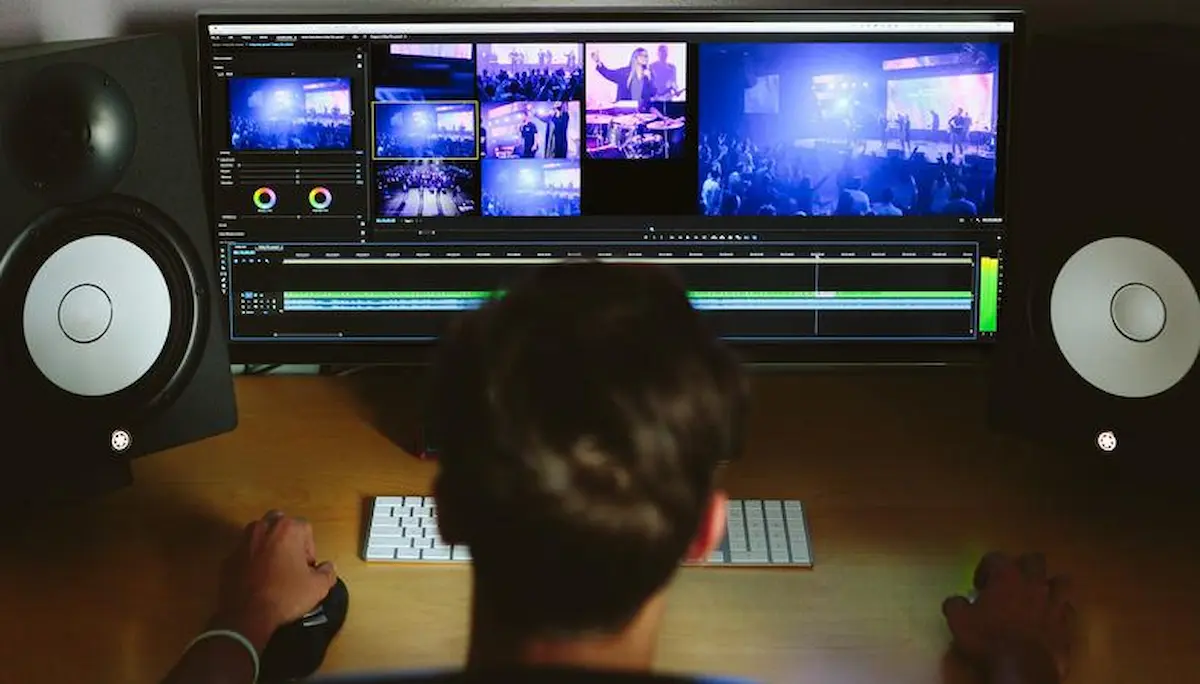
Have you ever wondered how to edit photos, videos, documents, or other content without having professional skills? Editing may seem difficult when you’re just getting started, but it’s actually easier than you might think. Whether you want to improve your pictures, create attractive videos, or make your writing more professional, learning basic editing techniques can make a big difference.
In this guide, you’ll discover how to edit different types of content, which tools you can use, and some helpful tips to improve your editing skills.
What Is Editing?
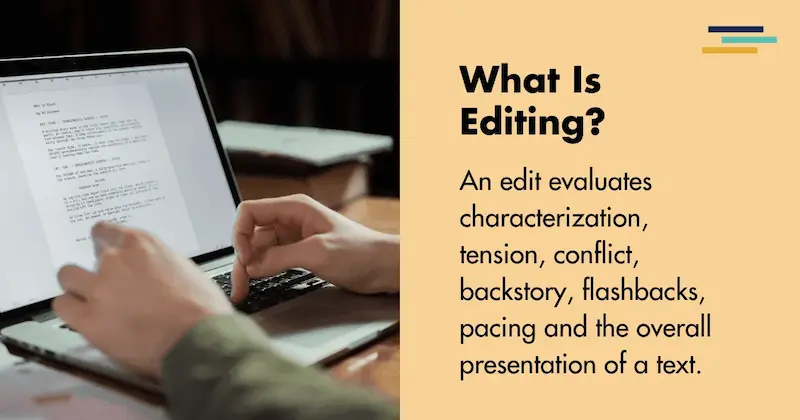
Editing is the process of changing, correcting, or improving content to make it better, clearer, and more attractive.
For example, when you edit a photo, you can adjust its brightness, remove unwanted objects, or improve its colors. When editing a video, you can cut unnecessary clips, add music, and include special effects.
Similarly, editing written content involves correcting grammar mistakes, improving sentences, and making information easier to understand.
The main goal of editing is to improve the quality of your content while keeping its original purpose.
How to Edit: A Step-by-Step Guide for Beginners
If you’re new to editing, you don’t need to worry. You can learn the basics by following a few simple steps.
Step 1: Decide What You Want to Edit
Before starting, think about what type of content you want to improve.
Are you trying to edit a photo for social media? Do you want to create a professional-looking video? Or are you working on an article that needs grammar corrections?
Knowing exactly what you want to achieve will help you choose the right tools and editing techniques.
For example, if your goal is to make your Instagram photos look better, you should focus on learning photo editing techniques such as cropping, brightness adjustment, and color correction.
Step 2: Choose the Right Editing Tool
Once you know what you want to edit, the next step is choosing an editing application.
There are many editing tools available, and each one is designed for different purposes.
For photo editing, you can use Canva, Snapseed, or Adobe Photoshop. If you’re interested in video editing, CapCut, VN Video Editor, and Adobe Premiere Pro are popular options.
For editing documents, Microsoft Word and Google Docs are useful choices.
If you’re a beginner, start with a simple editing tool that offers an easy-to-understand interface.
You can always move to more advanced software as your skills improve.
Step 3: Open or Upload Your Content
After selecting your editing tool, open the content you want to improve.
For example, if you’re editing a photo, upload your picture to the application. If you’re working on a video, import the clips you want to combine.
Most editing applications have an upload or import option that allows you to select files from your device.
It’s also a good idea to save a copy of the original file before making changes.
This way, you can return to the original version whenever necessary.
Step 4: Start Making Basic Changes
Now it’s time to begin editing.
Start with simple improvements rather than trying to use every feature at once.
If you’re editing a photo, adjust the brightness, contrast, and colors. You can also crop unnecessary areas to improve the composition.
For videos, remove unwanted sections, arrange clips in the correct order, and adjust the sound.
If you’re editing written content, focus on correcting spelling mistakes, improving sentences, and removing unnecessary information.
Remember, good editing doesn’t always require major changes. Sometimes, a few small adjustments can make your content look much better.
Step 5: Review Your Edited Content
After making changes, take some time to review your work.
Check whether everything looks natural and professional.
For example, if you’ve edited a picture, compare it with the original to see whether the improvements are noticeable.
If you’ve edited a video, watch it from beginning to end to identify any mistakes.
For written content, read each paragraph carefully and make sure the information flows smoothly.
Reviewing your work helps you catch mistakes before sharing it with others.
Step 6: Save and Export Your Work
Once you’re happy with your editing, save the final version.
Different types of content require different file formats.
For example, photos are commonly saved in JPEG or PNG formats, while videos are often exported as MP4 files.
Documents can be saved as Word files or PDFs.
Always choose suitable quality settings to make sure your edited content looks good when shared or uploaded.
How to Edit Photos Easily

Photo editing is one of the most common types of editing, especially for people who enjoy sharing pictures on social media.
The good news is that you don’t need expensive equipment or professional knowledge to improve your photos.
Start by opening your picture in a photo editing application.
First, check the brightness. If your picture looks too dark, increase the brightness slightly. If it’s too bright, lower it until the details become clearer.
Next, adjust the contrast. This can help make the light and dark areas of your photo more balanced.
You can also improve the colors by adjusting saturation and temperature.
Cropping is another useful technique. It allows you to remove unnecessary areas and focus attention on the main subject.
If you want, you can experiment with filters. However, avoid using too many effects because they can make your pictures look unnatural.
The secret to attractive photo editing is keeping everything balanced.
How to Edit Videos for Beginners
Video editing is another useful skill, especially if you want to create content for YouTube, TikTok, Instagram, or other platforms.
You might think video editing requires complicated software, but many beginner-friendly applications make the process simple.
Start by importing your video clips into an editing app.
Arrange the clips in the order you want them to appear.
Next, trim unnecessary footage. Removing boring or unwanted sections helps keep your audience interested.
After that, consider adding background music or sound effects to improve the viewing experience.
You can also include text, captions, and transitions to make your video more engaging.
For example, if you’re creating an educational video, subtitles can make your instructions easier to follow.
Be careful with transitions and special effects. Using too many can distract viewers from the actual content.
Finally, check the video quality and sound before exporting your project.
How to Edit Written Content
Editing isn’t limited to pictures and videos. It’s equally important when creating written content.
Whether you’re writing an article, blog post, email, or school assignment, editing helps make your message clear and professional.
Start by reading your content carefully.
Look for spelling mistakes, grammar errors, and sentences that are difficult to understand.
Next, check whether your ideas are organized properly.
Each paragraph should focus on a clear point, and the information should flow naturally from one section to another.
You should also avoid using unnecessarily complicated words.
For example, instead of writing, “It is necessary for individuals to utilize appropriate methods,” you can simply write, “It’s important to use the right methods.”
The second sentence communicates the same idea in a much simpler way.
You can also use grammar-checking tools to identify mistakes, but always review their suggestions before accepting them.
How to Edit on a Mobile Phone
One of the best things about modern editing is that you don’t need a computer to get started.
Many smartphones offer built-in editing features that allow you to improve photos and videos directly from your gallery.
To edit a photo on your phone, open your gallery, select the picture, and look for the edit option.
You can usually crop, rotate, adjust brightness, and apply filters without installing another application.
For more advanced editing, you can install an editing app that offers additional tools.
Video editing works in a similar way. Open a video editing application, import your clips, and start trimming or arranging them.
Mobile editing is especially convenient when you’re traveling or want to create content quickly.
You may also like to read this:
How To Edit Photo In Gemini: Step-By-Step Guide (2026)
How To Edit Videos On IPhone: Easy Step-By-Step Guide
How To Edit PDF File In Laptop: Easy Step-By-Step Guide
Photo Edit Kaise Karen? Easy Guide For Beginners
How To Edit PDF File In Mobile Without A Computer
How to Edit on a Computer
Editing on a computer can provide more flexibility, especially when working on large projects.
Computers generally offer larger screens, more precise controls, and access to advanced editing software.
To begin, install a suitable editing program or use an online editor.
Open the file you want to edit and explore the available options.
If you’re working with photos, you can use tools for cropping, color correction, and image adjustments.
For videos, you can work with a timeline to organize clips, add effects, and adjust audio.
Computer editing may take some time to learn, but it can be particularly useful for professional projects.
Important Editing Tips for Beginners
If you want to improve your editing skills, there are a few practical tips worth remembering.
Keep Your Editing Simple
One of the biggest mistakes beginners make is adding too many effects.
Whether you’re editing photos, videos, or written content, simplicity often produces better results.
Focus on improving quality rather than making unnecessary changes.
Practice Regularly
Editing is a skill that improves with practice.
Try editing different types of content and experimenting with new techniques.
Even spending a little time practicing regularly can help you become more confident.
Learn Keyboard Shortcuts
If you’re editing on a computer, keyboard shortcuts can save you time.
For example, many applications use Ctrl + Z on Windows or Command + Z on Mac to undo changes.
Learning useful shortcuts can make your editing process faster and more comfortable.
Save Your Work Frequently
Imagine spending hours editing a project and losing everything because the application crashes.
To avoid this problem, save your work regularly.
Some editing tools offer automatic saving, but it’s still helpful to check that your changes are being saved.
Watch Tutorials and Learn New Techniques
There is always something new to learn about editing.
You can improve your skills by watching educational tutorials, exploring editing features, and practicing techniques that interest you.
Start with the basics and gradually move toward more advanced editing methods.
Common Editing Mistakes You Should Avoid
When learning how to edit, beginners sometimes make mistakes that affect the final quality of their work.
One common mistake is overediting. Adding excessive filters, transitions, or effects can make content look less professional.
Another mistake is ignoring the original quality of the file. Editing can improve content, but a very low-quality image or video may still have limitations.
Some people also forget to review their work before exporting it. This can lead to spelling errors, awkward transitions, or unwanted sections in the final content.
Another important mistake is failing to save the original file.
Keeping a backup gives you more flexibility if you decide to make different changes later.
By avoiding these common problems, you can improve your editing results and save valuable time.
Why Is Editing Important?
Editing plays an important role in creating high-quality content.
First, it helps improve appearance. A properly edited photo or video can look more attractive and engaging.
Second, editing improves communication. Clear writing and well-organized videos make information easier to understand.
Third, editing helps remove mistakes. This is particularly important when creating educational, business, or professional content.
Editing can also help you express your creativity.
You can experiment with different styles, colors, layouts, and effects to create something unique.
Whether you’re editing for personal enjoyment or professional purposes, learning this skill can be useful in many situations.
Frequently Asked Questions About How to Edit
1. How Can I Learn Editing as a Beginner?
You can start by choosing a beginner-friendly editing application and practicing simple techniques. Focus on basic features such as cropping, trimming, adjusting colors, and correcting mistakes before learning advanced methods.
2. Can I Edit Photos and Videos for Free?
Yes, many applications offer free editing features. You can use tools such as Snapseed, Canva, and CapCut to perform basic editing tasks. Some advanced features may require payment.
3. What Is the Easiest Way to Edit a Video?
The easiest way is to use a beginner-friendly video editing application. Import your video, trim unnecessary sections, arrange the clips, add music or captions if needed, and export the finished project.
4. Do I Need a Computer for Editing?
No, you can edit photos, videos, and documents using a smartphone. However, a computer may be more convenient for complex or professional editing projects.
5. How Long Does It Take to Learn Editing?
The time depends on the type of editing and how often you practice. You can learn basic editing techniques within a few hours, while more advanced skills may take weeks or months to develop.
Conclusion
Learning how to edit is easier than many people think. Whether you’re interested in editing photos, videos, documents, or written content, you can start with simple tools and gradually improve your skills.
The most important thing is to understand your goal, choose the right editing application, and practice regularly.
You don’t need professional equipment or years of experience to create attractive content. With patience and a little creativity, you can achieve impressive results.
So, if you’ve been thinking about learning editing, now is a great time to begin. Start with a small project, explore different features, and enjoy the process of turning ordinary content into something better.
